
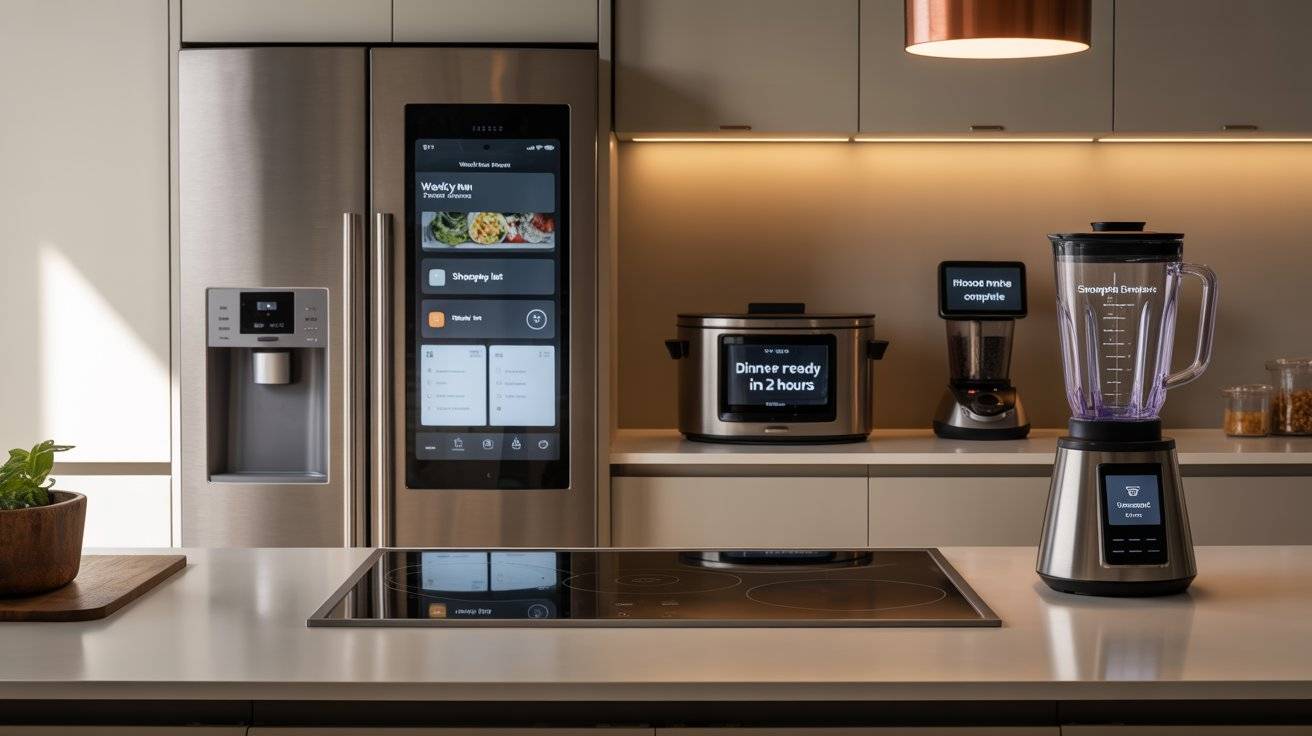
A smart kitchen sounds fancy. But here’s the truth: most smart appliances just make life simpler. You don’t need a tech degree to use them.
I’ve researched smart fridges, ovens, coffee makers, and more. Some are overpriced and frustrating. Others save you real time every single day.
This list covers 12 smart kitchen appliances that actually work. They connect to your phone, respond to your voice, or automate boring tasks. No fluff. Just honest pros, cons, and price checks.
LG MoodUP is on here. So are a few surprises. Let’s go.
Why This Matters
We’re all busy. Between work, kids, and everything else, cooking can feel like one more chore. Smart appliances take some of that weight off your shoulders.
Imagine starting your coffee from bed. Or checking what’s in your fridge while you’re at the grocery store. Or getting a notification when your oven is preheated.
These little conveniences add up. They save you minutes here and there. And over a week or a month, that time adds up to something real.
Plus, smart appliances help you waste less food. They help you cook more consistently. And honestly, they’re just kind of fun to use.
Here are twelve that are worth your attention.
12 Smart Kitchen Appliances (Ranked)
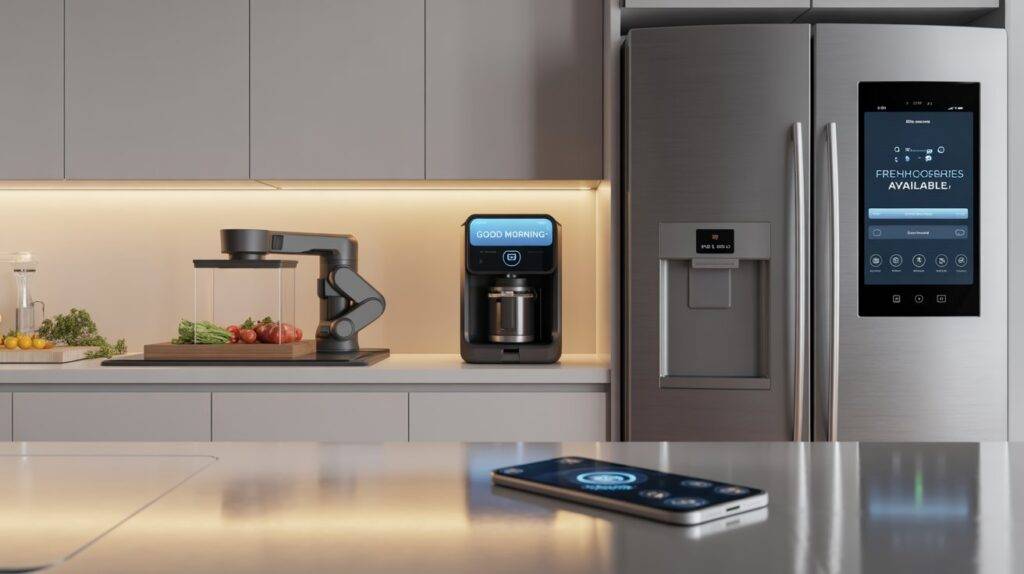
LG MoodUP Refrigerator
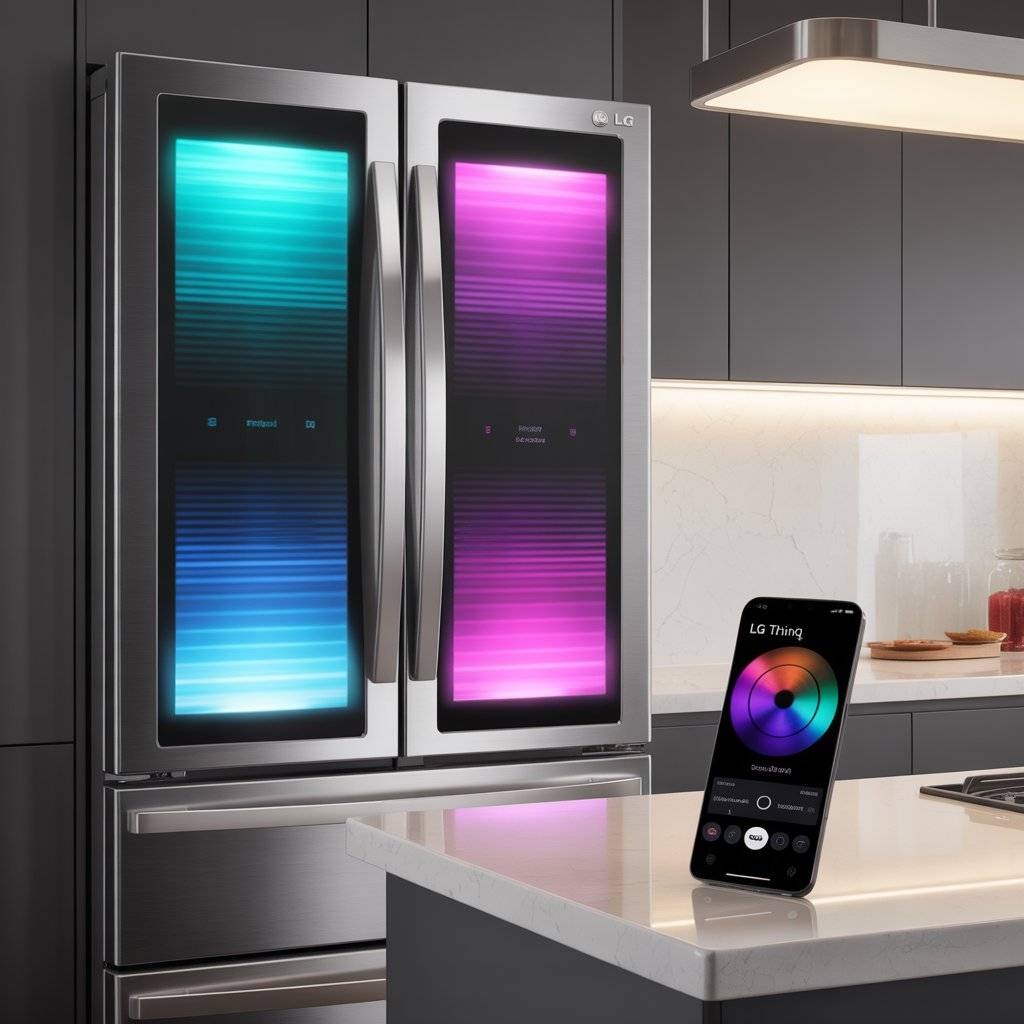
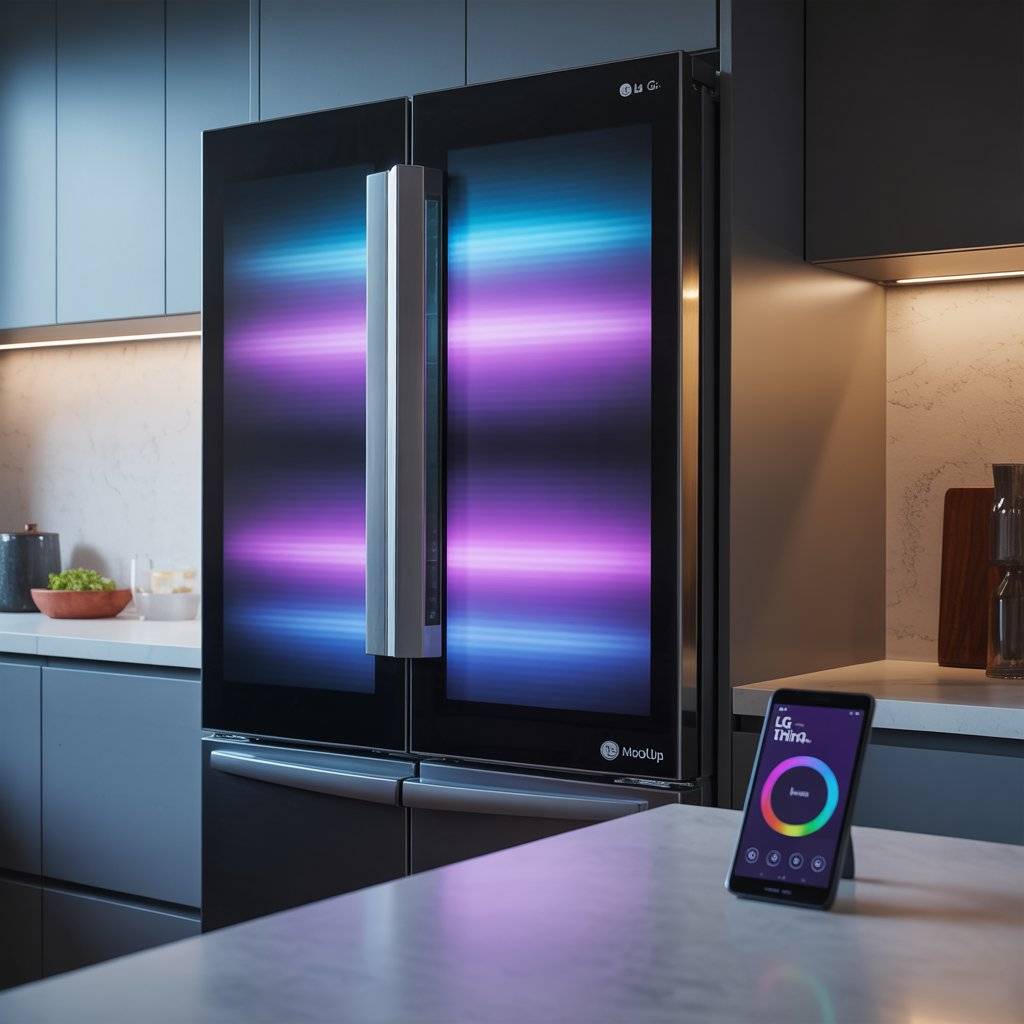
The LG MoodUP refrigerator is a french door fridge with LED panels on the front that change colors. You pick from thousands of colors using the LG ThinQ app. Match your kitchen decor. Set a mood. Or sync the lights to music through the built-in Bluetooth speaker. The LEDs can even pulse to the beat of your playlist.
Beyond the party tricks, this is a serious fridge. It has Linear Cooling and an Inverter Linear Compressor, which LG says limits temperature fluctuations and keeps food fresher longer.
The ThinQ app lets you monitor energy use, adjust settings from your phone, and use Smart Diagnosis to check sensors and fans. The knock-on InstaView feature lets you see inside without opening the door.
Pros: Customizable color panels. Built-in speaker. Good cooling performance. Smart Diagnosis saves service calls.
Cons: Very expensive (around R140,000 / roughly $7,500 USD). Color-changing is a gimmick for some. App setup required for full features.
LG MoodUP Refrigerator — Check price on Amazon.com
Or NORCOLD N15DCSS Refrigerator; Dual Compartment 3 Door Refrigerator
2. Samsung Family Hub Refrigerator
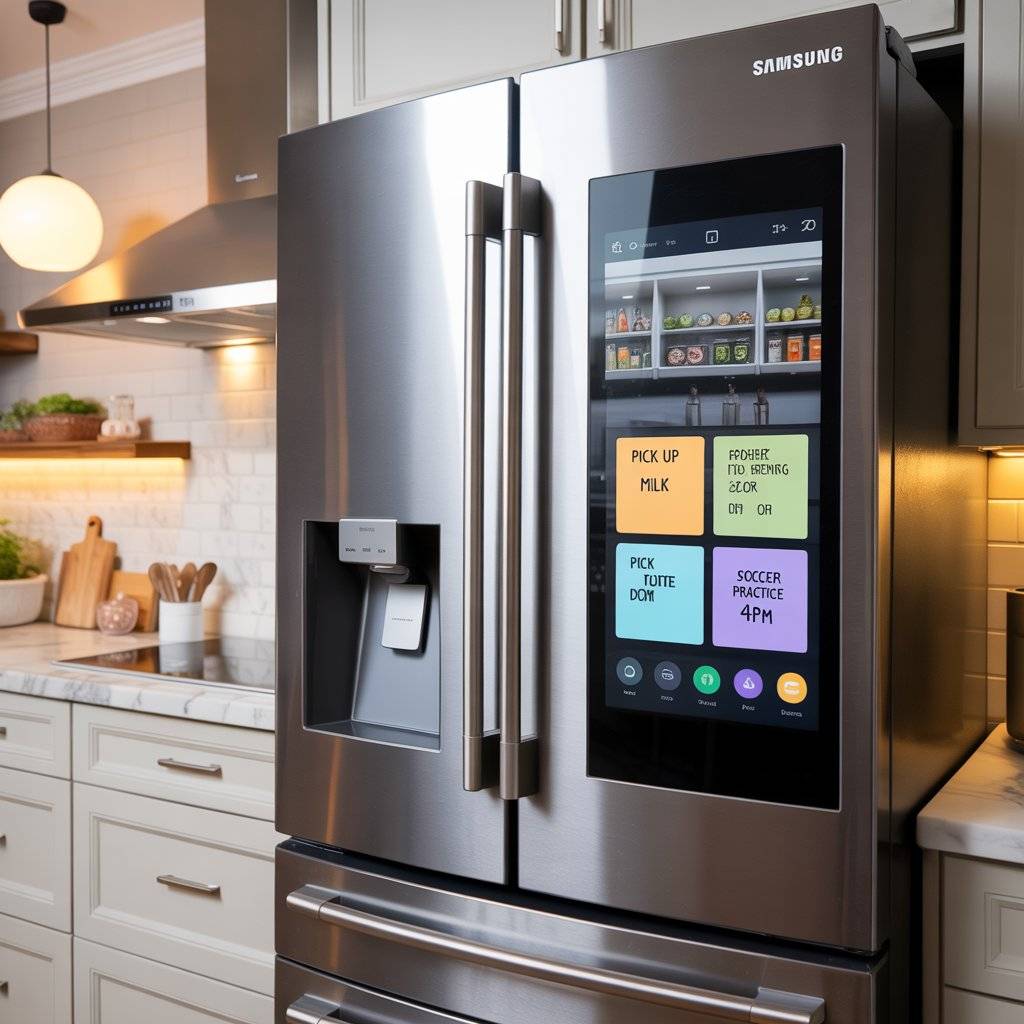
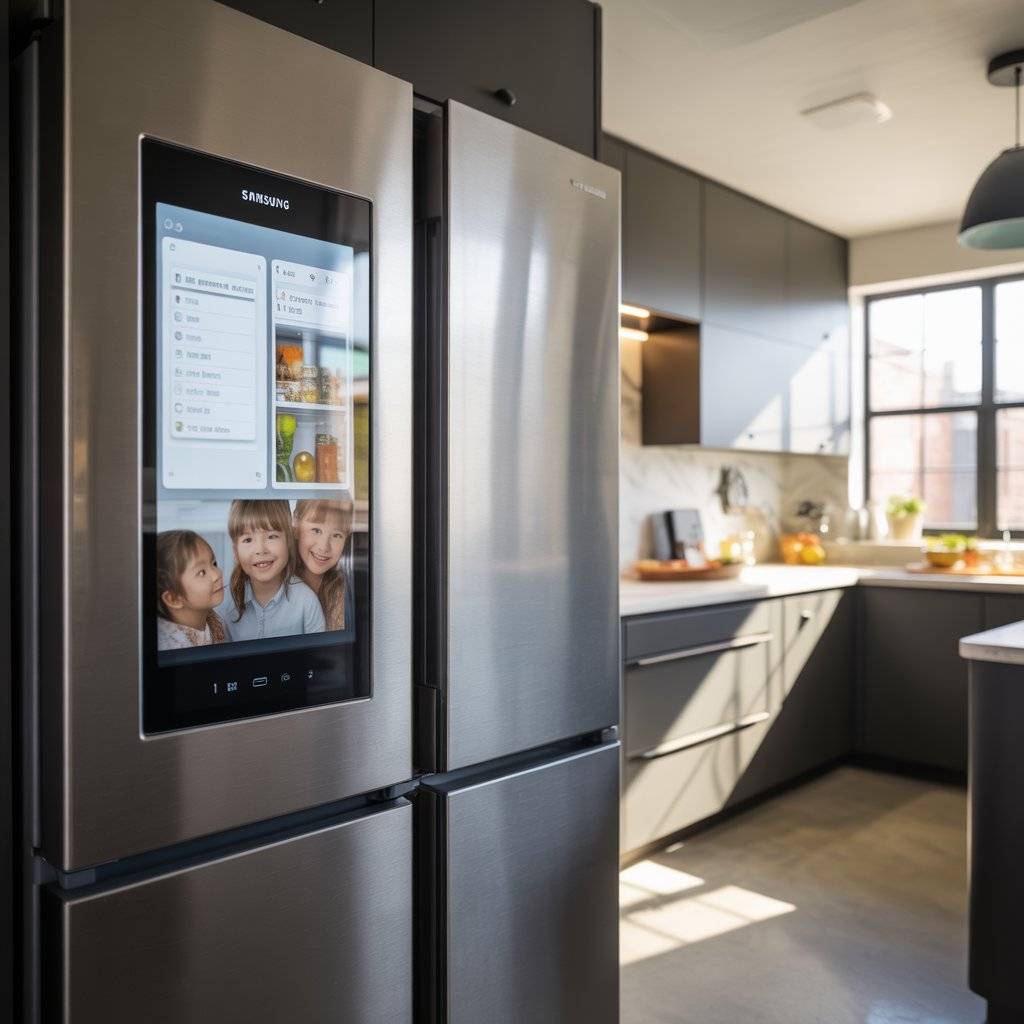
Samsung’s Family Hub fridge has a massive 21.5-inch touchscreen on the door. You can leave digital notes for your family, stream music, mirror your TV, and even see inside with internal cameras. The cameras take a photo every time you close the door, so you can check what you need while you’re at the store.
The newest Bespoke AI Family Hub model can open and close its doors with voice commands. It also integrates with Samsung’s Bixby assistant. Reviewers praise the excellent temperature control, large capacity, and low running costs. Some models have an auto-open door feature that is genuinely useful when your hands are full.
Consumer groups have criticized the AI model for unnecessary complexity and potential repair costs. But for families who want a central command station in their kitchen, this fridge delivers.
Pros: Built-in touchscreen. Internal cameras. Voice control for doors. Smart home integration.
Cons: Expensive. Some AI features feel unnecessary. Bixby voice assistant can be hit or miss. Potential for expensive repairs.
Samsung Family Hub Refrigerator — Check price on Amazon.com
3. June Oven (3rd Generation)
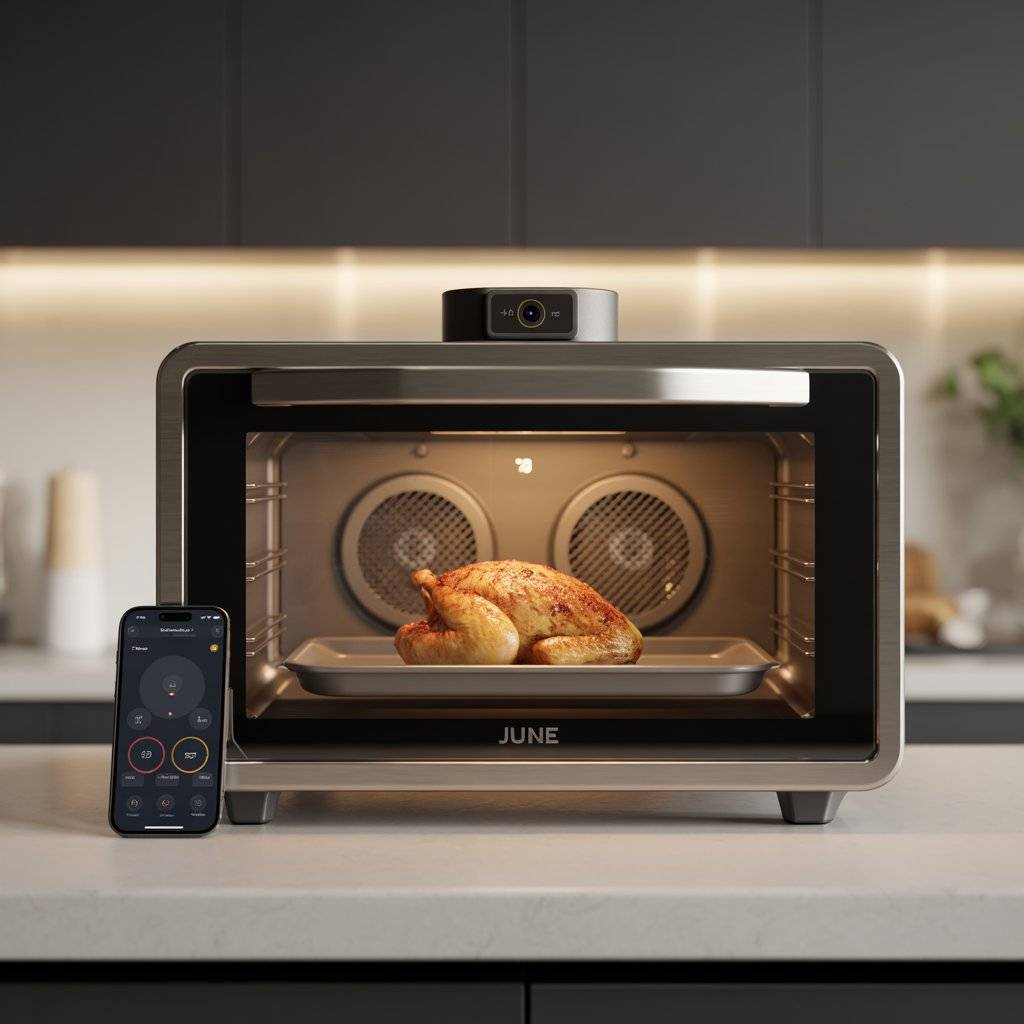
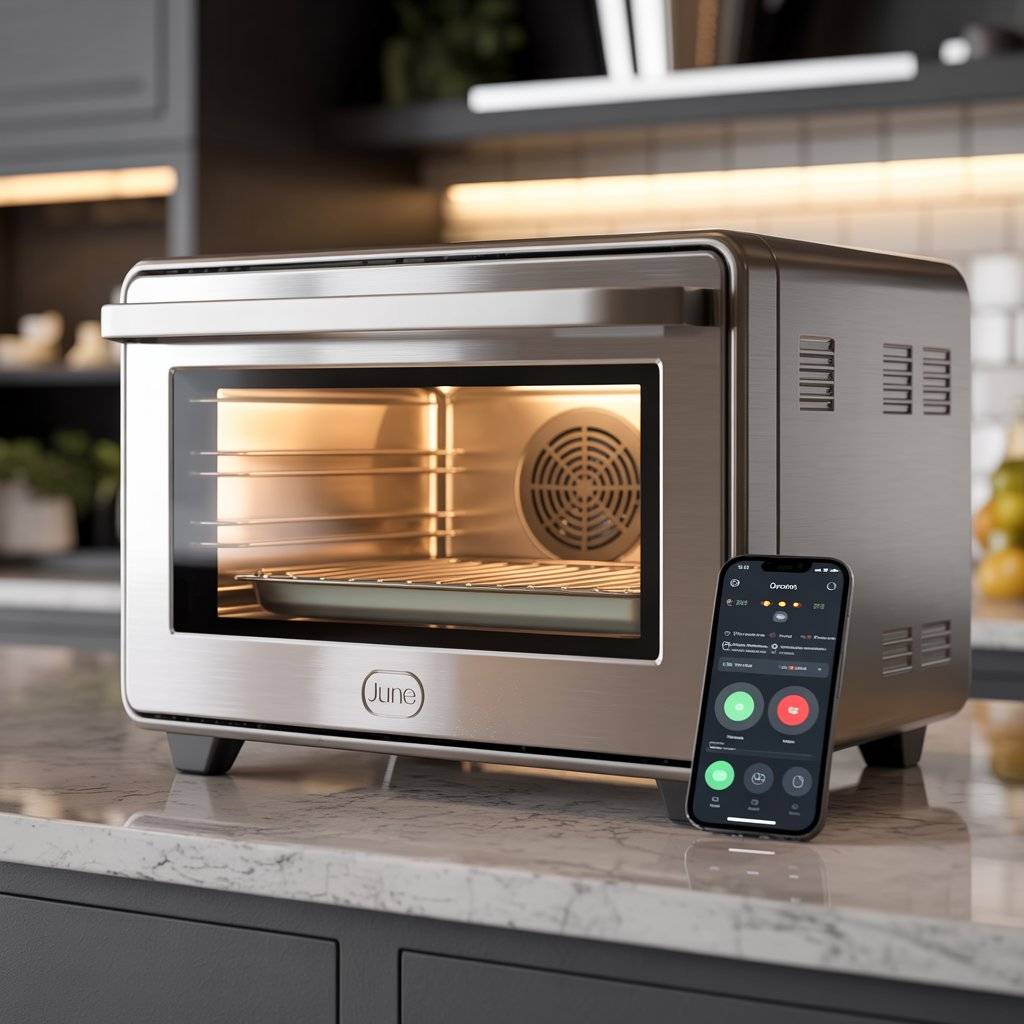
The June Oven is a countertop convection oven that uses a built-in camera and computer vision to identify what you’re cooking. Put in a piece of chicken, and it recognizes the meat, weighs it, and suggests the perfect time and temperature. It can identify over 15 types of food and automatically adjusts cooking parameters for you.
It’s a 7-in-1 appliance that replaces a toaster oven, air fryer, dehydrator, slow cooker, and more. It uses carbon fiber heating elements to preheat to 350°F in about two minutes. A built-in food thermometer ensures perfect internal temperatures every time. The app lets you start, stop, and monitor cooking from anywhere.
Owners say the oven is solidly built and cooks evenly. The app, however, gets mixed reviews. Some users find it glitchy and wish it were more responsive.
Pros: Food recognition technology. 2-minute preheat. Replaces 7 appliances. Built-in thermometer. App remote control.
Cons: Expensive. App can be buggy. Camera recognition isn’t perfect for every food. Takes up counter space.
June Oven (3rd Gen) — Check price on Amazon.com
4. Anova Precision Oven 2.0
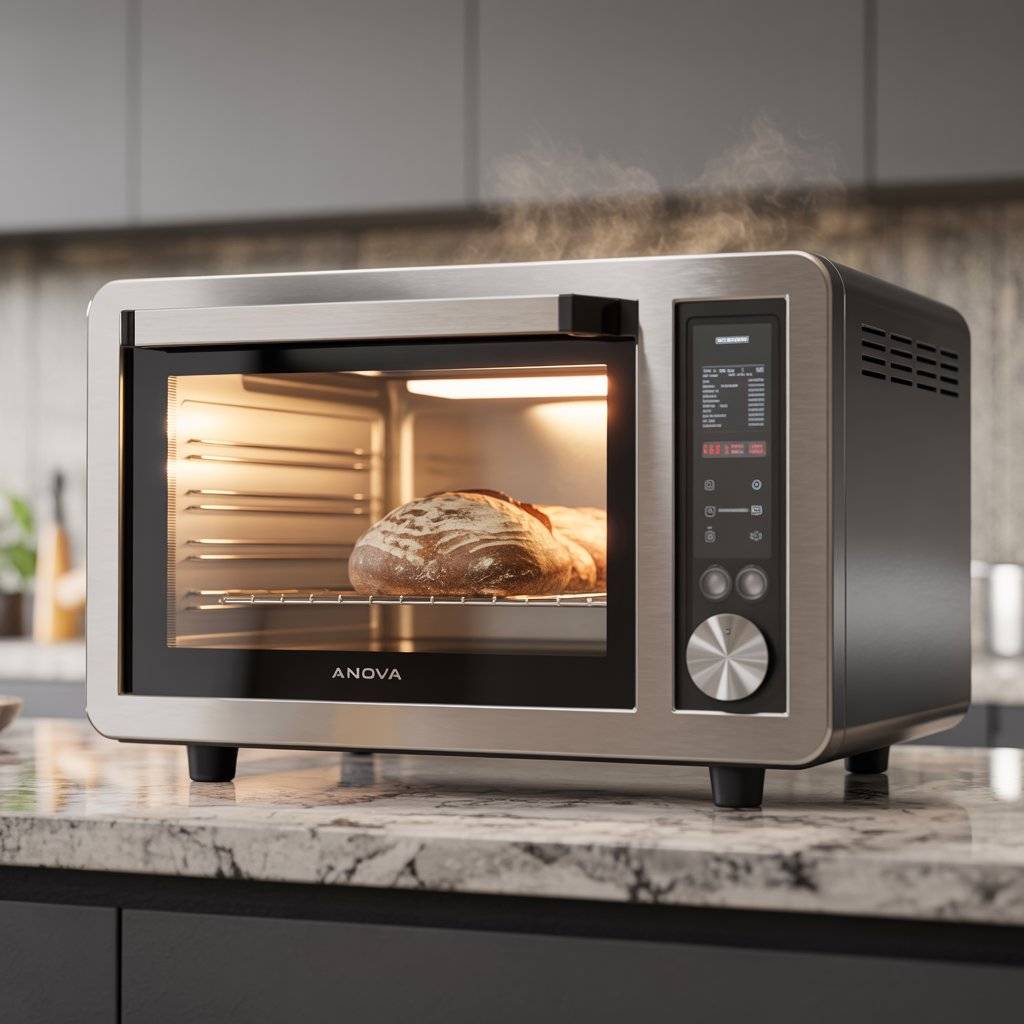
The Anova Precision Oven 2.0 is a countertop combi oven that adds steam to your cooking. It gives you restaurant-quality results at home, especially for bread, bagels, and steak. The built-in camera recognizes ingredients and recommends cooking methods. The app connects over Wi-Fi and provides guided cooking.
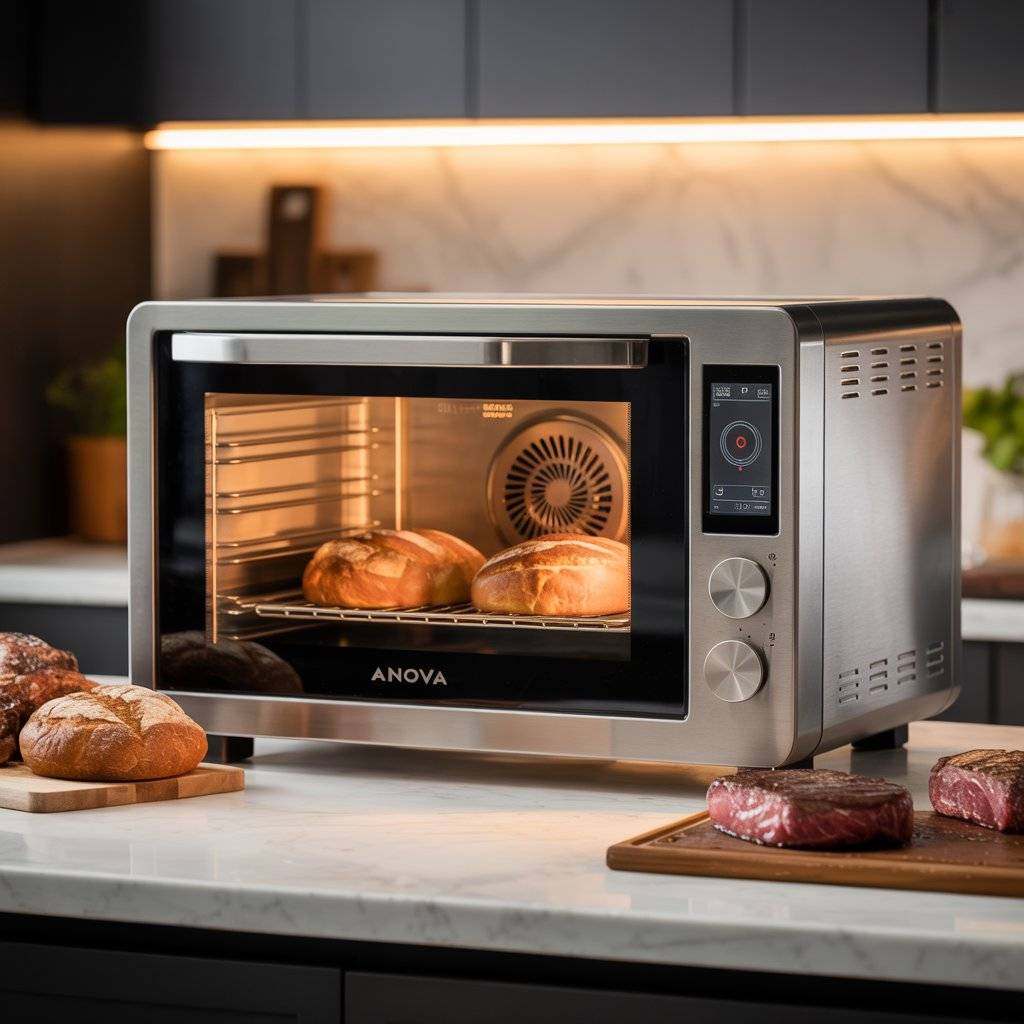
It has excellent temperature stability, which is critical for baking and roasting. The steam function keeps meats juicy and creates a professional crust on bread. It can also air fry, toast, reheat, and dehydrate. You can control everything manually or let the app walk you through recipes.
Some users have reported disappointment with the companion app, calling it poorly designed. It also requires a subscription for full functionality. And it’s not the best option for simple toasting or standard air frying. But for serious home cooks who want precision, it’s a powerhouse.
Pros: Steam injection for professional results. Camera recognition. Excellent temperature stability. Wi-Fi connected with guided recipes.
Cons: Requires app subscription for full features. App design issues. Not great for basic toasting.
Anova Precision Oven 2.0 — Check price on Amazon.com
5. Instant Vortex Plus with ClearCook
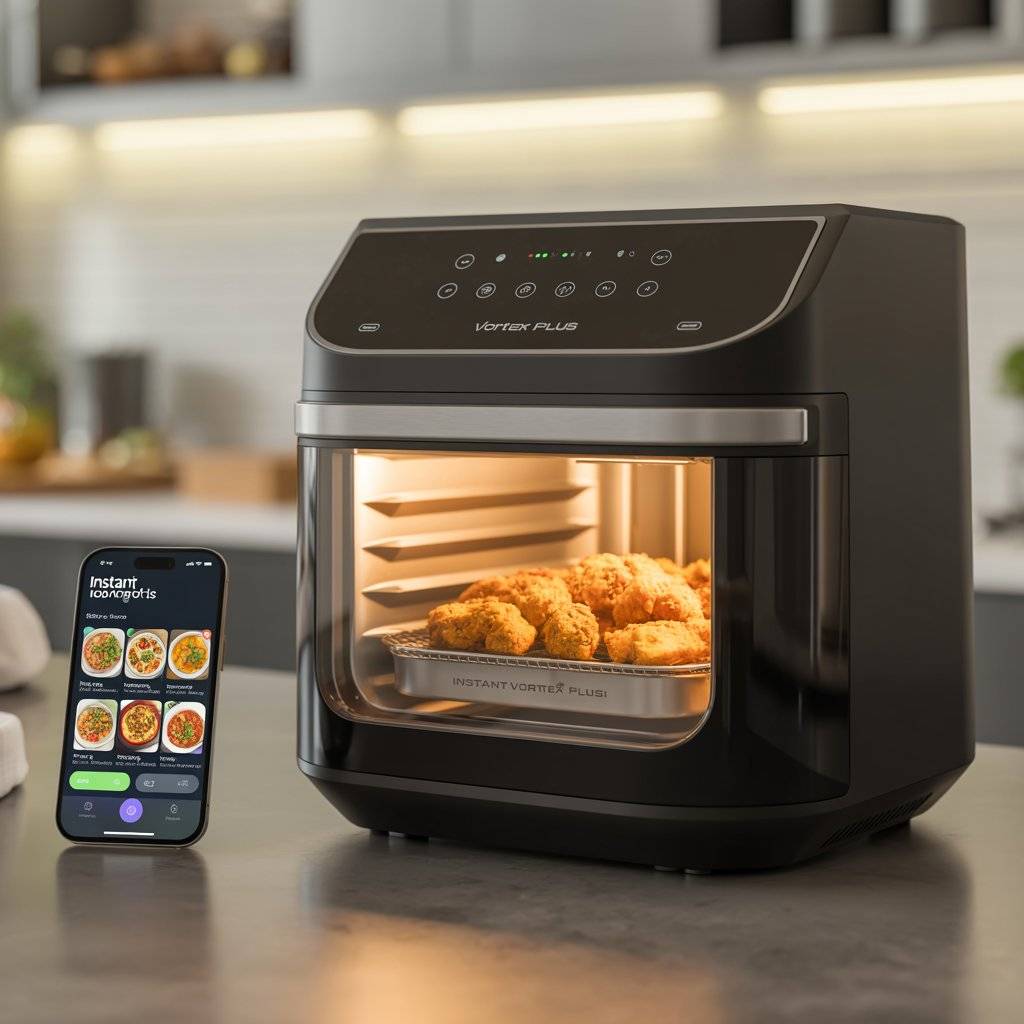
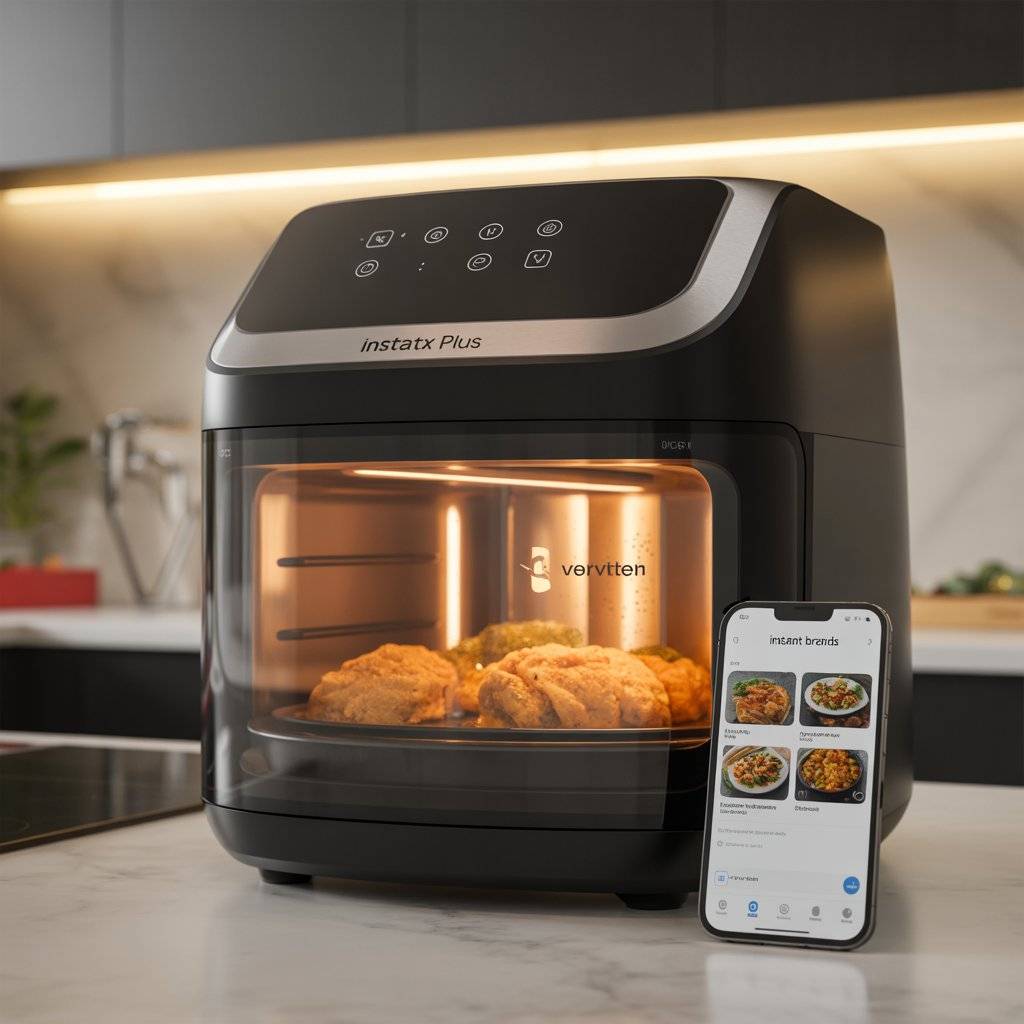
The Instant Vortex Plus is a smart air fryer with a large viewing window and internal light. You can watch your food crisp up without opening the basket. It connects to the Instant Brands app, which gives you over 100 recipes and lets you control cooking remotely.
It has 7-in-1 functionality: air fry, roast, broil, bake, reheat, dehydrate, and even proof bread dough. The ClearCook window is genuinely helpful, because you don’t lose heat by opening the basket to check on food. Reviewers call it one of the most versatile smart air fryers on the market. It cooks quickly and evenly.
The app is useful but not required. You can still use all functions manually from the touchscreen. Some users report the window can get foggy during cooking, but that’s minor. For families who cook often, this is a solid upgrade from a basic air fryer.
Pros: Viewing window with internal light. 7 cooking functions. App with 100+ recipes. Quick and even cooking.
Cons: Window can fog up. Takes up counter space. App not required so some may skip it.
Instant Vortex Plus 7-in-1 Air Fryer with ClearCook — Check price on Amazon.com
6. Atomi Smart WiFi Coffee Maker
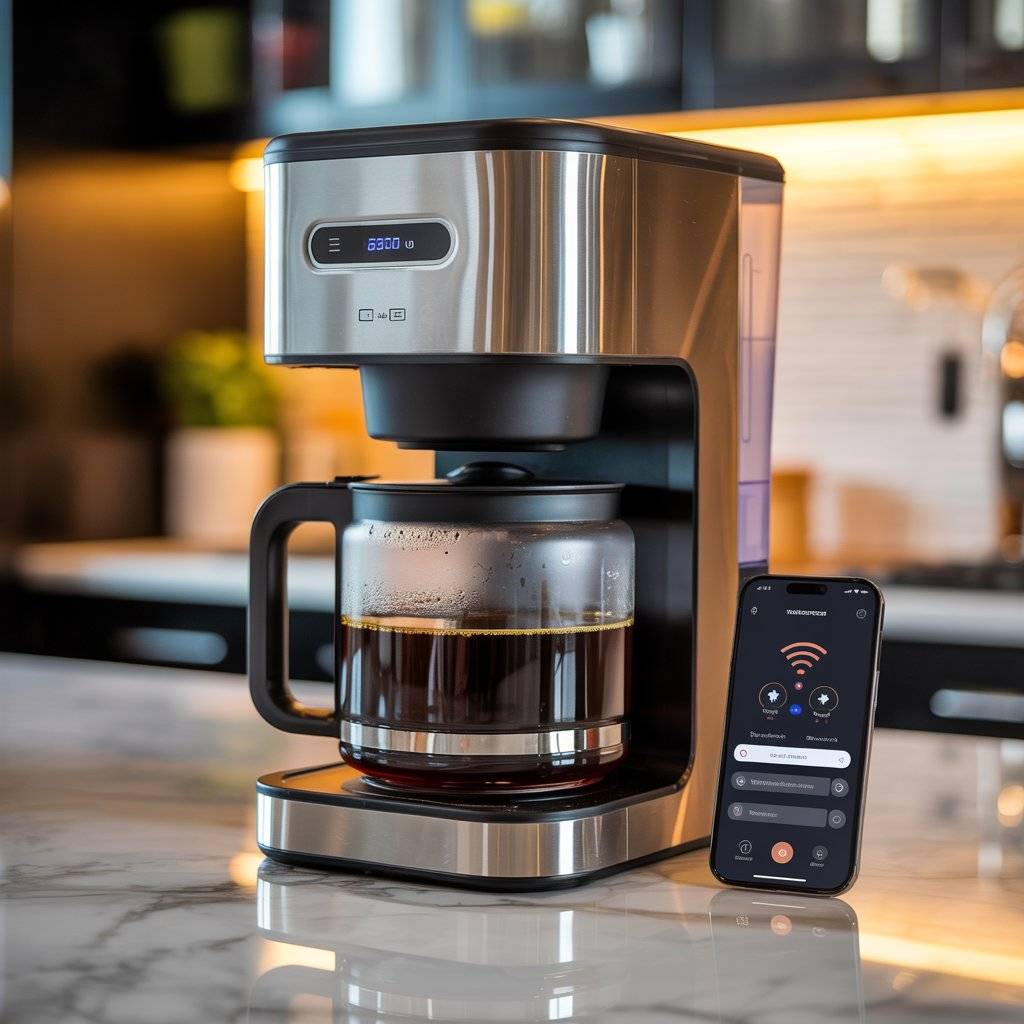
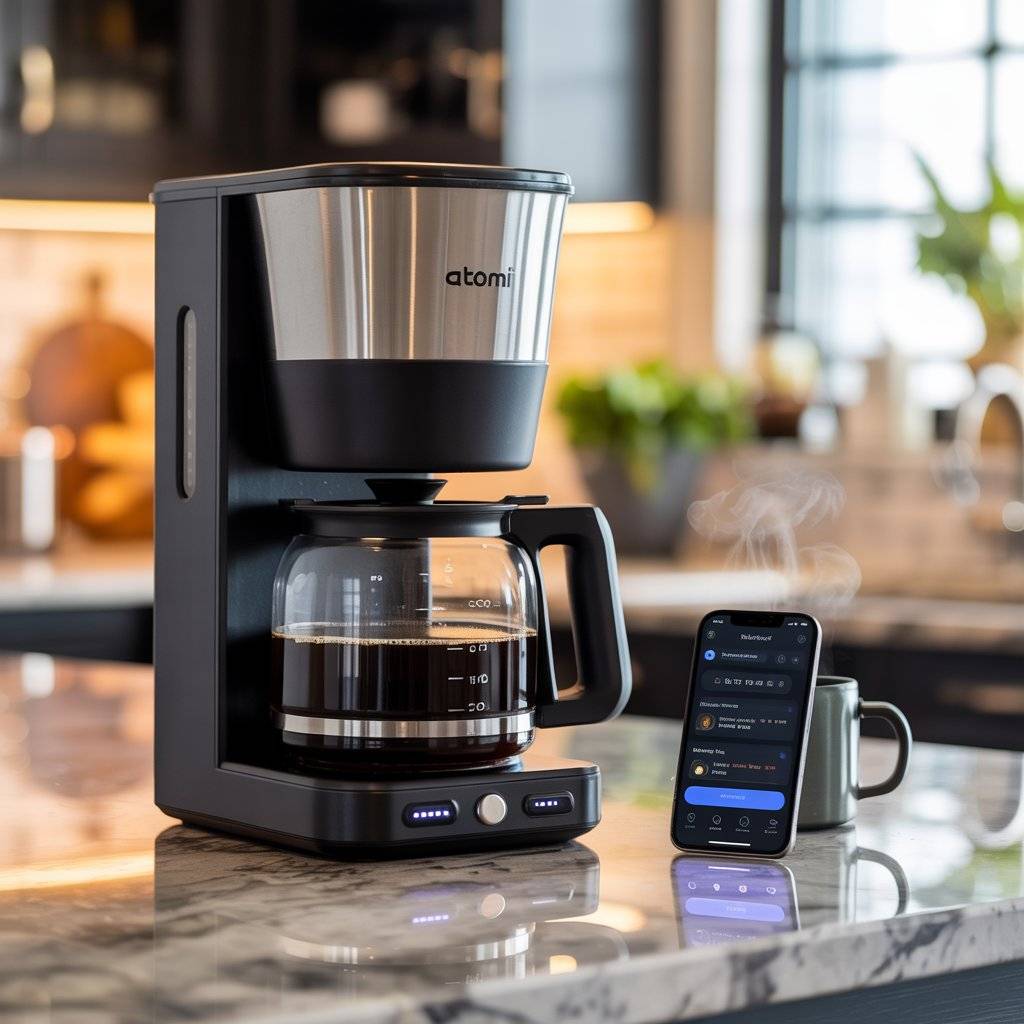
The Atomi Smart WiFi Coffee Maker lets you schedule your brew from your phone. Wake up to freshly brewed coffee without leaving your bed. It works with Alexa and Google Assistant, so you can also start brewing with voice commands. It holds up to 12 cups and has a no-spill carafe sensor that pauses the brew if the carafe is removed.
It comes with a reusable filter, so you don’t need paper filters. The app lets you customize brew strength and set multiple schedules for different days. It also notifies you when your coffee is ready. The design is sleek — black and stainless steel and fits in with most kitchens.
Positive reviews highlight the ease of use, coffee quality, and reliable scheduling. The main complaint is occasional app glitches and connectivity issues. A few users also note that it’s pricier than basic coffee makers. But for convenience, it’s hard to beat.
Pros: Phone scheduling for morning brew. Alexa and Google Assistant compatible. 12-cup capacity. No-spill carafe. Reusable filter included.
Cons: App connectivity issues reported. Pricier than basic coffee makers.
Atomi Smart WiFi Coffee Maker — Check price on Amazon.com
7. MEATER Plus Wireless Meat Thermometer
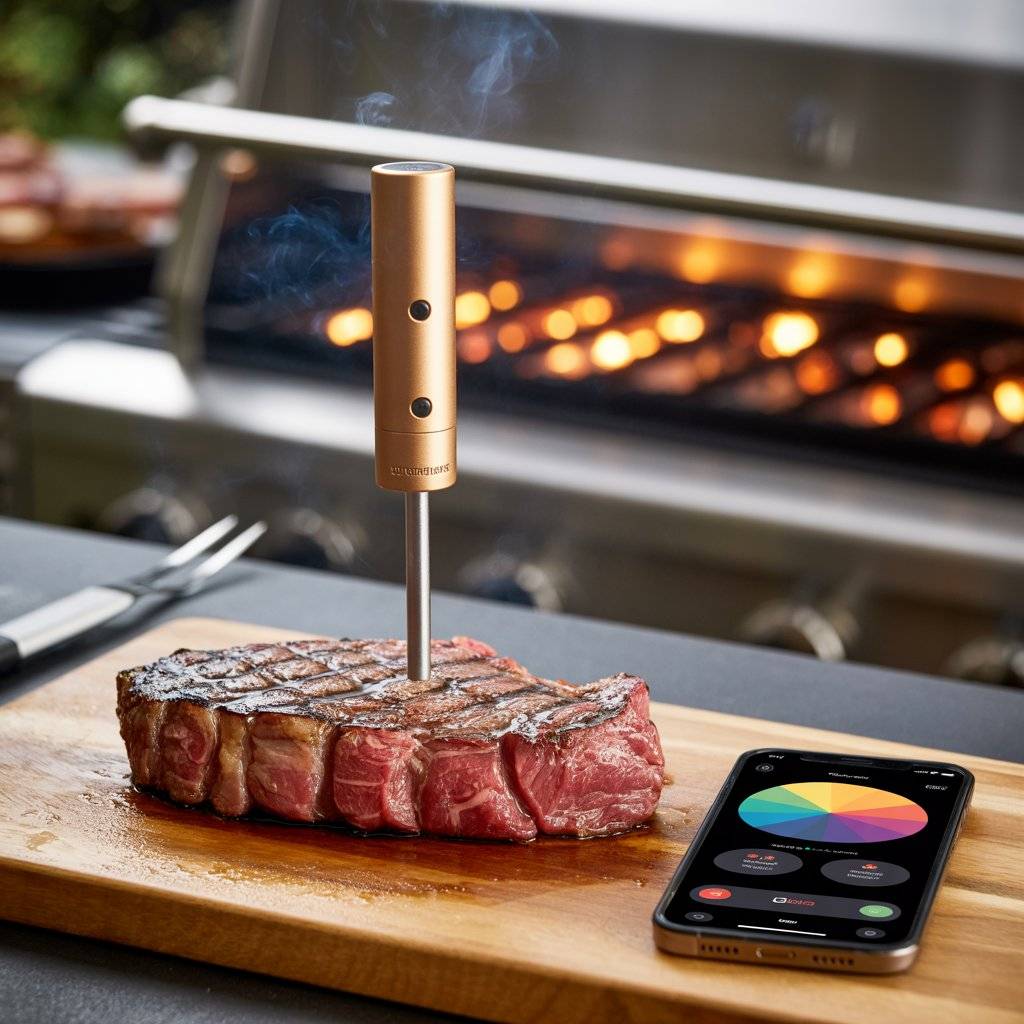
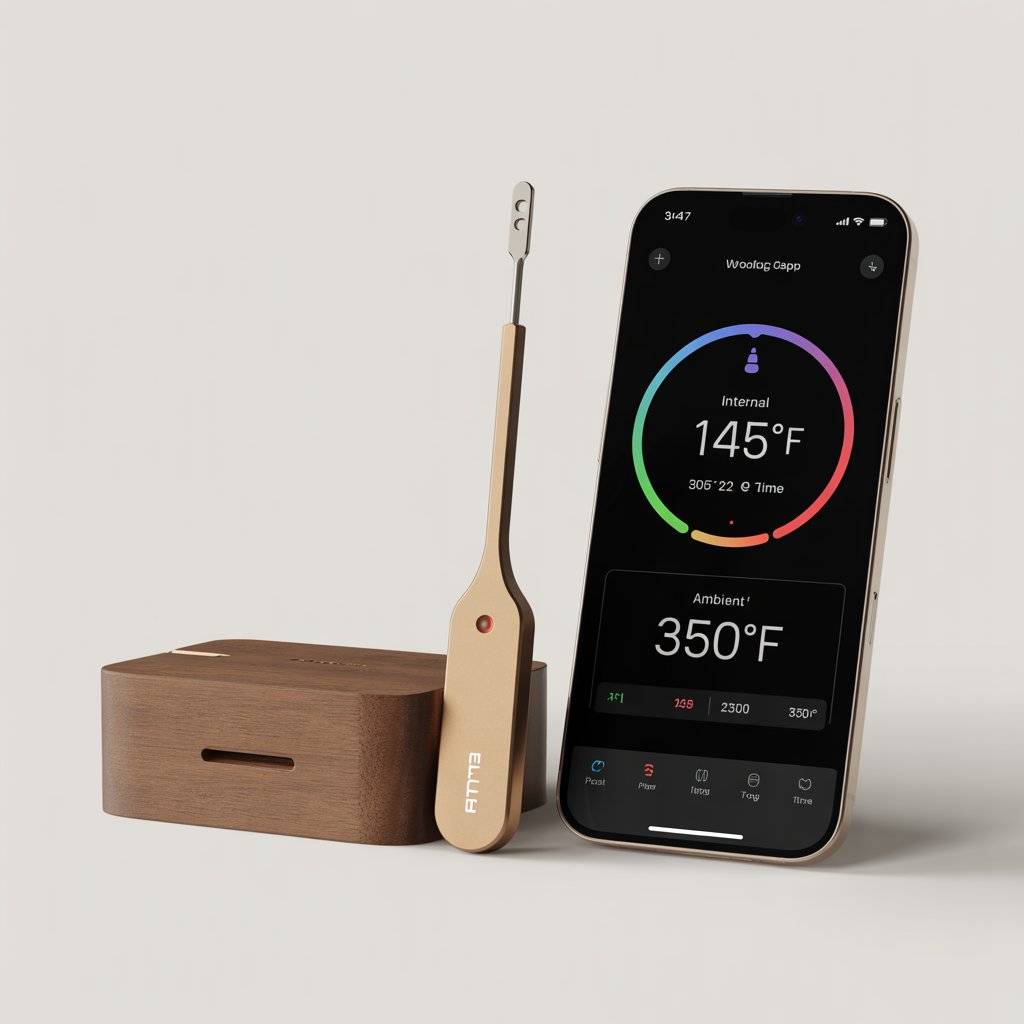
The MEATER Plus is a completely wireless meat thermometer. You insert the probe into your meat, and it connects via Bluetooth to your phone. The probe has two sensors: one measures internal meat temperature, and the other measures ambient temperature inside your oven or grill. This gives you perfect doneness every time.
The guided cooking system walks you through the entire process. It estimates cooking time and tells you exactly when to rest the meat. The Bluetooth range is up to 165 feet, so you can monitor your cook from anywhere in the house. The probe is waterproof and dishwasher safe. It handles temperatures up to 527°F.
Reviewers call it a total game-changer for grilling and roasting. It removes all the guesswork. The battery lasts a long time, and the companion app is polished and easy to use. The main limitation is Bluetooth range, but the Plus model extends that significantly.
Pros: Fully wireless. Dual sensors (internal and ambient). Guided cooking system. Long Bluetooth range. Waterproof and dishwasher safe.
Cons: Bluetooth only (no Wi-Fi on base model). Probe can be thick for small cuts.
MEATER Plus Wireless Meat Thermometer — Check price on Amazon.com
8. Anova Precision Cooker Nano 3.0
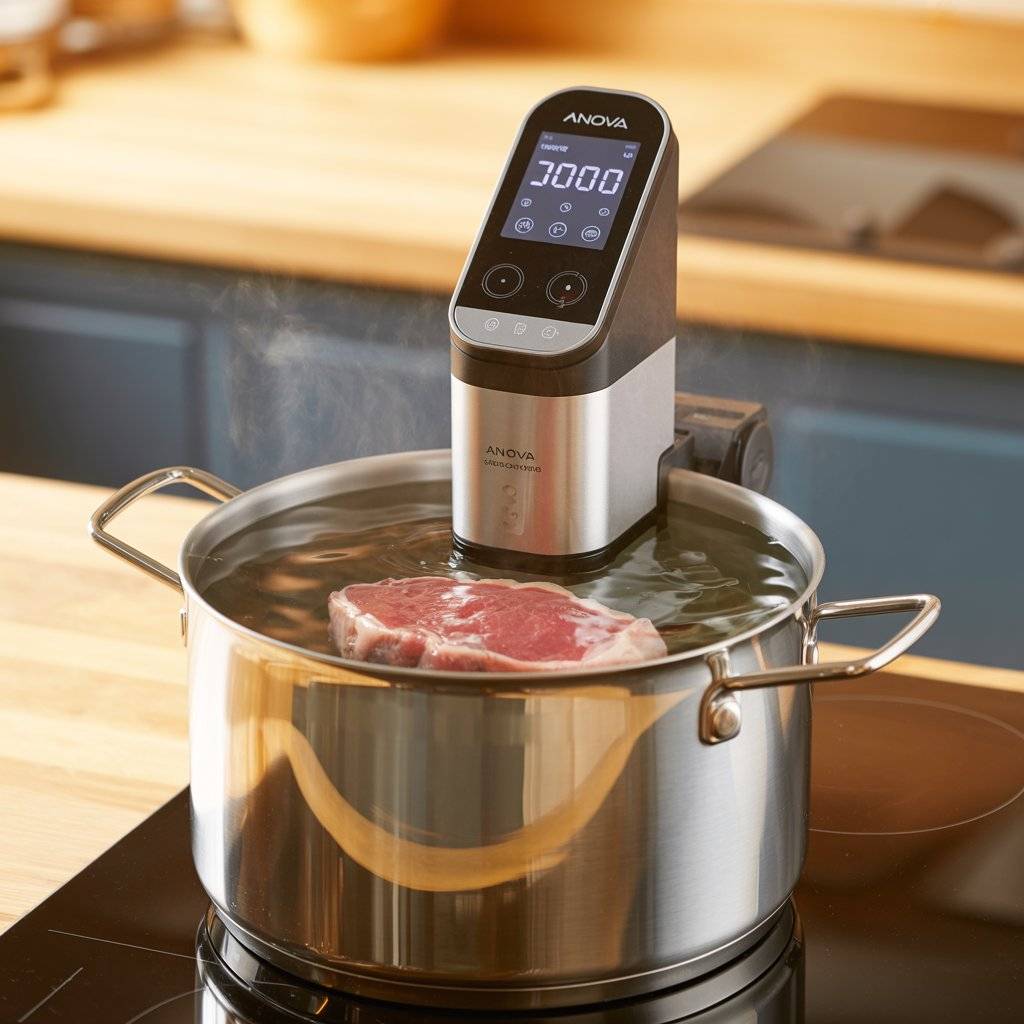
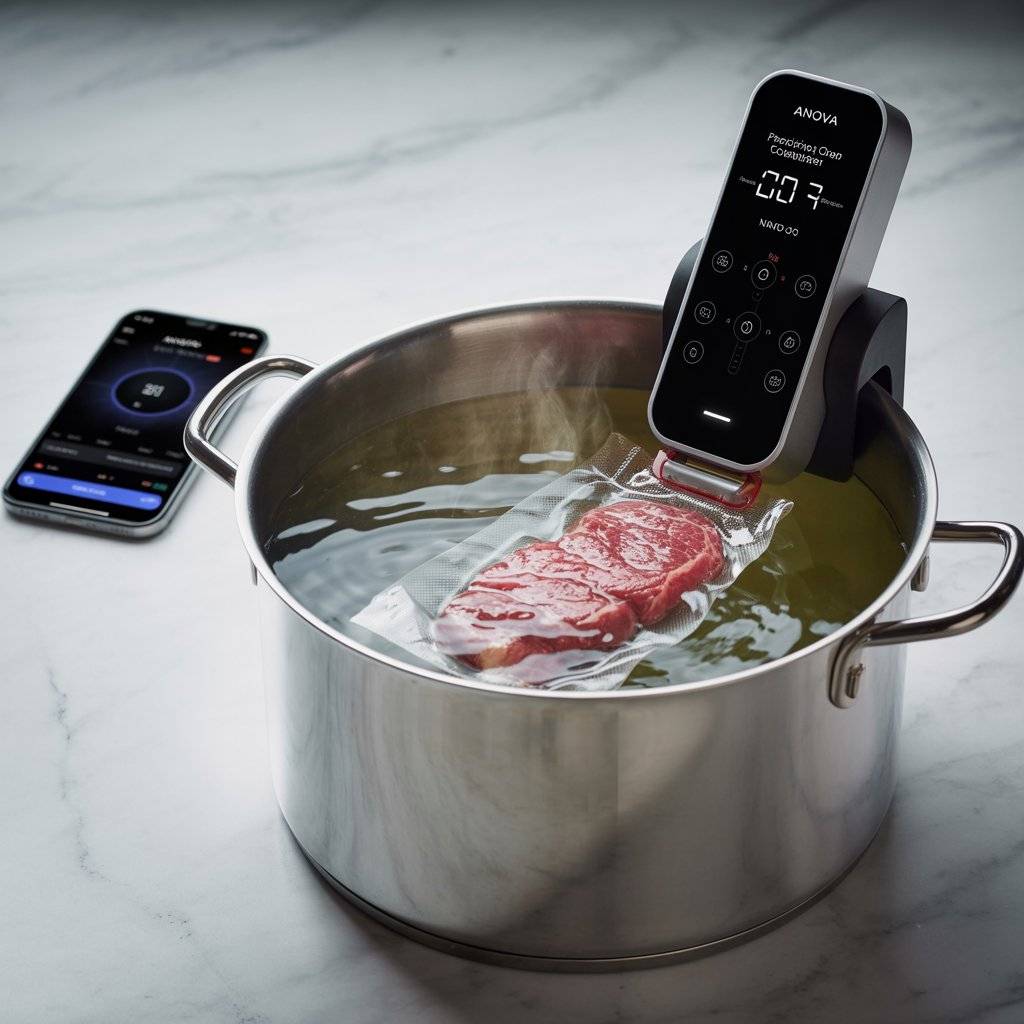
The Anova Nano is a sous vide precision cooker that clamps onto any pot. Sous vide means cooking food in a temperature-controlled water bath. It cooks vacuum-sealed food to exact doneness, edge to edge, with no overcooking. The Nano maintains temperature within ±0.2°F.
You control it manually with the touchscreen or through the Anova app on your phone. The app has hundreds of recipes and lets you start, stop, and monitor cooks remotely over Wi-Fi. It heats water quickly and circulates it evenly, cooking everything from eggs to steak to vegetables to perfection.
The Nano is compact, which is great for small kitchens and easy storage. It’s also quieter than previous models. Some users report connectivity issues and occasional reliability problems. The clamp can be tricky to adjust on very thick or thin pots. But for the price, it’s the best entry point into smart sous vide cooking.
Pros: Compact and easy to store. App control with remote monitoring. Precise temperature (±0.2°F). Affordable entry to sous vide.
Cons: Some connectivity and reliability complaints. Clamp can be finicky on some pots. Requires vacuum sealer or zip bags.
Anova Precision Cooker Nano 3.0 — Check price on Amazon.com
9. Instant Pot Pro Plus Wi-Fi Smart 10-in-1
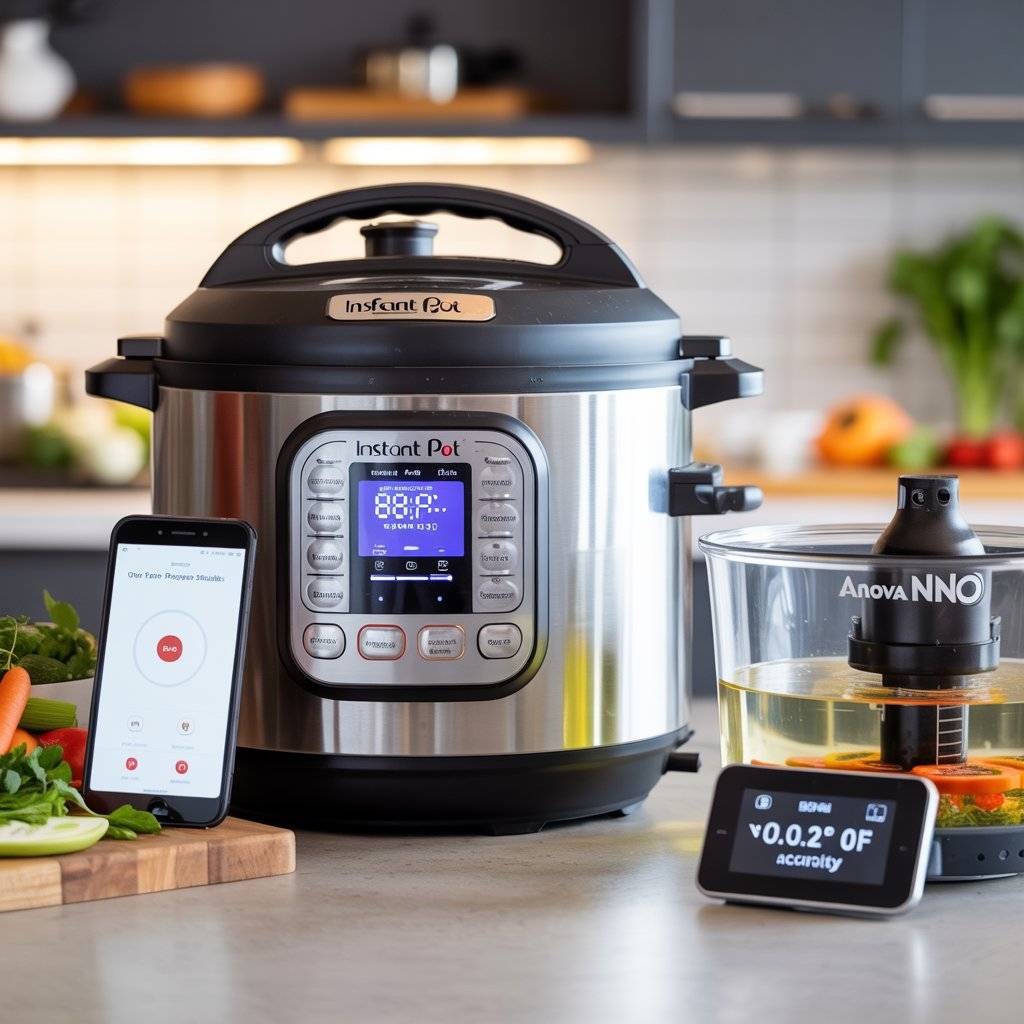
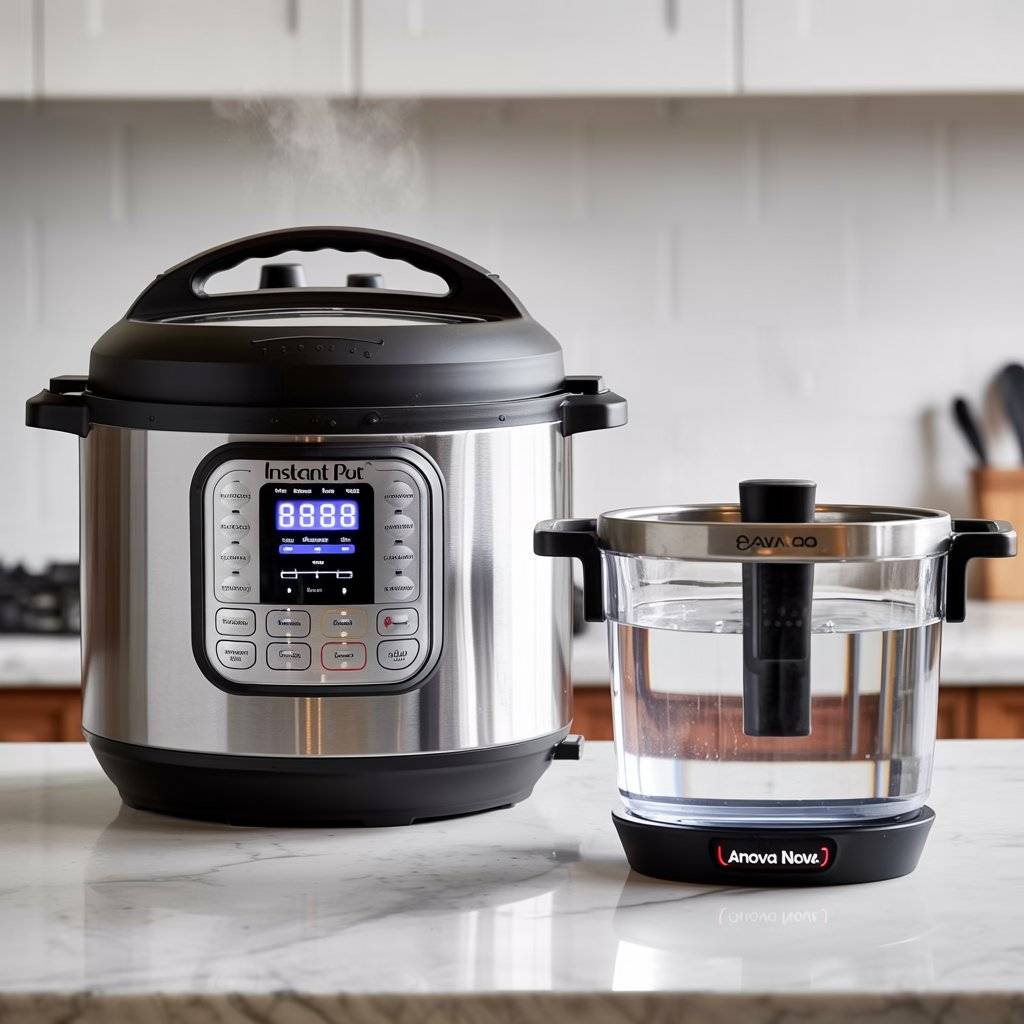
The Instant Pot Pro Plus does everything a classic Instant Pot does pressure cook, slow cook, rice cook, steam, sauté, make yogurt, and keep warm plus sous vide and canning. The difference is the Wi-Fi connectivity. You can start, stop, and monitor your cooking from your phone. The app also has over 800 recipes that send cooking settings directly to the pot.
The Pro Plus is an upgrade in build quality, too. It has a larger cooking pot with handles, a quicker steam release valve, and a more responsive touchscreen. It cooks just as reliably as any Instant Pot, which means it handles most meals quickly and consistently. The 8-quart version is ideal for families who meal prep or cook in batches.
The smart features are genuinely useful, especially for longer cooks like bone broth or beans. But Wi-Fi isn’t essential; the pot works great manually. Some users call it a “nice-to-have” upgrade rather than a must-buy. If you already own an Instant Pot, you may not need this. But if you’re buying new, it’s the best one.
Pros: 10 cooking functions including sous vide. Wi-Fi with 800+ guided recipes. Larger cooking pot with handles. Quick steam release. High reliability.
Cons: Expensive compared to basic Instant Pots. Wi-Fi not essential for most users.
Instant Pot Pro Plus Wi-Fi Smart 10-in-1 — Check price on Amazon.com
10. Govee Smart Gooseneck Kettle
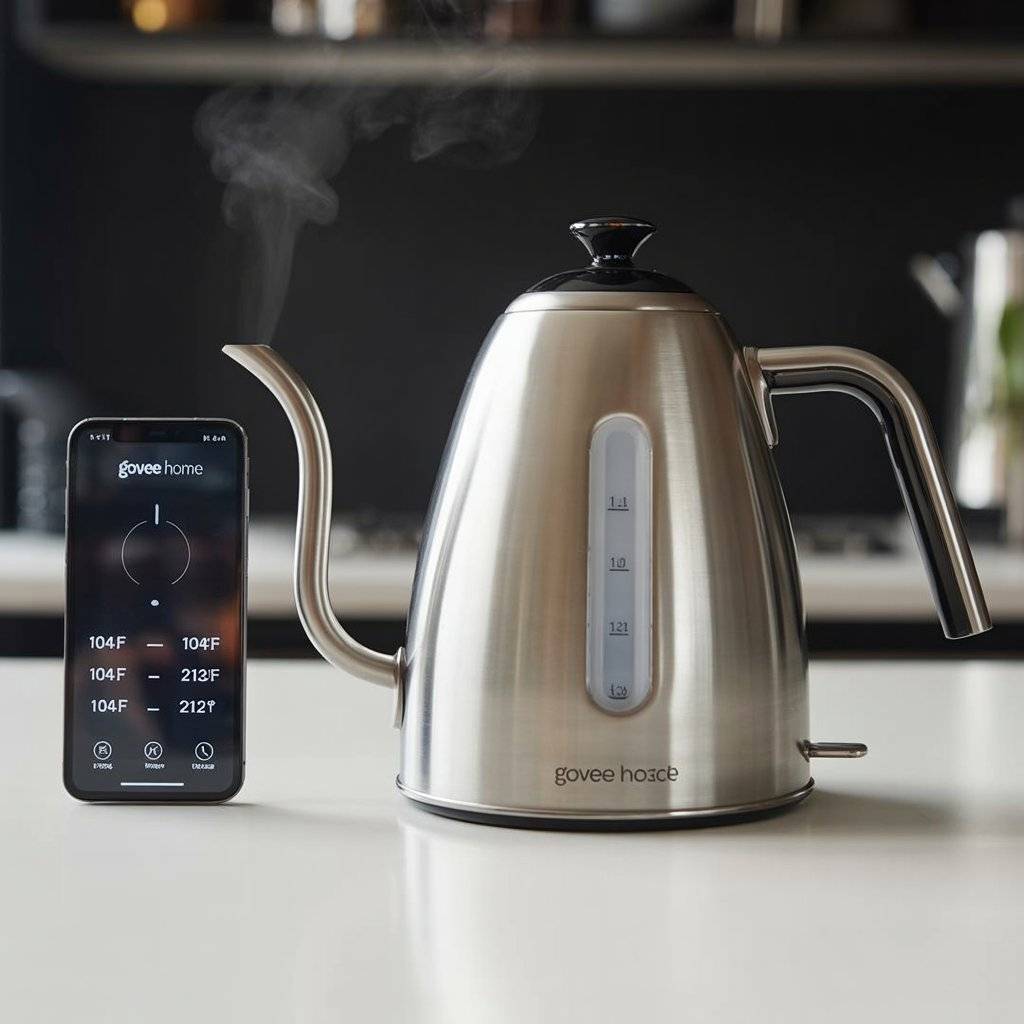
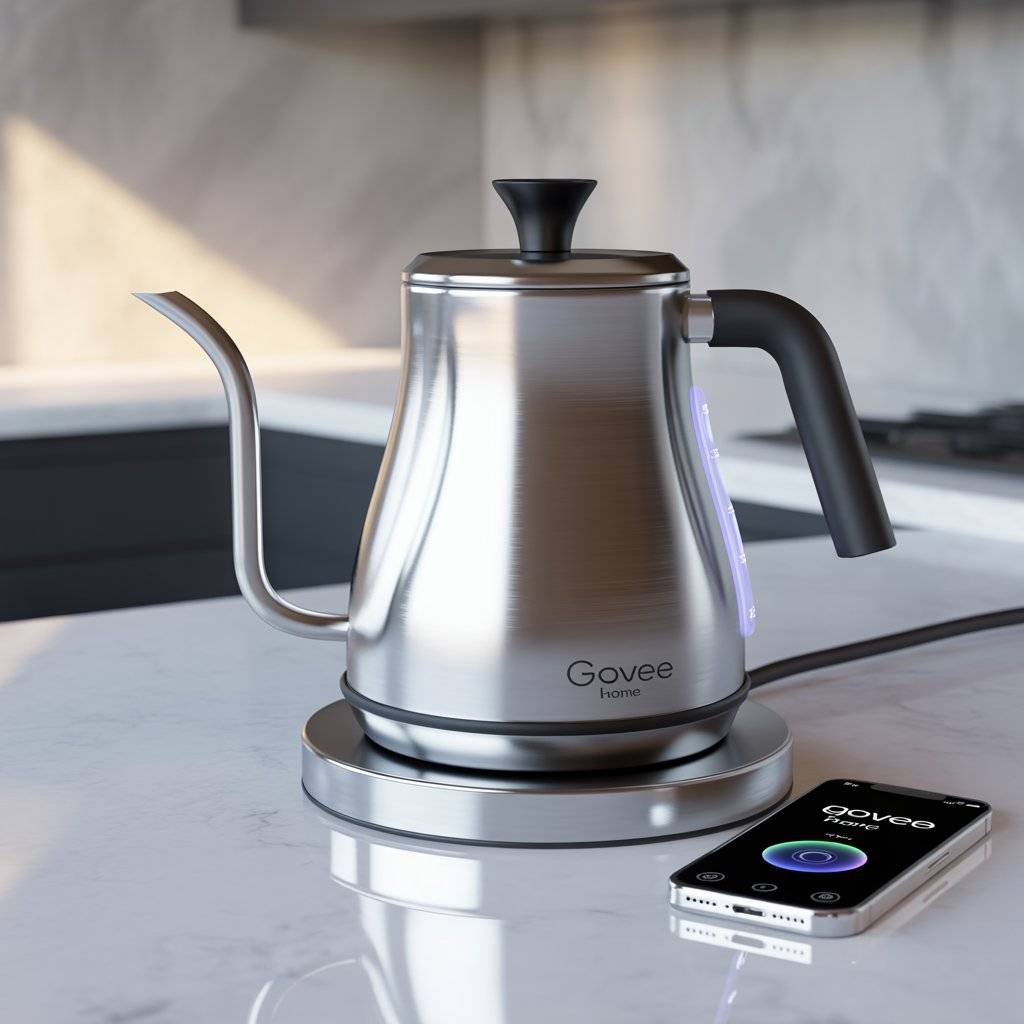
The Govee Smart Gooseneck Kettle is made for tea lovers, pour-over coffee enthusiasts, and anyone who needs exact water temperatures. You set the temperature in the Govee Home app, from 104°F to 212°F, in 1-degree increments. The app also lets you create custom presets and schedule heating times. It works with Alexa and Google Assistant for voice control.
The gooseneck spout gives you precise pour control, which is critical for pour-over coffee. It maintains the set temperature for up to two hours after boiling, so you don’t have to reheat. The heating is fast — from room temperature to boiling in under three minutes. The design is sleek, with a stainless steel body and clear water level markers.
Users rave about the temperature precision, fast boiling, and seamless app integration. It’s also energy efficient, using less power than cheaper kettles because it stops heating at the exact set point. Some users note that the app can be slow to connect occasionally. But overall, it’s a fantastic upgrade for anyone who wants better coffee or tea at home.
Pros: Precise 1-degree temperature control. 2-hour keep warm. Fast boiling (under 3 minutes). Gooseneck spout for pour-over. Voice control with Alexa/Google.
Cons: App connectivity can be slow at times. Gooseneck spout not needed for basic tea bags.
Govee Smart Gooseneck Kettle — Check price on Amazon.com
11. Etekcity Smart Food Kitchen Scale
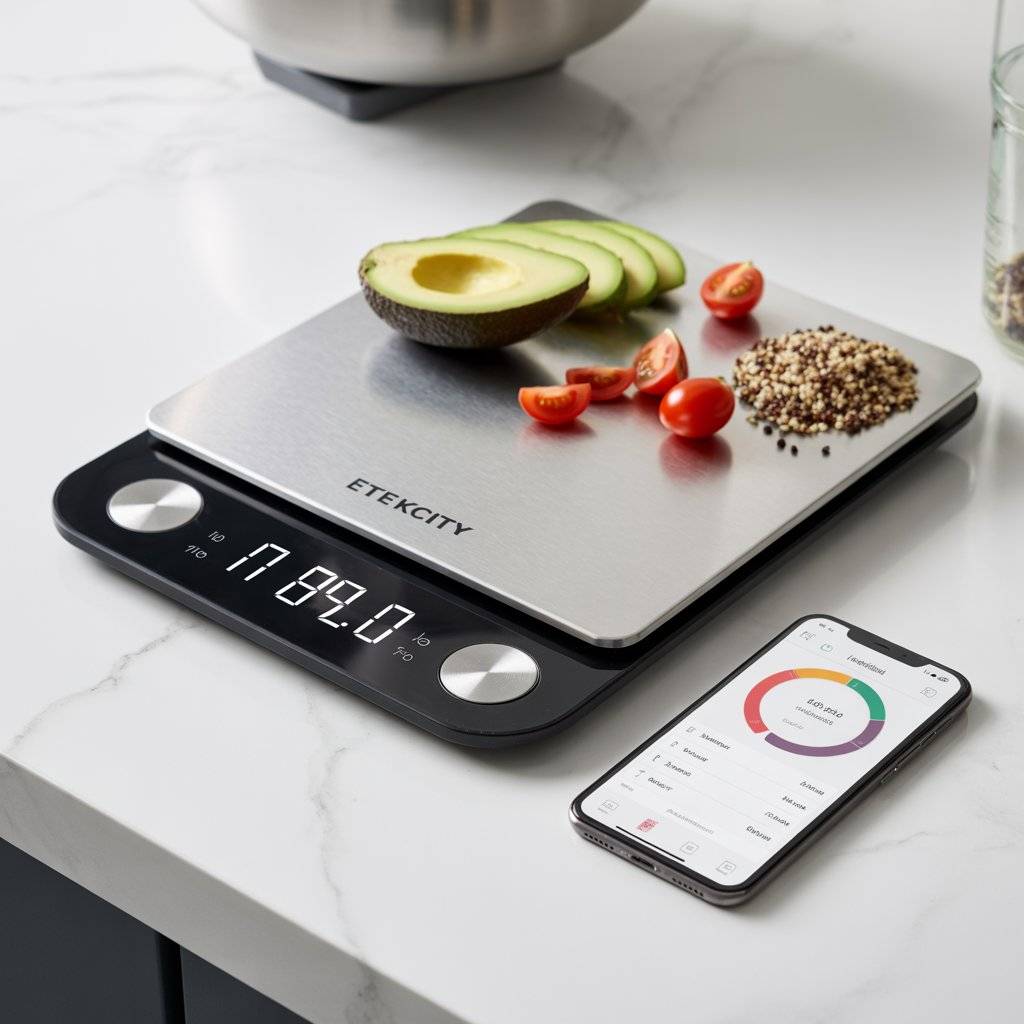
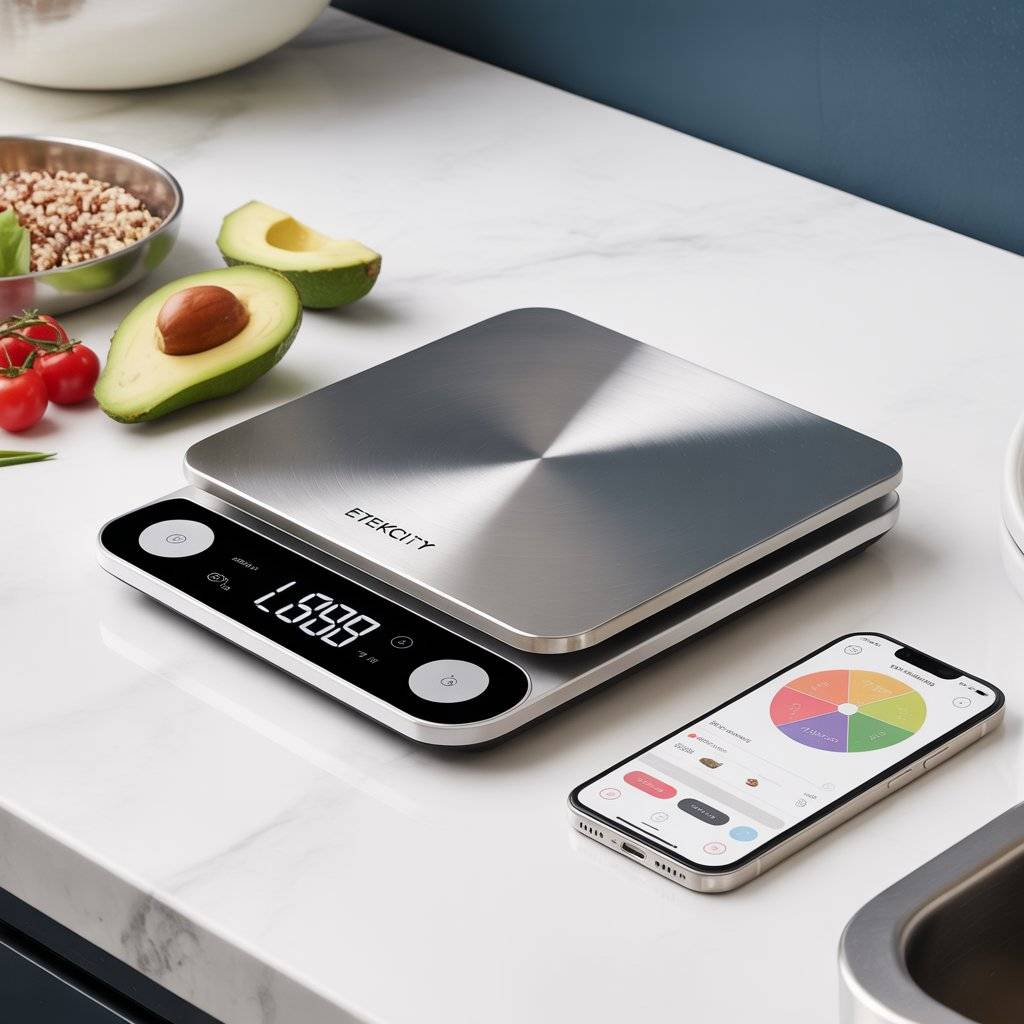
The Etekcity Smart Food Kitchen Scale looks like a regular digital scale. But it pairs with a free app that tracks 19 different nutrients, including calories, protein, fat, carbs, and fiber. You weigh your food on the scale, and the app automatically logs everything. It’s a game-changer for anyone tracking macros, losing weight, or meal prepping.
The scale itself is accurate to 1 gram and measures in grams, ounces, pounds, and milliliters. The stainless steel surface is easy to wipe clean. It has a tare function, so you can zero out a bowl and measure multiple ingredients without dirtying extra dishes. The app syncs via Bluetooth and builds a history of your meals. It also suggests recipes based on what you’re weighing.
Users love the accuracy and ease of use. The scale is affordable, slim enough to store in a drawer, and works with or without the app. The main complaint is that the app requires registration and can feel clunky. Some users wish it integrated directly with weight tracking apps like MyFitnessPal.
Pros: Tracks 19 nutrients. Accurate to 1 gram. App syncs meal history. Stainless steel surface. Affordable price.
Cons: App requires registration. No direct integration with popular tracking apps. App can feel clunky.
Etekcity Smart Food Kitchen Scale — Check price on Amazon.com
12. LG ThinQ Smart Dishwasher
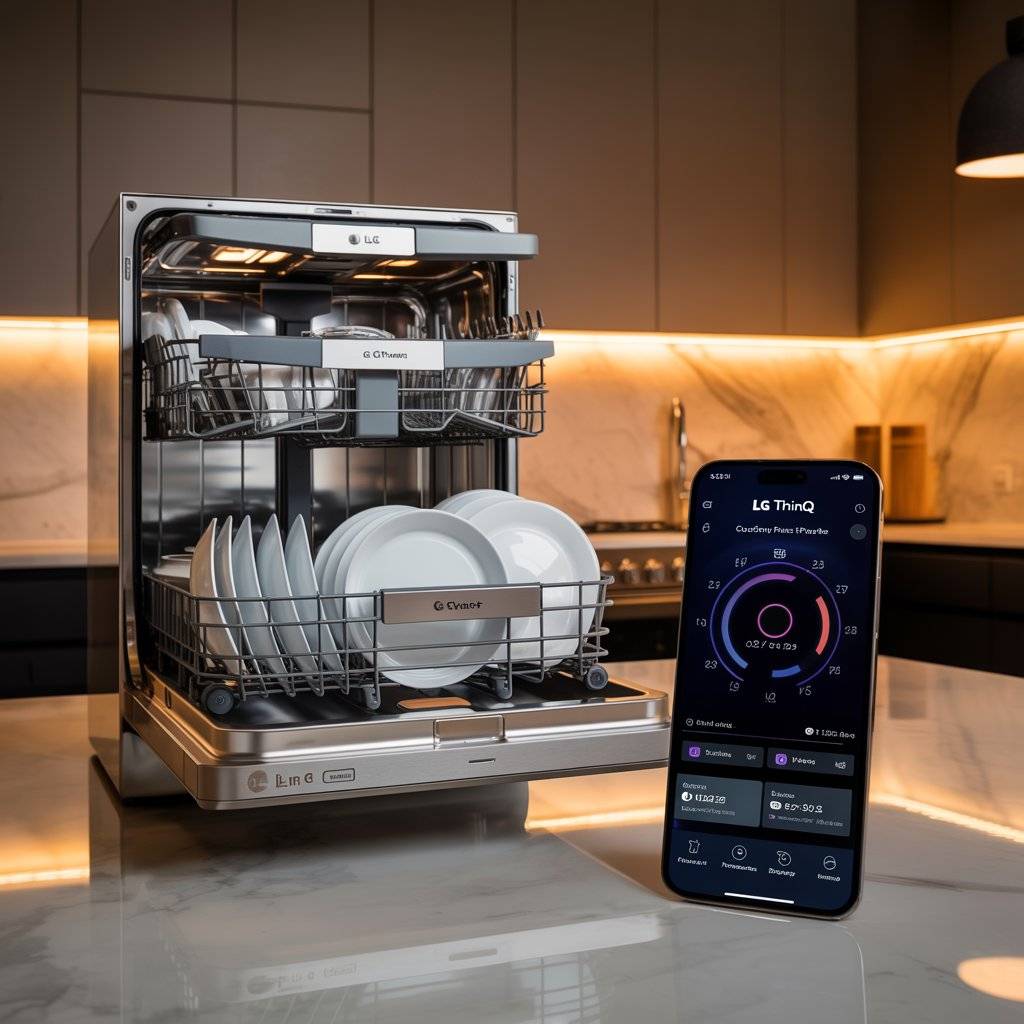
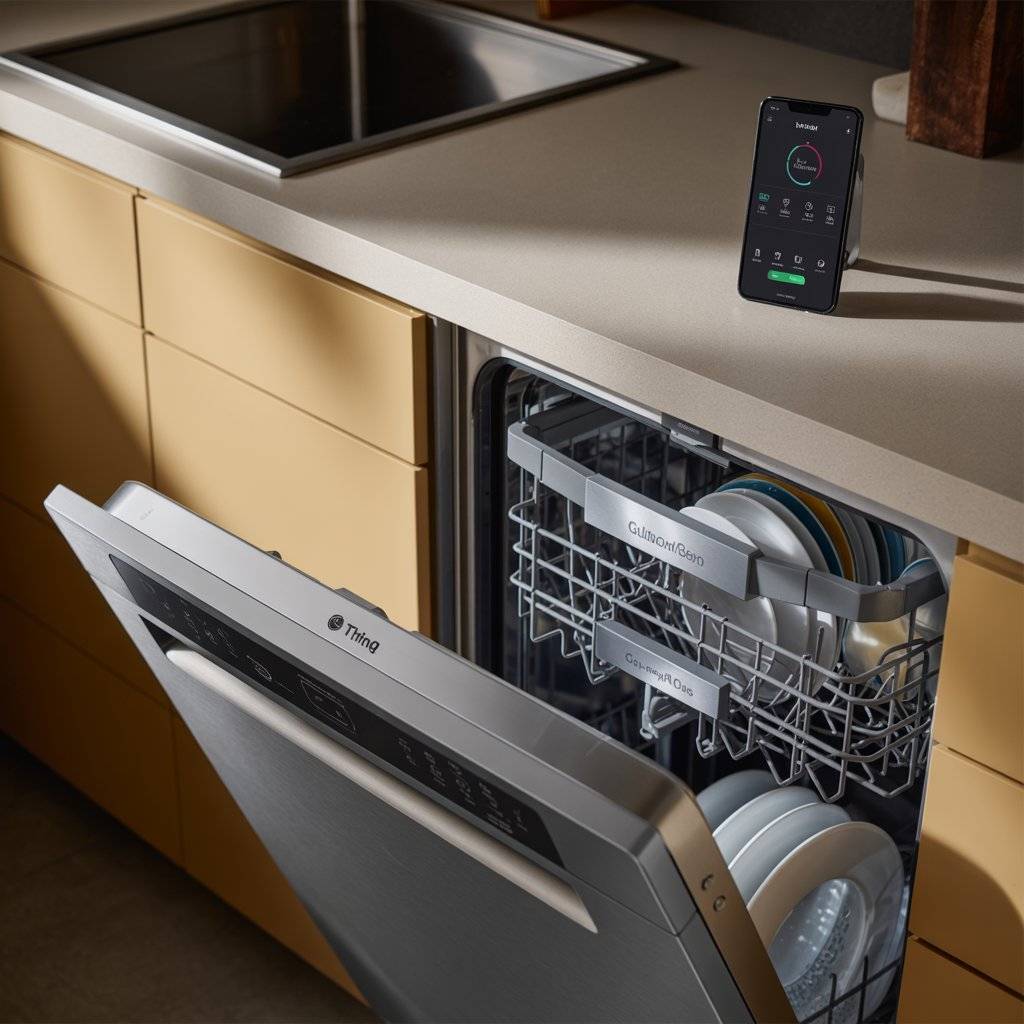
LG’s ThinQ smart dishwashers connect to your home Wi-Fi and let you monitor cycles, download new wash programs, and troubleshoot issues from your phone. You get notifications when the cycle finishes, so you can unload right away. The app also tracks energy and water usage, which helps you run the dishwasher more efficiently.
The dishwasher itself is known for being incredibly quiet. Many LG models operate at 40 decibels or less, which is quieter than a library. The QuadWash system uses four spray arms instead of two, covering every corner of the dishwasher. The EasyRack Plus system has adjustable racks that fit large pots and awkward platters. TrueSteam technology sanitizes without harsh chemicals.
Users consistently rate LG dishwashers highly for cleaning performance, quiet operation, and reliability. The smart features are optional but convenient. Some users never use the app and still love the dishwasher. The main downside is the price LG dishwashers cost more than basic models. But for a quiet, thorough clean with smart extras, it’s worth it.
Pros: Very quiet (as low as 40 dB). QuadWash four-spray-arm system. TrueSteam sanitization. Adjustable EasyRack Plus. ThinQ app with usage tracking and downloads.
Cons: Pricier than basic dishwashers. App features are optional, so some may not use them.
LG ThinQ Smart Dishwasher — Check price on Amazon.com
Detailed Tips for Using Smart Appliances
- Set up your network first. Most smart appliances need a 2.4 GHz Wi-Fi network, not 5 GHz. Check your router settings before you start.
- Update firmware regularly. Appliance manufacturers fix bugs and add features through updates. Check for updates in the app every few months.
- Use voice control. If you have Alexa or Google Assistant, connect your appliances. Starting your coffee maker or preheating your oven by voice is genuinely convenient.
- Schedule maintenance reminders. Some apps let you set reminders for filter changes, descaling, or cleaning cycles. Use them. Your appliances will last longer.
- Don’t buy smart just for smart’s sake. Only buy an appliance if the smart features actually solve a problem for you. A fridge with a touchscreen is cool, but do you need it?
Mistakes to Avoid
- Ignoring the manual. Smart appliances have quirks. Spending 15 minutes with the manual saves hours of frustration later.
- Using the wrong Wi-Fi band. Many smart devices won’t connect to 5 GHz networks. Make sure your phone is on the same 2.4 GHz network during setup.
- Forgetting to reset before selling. If you sell or give away an appliance, factory reset it first. Otherwise, the new owner may have access to your account.
- Overlooking privacy settings. Smart cameras and microphones collect data. Check your app permissions and turn off what you don’t need.
- Assuming app support will last forever. Some companies stop updating older models’ apps. Before buying a smart appliance, check how long the manufacturer promises app support.
Frequently Asked Questions
Q1: Do smart appliances really save time?
Yes, but not always dramatically. The time savings come from small conveniences: starting your coffee from bed, checking your fridge from the store, or monitoring your oven from another room. Those minutes add up over a week.
Q2: Are smart appliances secure from hackers?
Most are reasonably secure if you use strong passwords and keep firmware updated. But any connected device carries some risk. Stick with reputable brands that issue regular security updates. Avoid buying cheap no-name smart appliances.
Q3: Do I need a smart home hub to use these?
No. Most smart kitchen appliances connect directly to your Wi-Fi and work with their own apps. Some also work with Alexa or Google Assistant, but you don’t need a separate hub.
Q4: What happens if the app stops working?
Most smart appliances still work manually. You can use buttons or touchscreens even without the app. But some features — like guided cooking or recipe downloads — may be unavailable. Check before buying if manual controls are important to you.
Q5: Are smart appliances worth the extra cost?
It depends on how you cook. If you enjoy convenience, automation, and trying new tech, yes. If you just want basic functionality, stick with non‑smart appliances and save your money. For most people, a mix works best: smart for coffee makers and thermometers, traditional for dishwashers and fridges.
Design & Styling Ideas for a Smart Kitchen
- Group app icons. Put all your kitchen appliance icons in one folder on your phone’s home screen. You’ll find them faster.
- Create voice routines. “Alexa, good morning” can start your coffee maker, preheat your kettle, and turn on the sous vide all at once.
- Hide cables. Smart appliances need power. Use cable management clips or run cords behind cabinets to keep counters clean.
- Mount tablets for control. If you have a smart fridge or oven with a large screen, use it as your command center. Add widgets for timers, music, and recipe apps.
- Label your smart plugs. If you use smart plugs with non‑smart appliances, label each plug clearly. “Toaster,” “Coffee grinder,” “Slow cooker” so you know what you’re controlling.
Conclusion
You don’t need to replace everything at once. Start with one or two smart kitchen appliances that solve your biggest frustrations. Hate waking up to cold coffee? Get a smart coffee maker. Always guessing with meat? Get the MEATER. Want restaurant‑style bread? The Anova Precision Oven.
Add more over time. Your kitchen doesn’t have to look like a tech showroom. But a few well‑chosen smart appliances can make cooking feel less like a chore and more like something you actually look forward to.
And that’s worth it.
Related Post: