
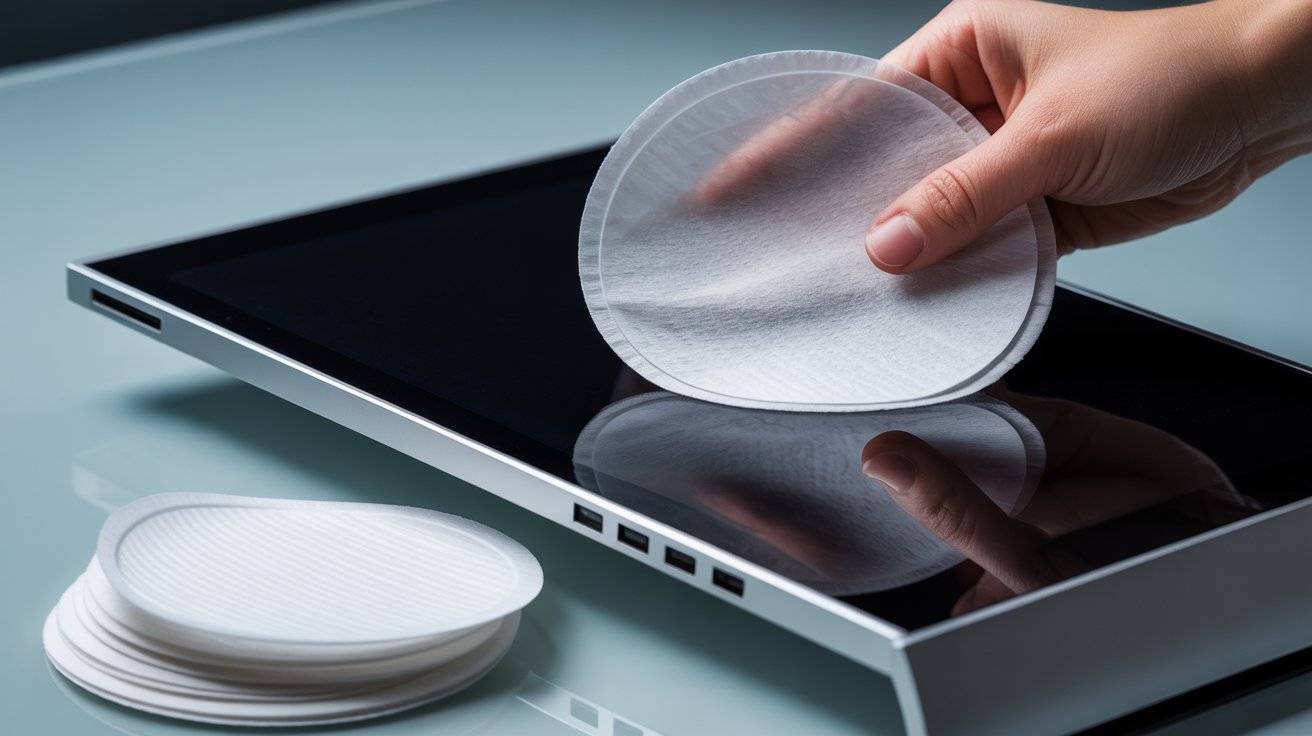
If you’ve ever wiped your phone or laptop screen with a paper towel, you might have noticed tiny scratches later. Paper towels are rough. So are rags with leftover detergent. Even some microfiber cloths can leave streaks if they’re dirty.
Coffee filters are different. They’re soft, lint-free, and cheap. This product can help you clean any screen without worrying about damage. No scratches. No streaks. It’s just a clean display.
I’ve tested these ideas myself. They work on phones, tablets, computer monitors, TV screens, even eyeglasses. Let’s get into the 13 ways you can use coffee filters for screen cleaning without scratches or streaks.
Why You Should Stop Using Paper Towels on Screens
Use a dry coffee filter for dust first
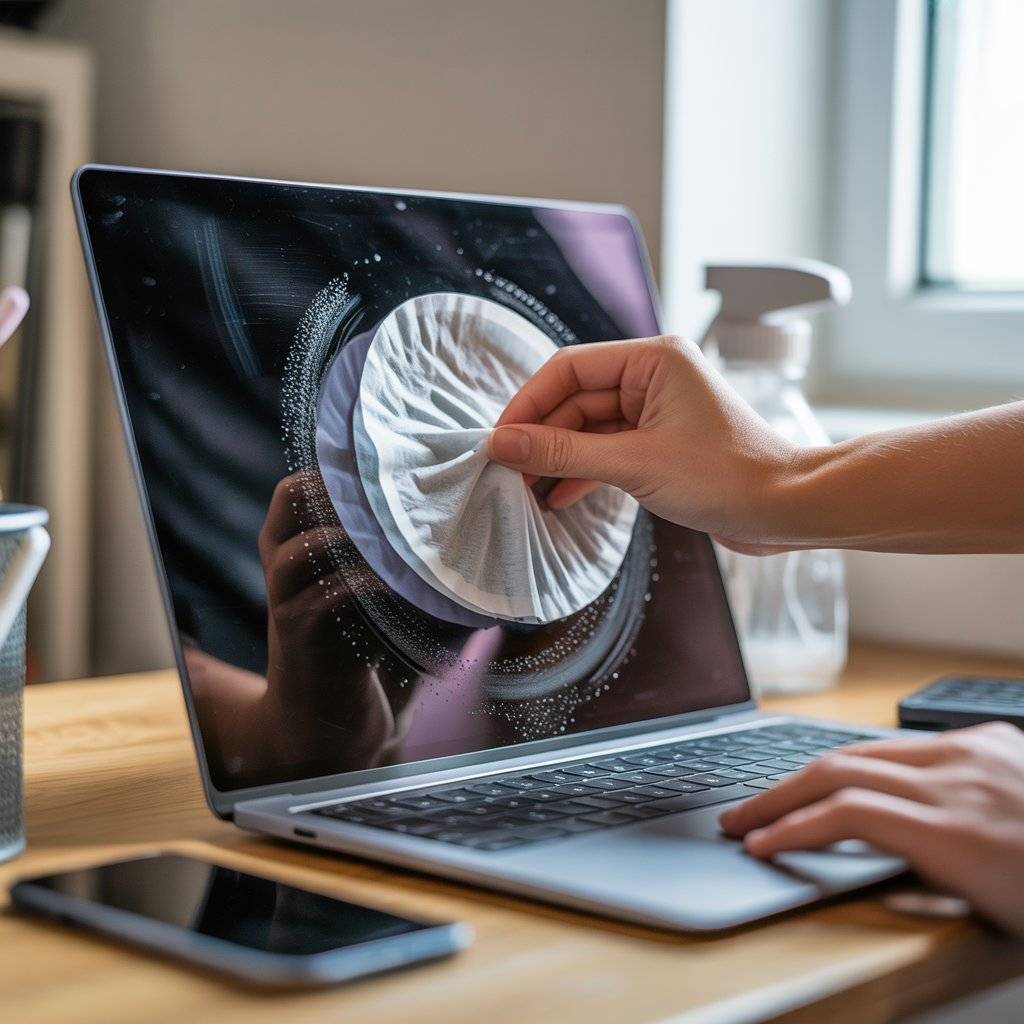
Before you spray anything, grab a dry coffee filter. Gently wipe the screen in one direction. This picks up loose dust, crumbs, and pet hair. Coffee filters are smooth and won’t push dirt around like a paper towel would.
Once the loose stuff is gone, you’re ready for the next step. This alone removes about 80% of what makes a screen look dirty. Try it on your phone right now.
Lightly dampen one filter with distilled water
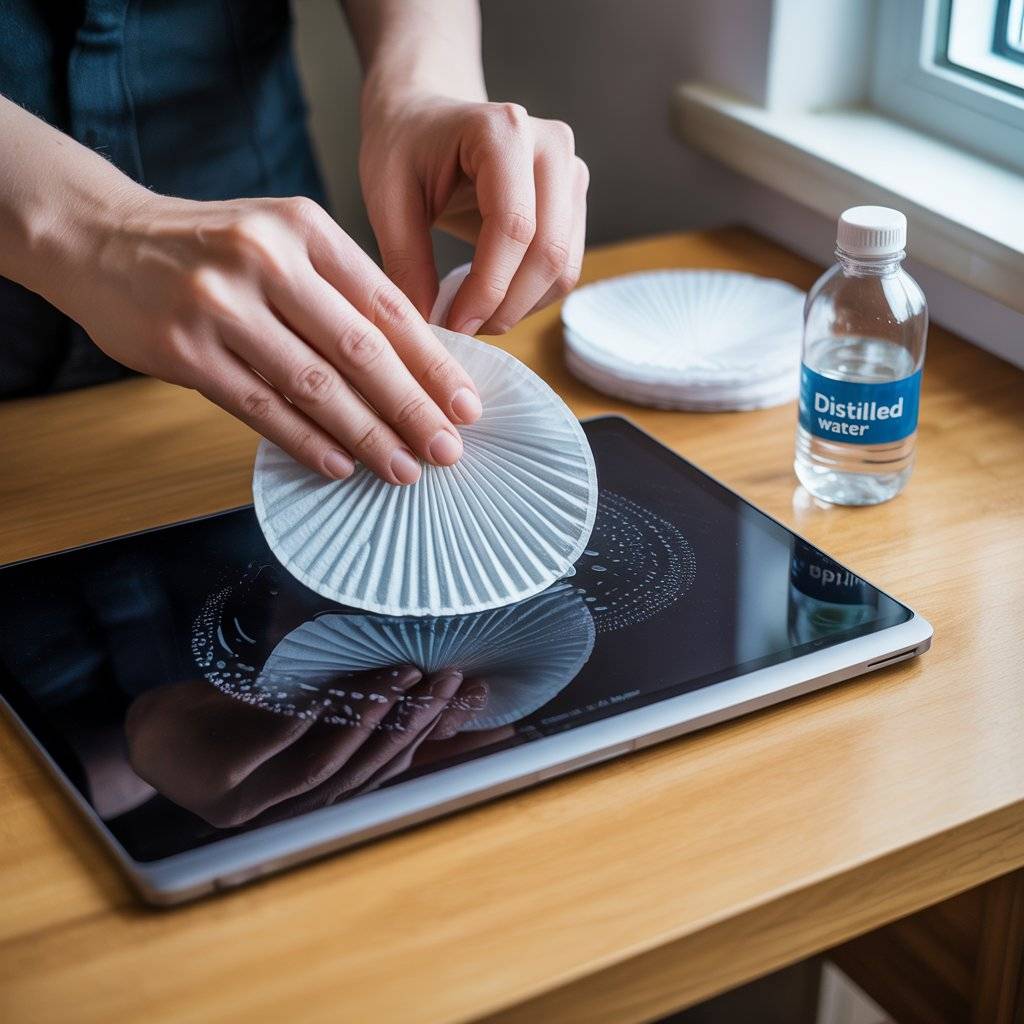
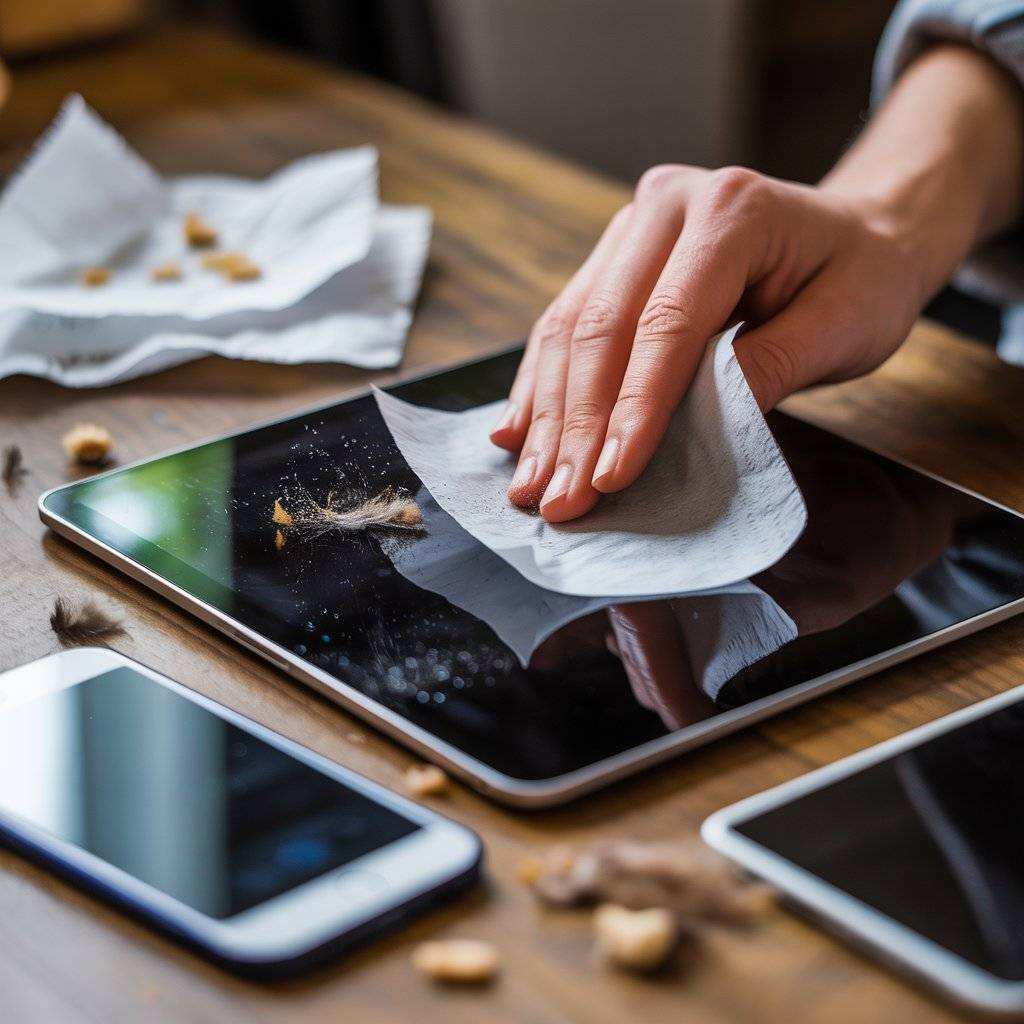
Tap water has minerals that leave spots. Take a coffee filter, fold it once, and dampen it with distilled water (not soaking wet). Wipe the screen in circles. The filter holds moisture evenly, so you don’t get drips.
This method works great for laptop screens and TVs. No chemicals needed. Just water and a coffee filter. You’ll see the difference immediately.
Mix one drop of dish soap with water
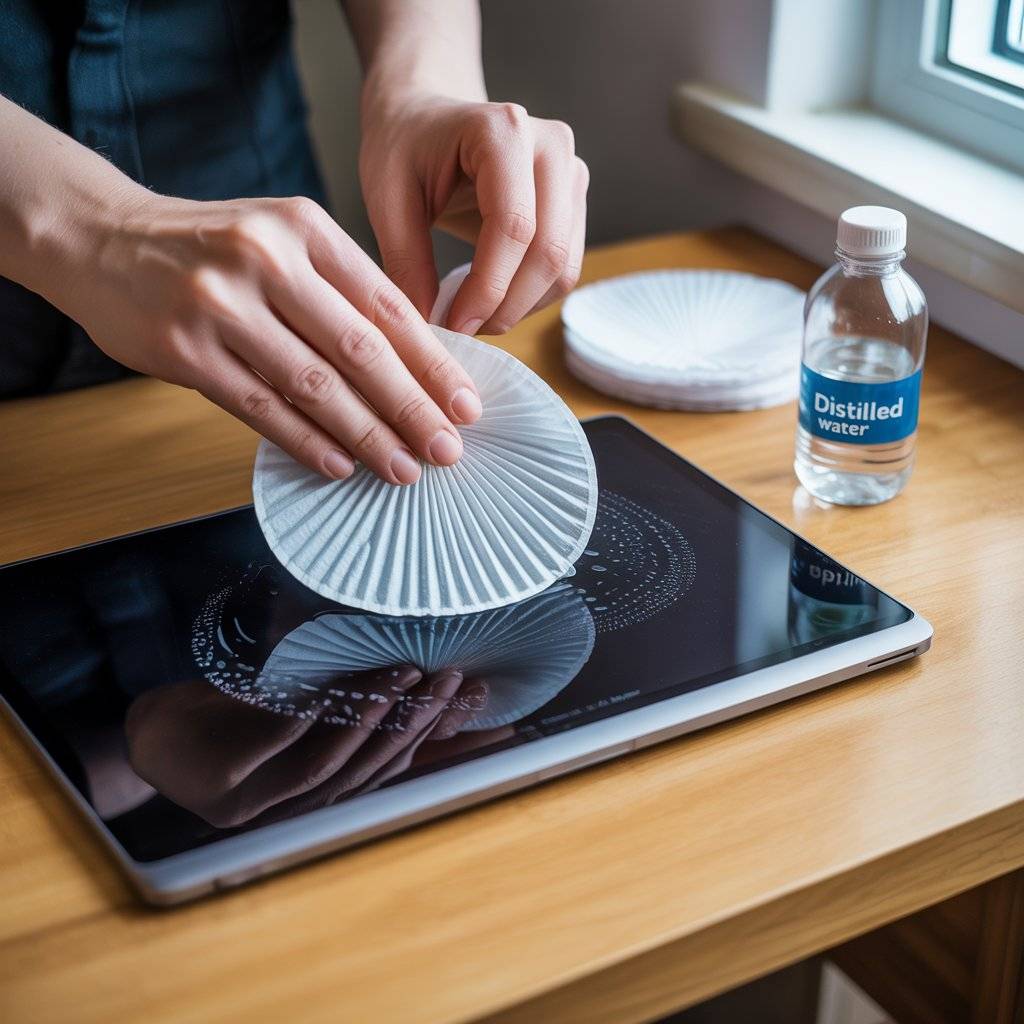
For greasy fingerprints, add one tiny drop of mild dish soap to a cup of distilled water. Dip a coffee filter in, and then squeeze out almost all liquid. Wipe the screen gently.
The coffee filter won’t scratch, and the soap cuts through oil. Rinse another filter with plain water and wipe again to remove soap residue. This is safe for touch screens and monitors. Don’t spray directly on the screen.
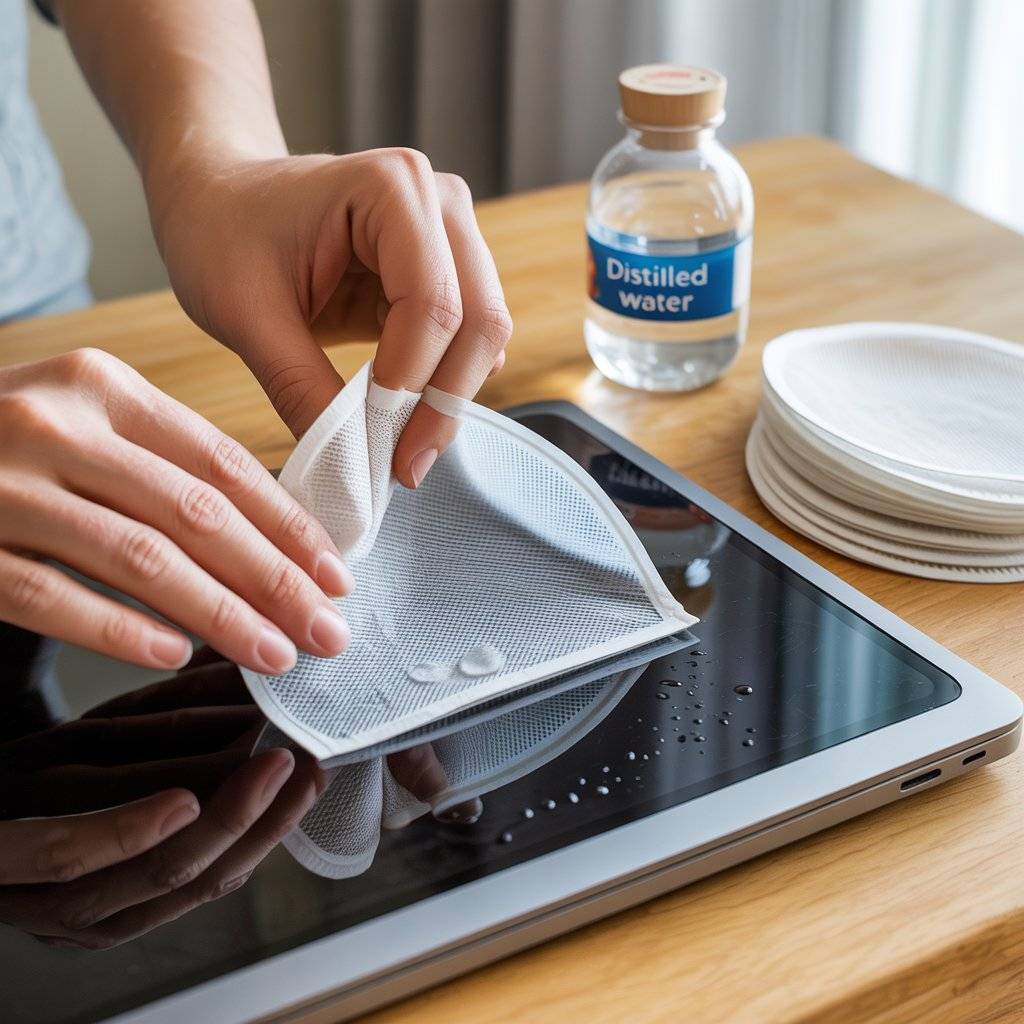
Use a coffee filter to dry after cleaning
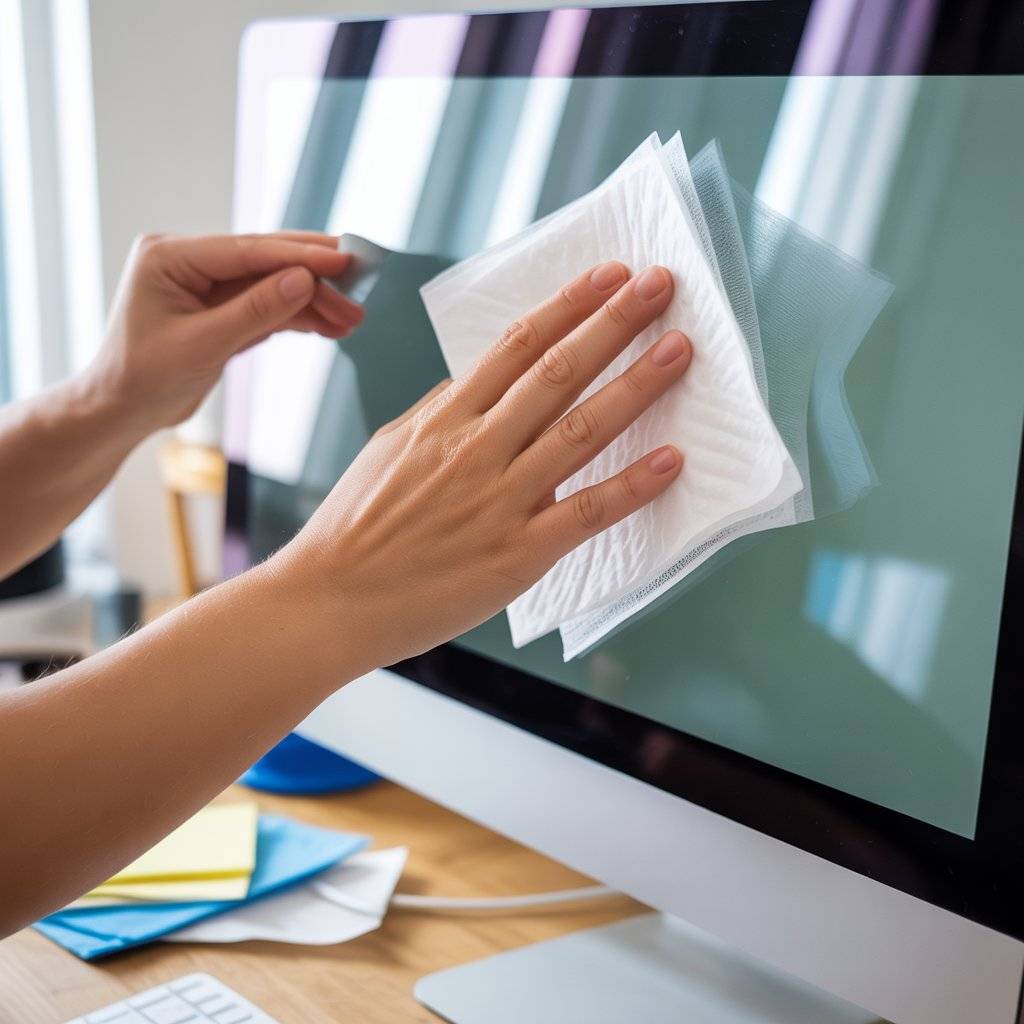
After any wet cleaning, grab a fresh dry coffee filter. Lightly buff the screen in smooth strokes. Coffee filters absorb moisture without leaving lint behind. That’s why they don’t cause streaks.
Microfiber can leave tiny fibers if it’s old. Paper towels leave dust. Coffee filters leave nothing. Keep a few in your desk drawer for this final drying step.
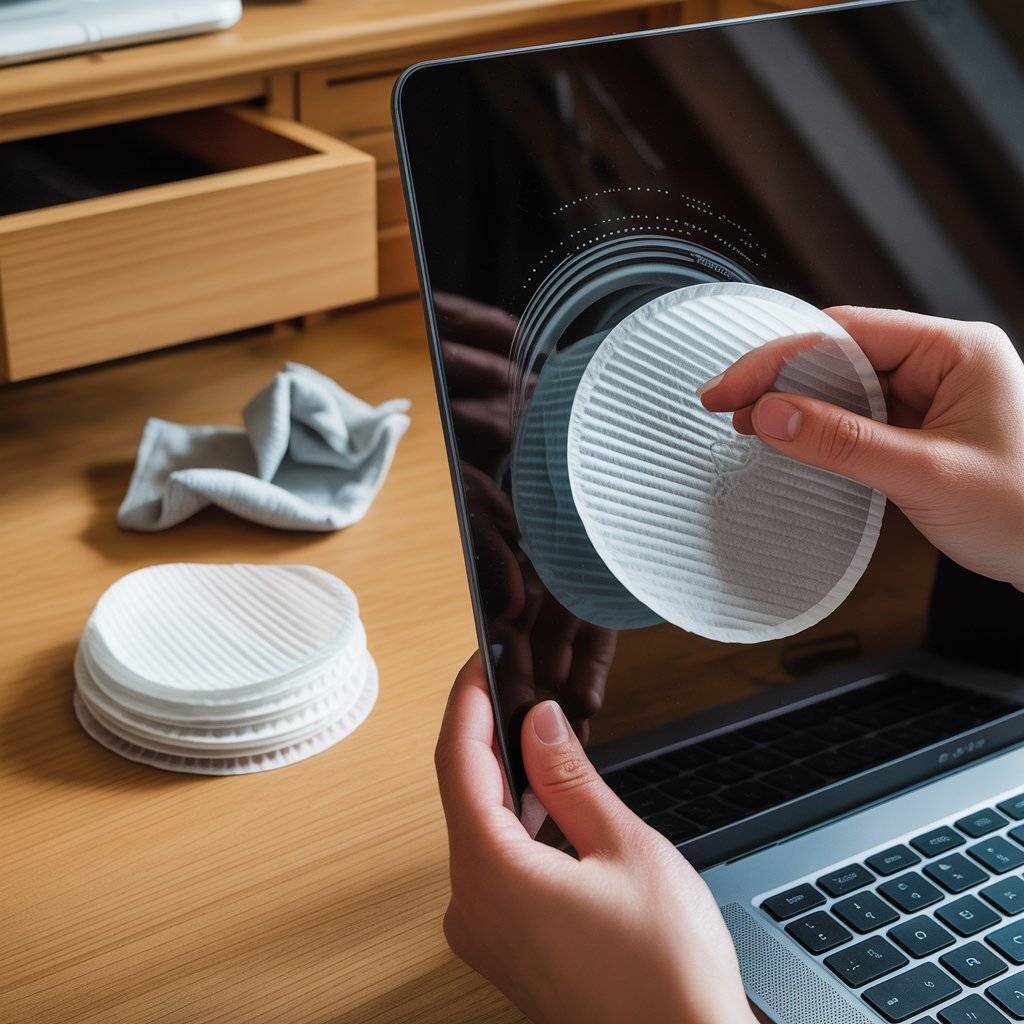
Clean your TV without turning it off (carefully)
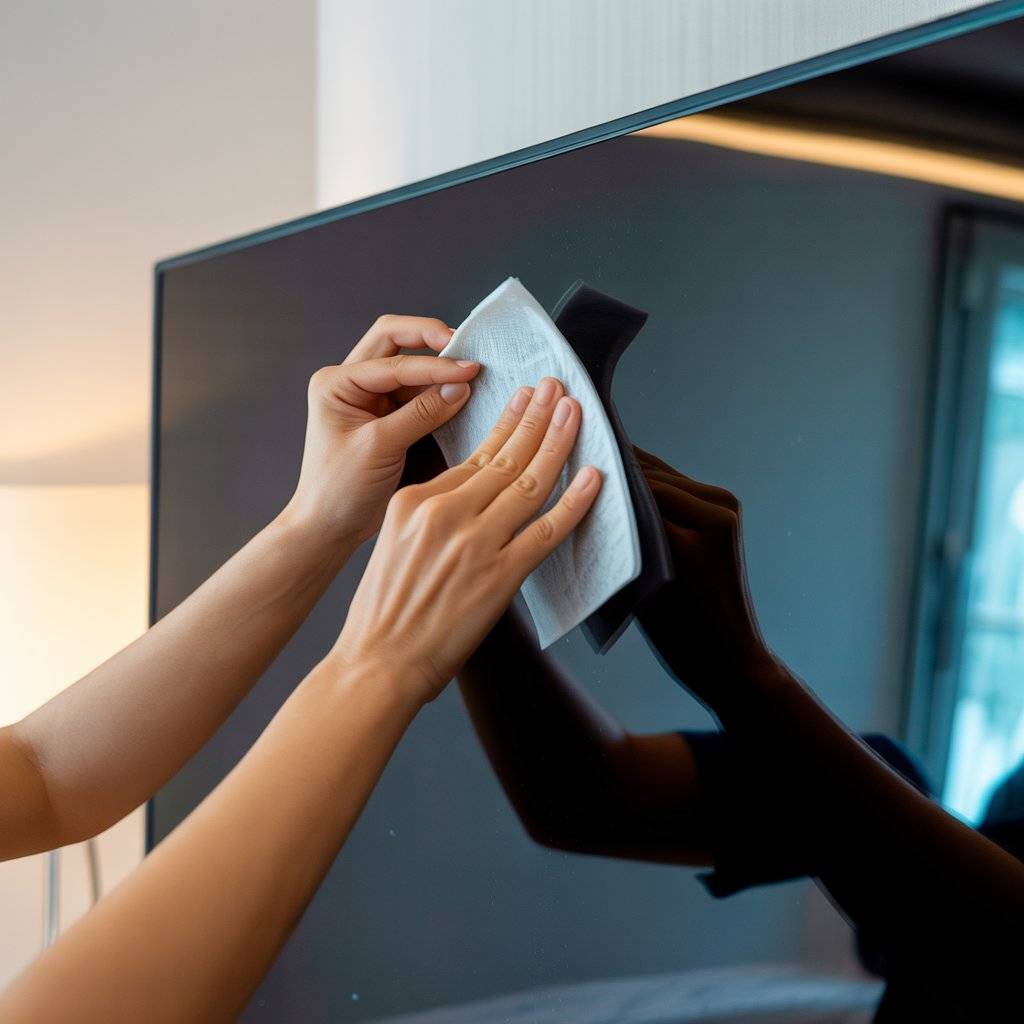
Big TVs collect dust. You can clean a screen that’s cool to the touch (not right after use). Use a dry coffee filter to dust. If there’s a smudge, use a slightly damp filter (water only).
Never press hard. Coffee filters are soft enough that even if you press, they won’t scratch. But gentle is still better. This works for OLED, LED, and older LCD screens.
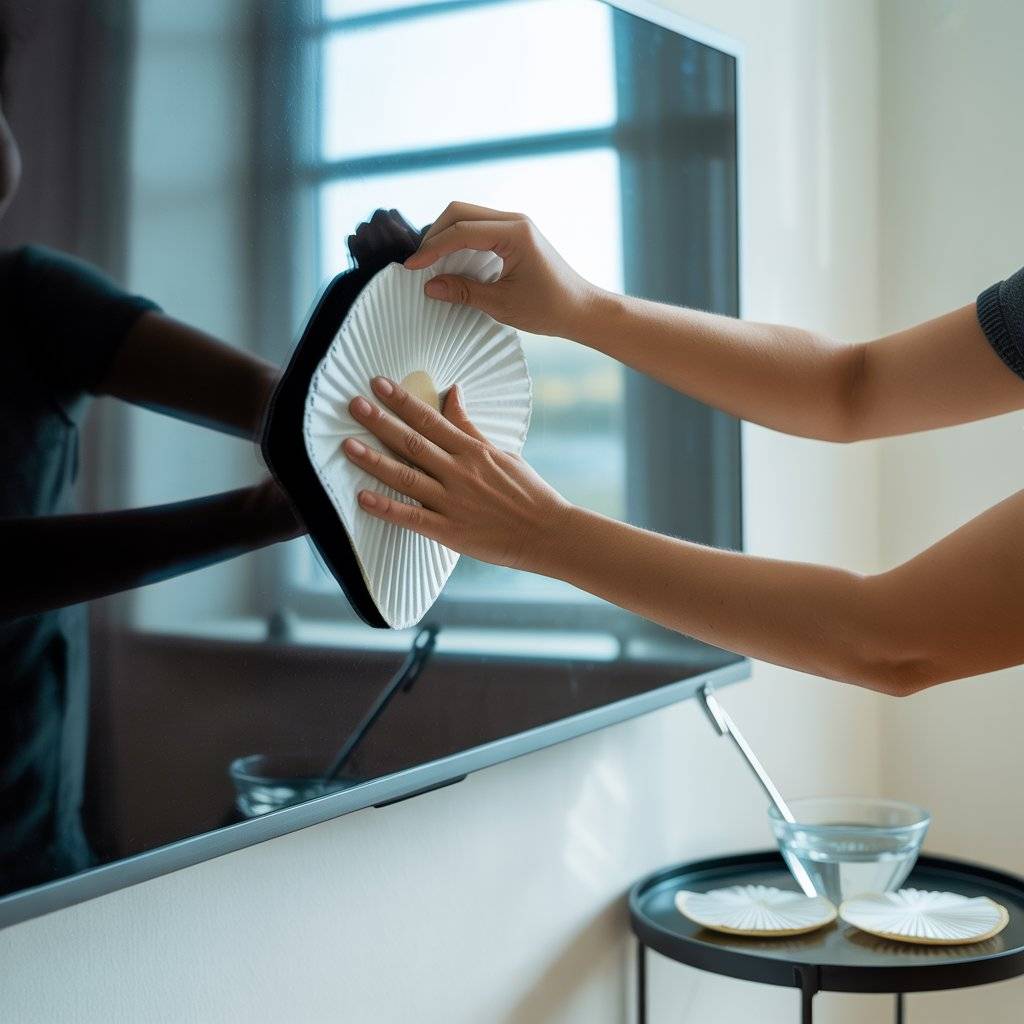
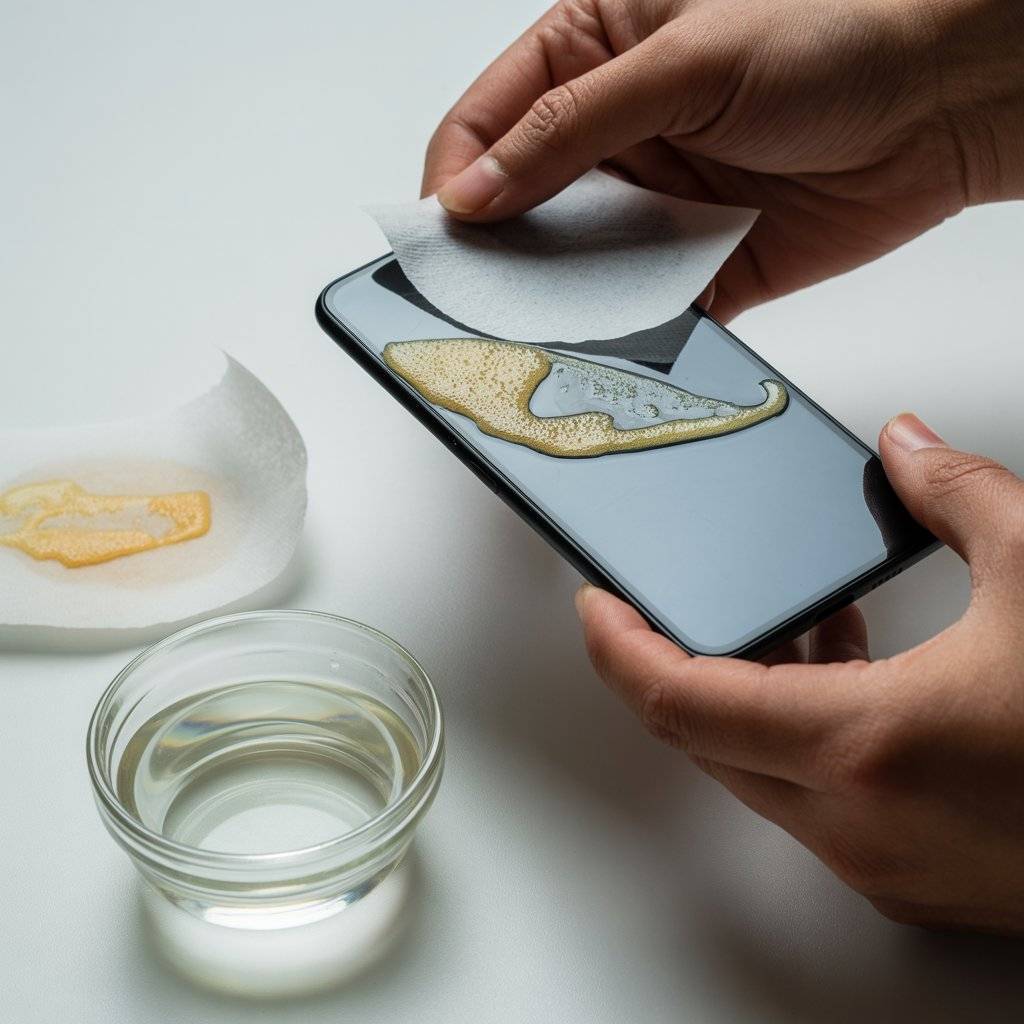
Remove sticky residue from screen protectors
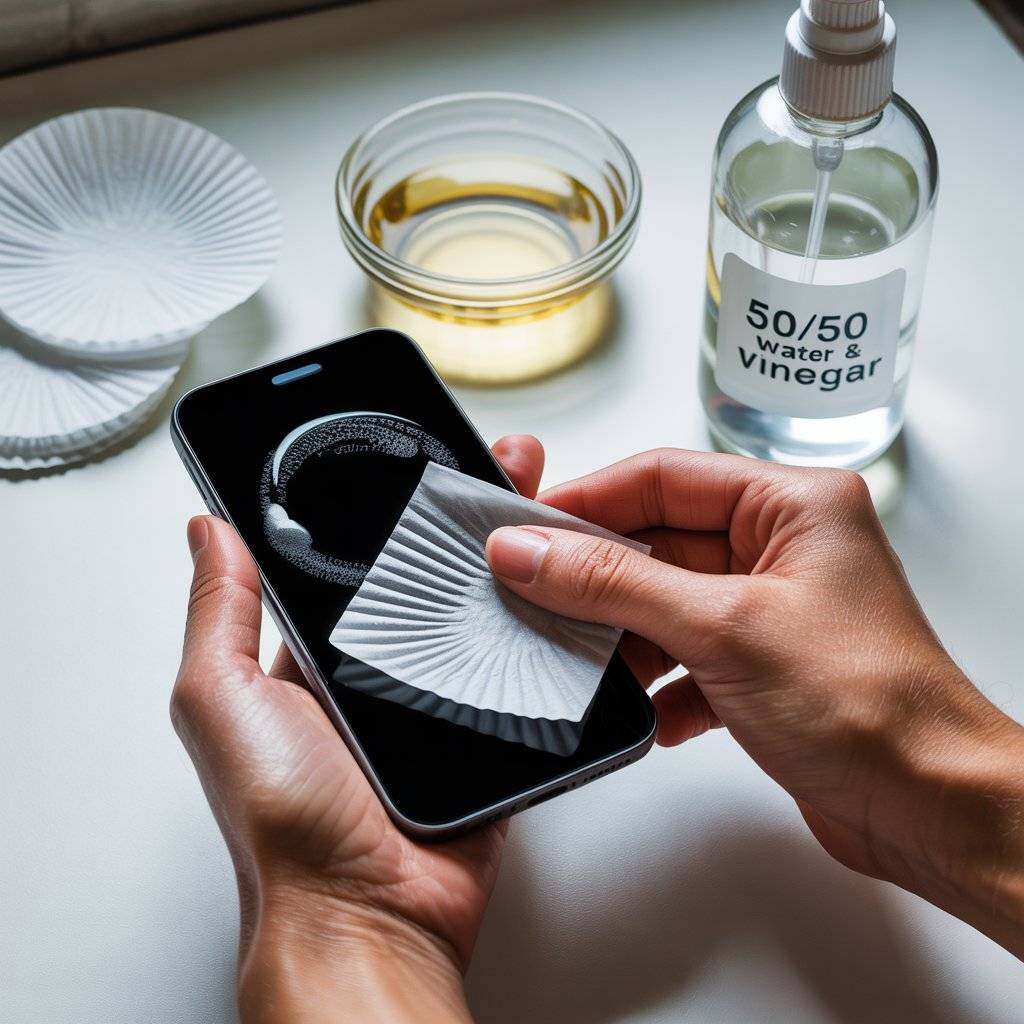
If you peel off a screen protector and see sticky glue left behind, don’t use your nail. Dampen a coffee filter with a 50/50 mix of distilled water and white vinegar. Dab the residue gently.
Let it sit for 30 seconds. Then wipe with another damp filter. The vinegar breaks down the adhesive, and the coffee filter lifts it away. No scratches. No harsh chemicals.
Clean between phone case and screen
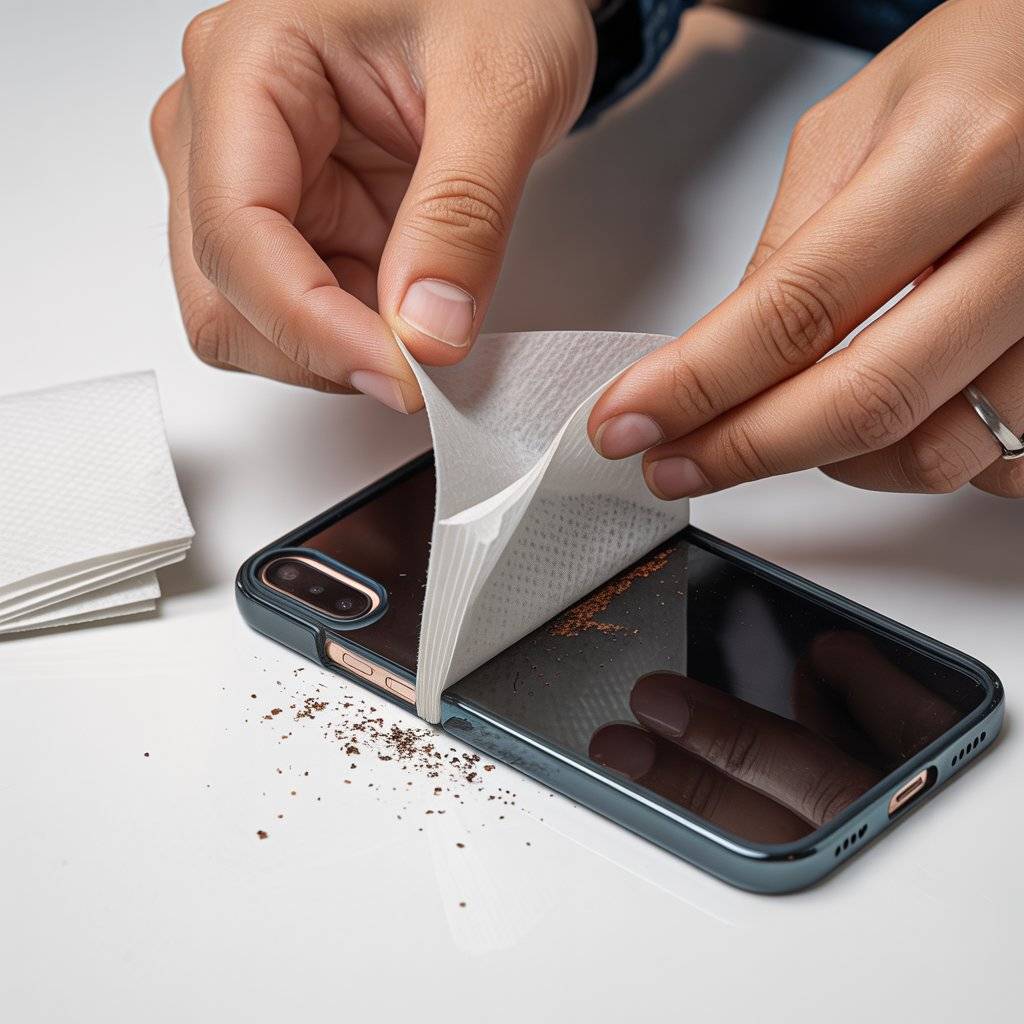
Dirt loves to hide in the gap between your phone case and screen. Take a dry coffee filter, fold it into a thin strip, and slide it along the edge. It’s thin enough to fit into small gaps but strong enough to pull out lint and dust.
Do this once a week. Your screen will look cleaner longer, and you won’t get those weird crumbs under the case edge.
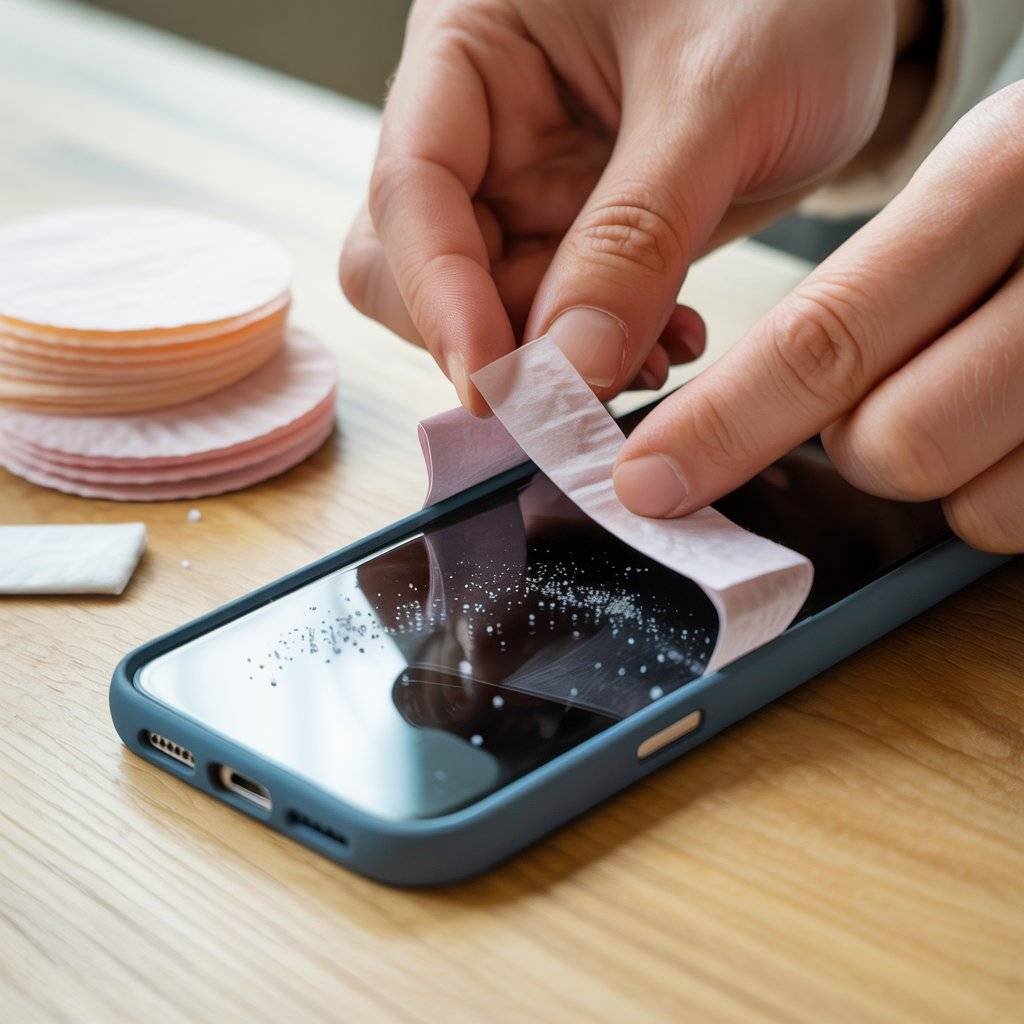
Use a coffee filter wrapped around a credit card
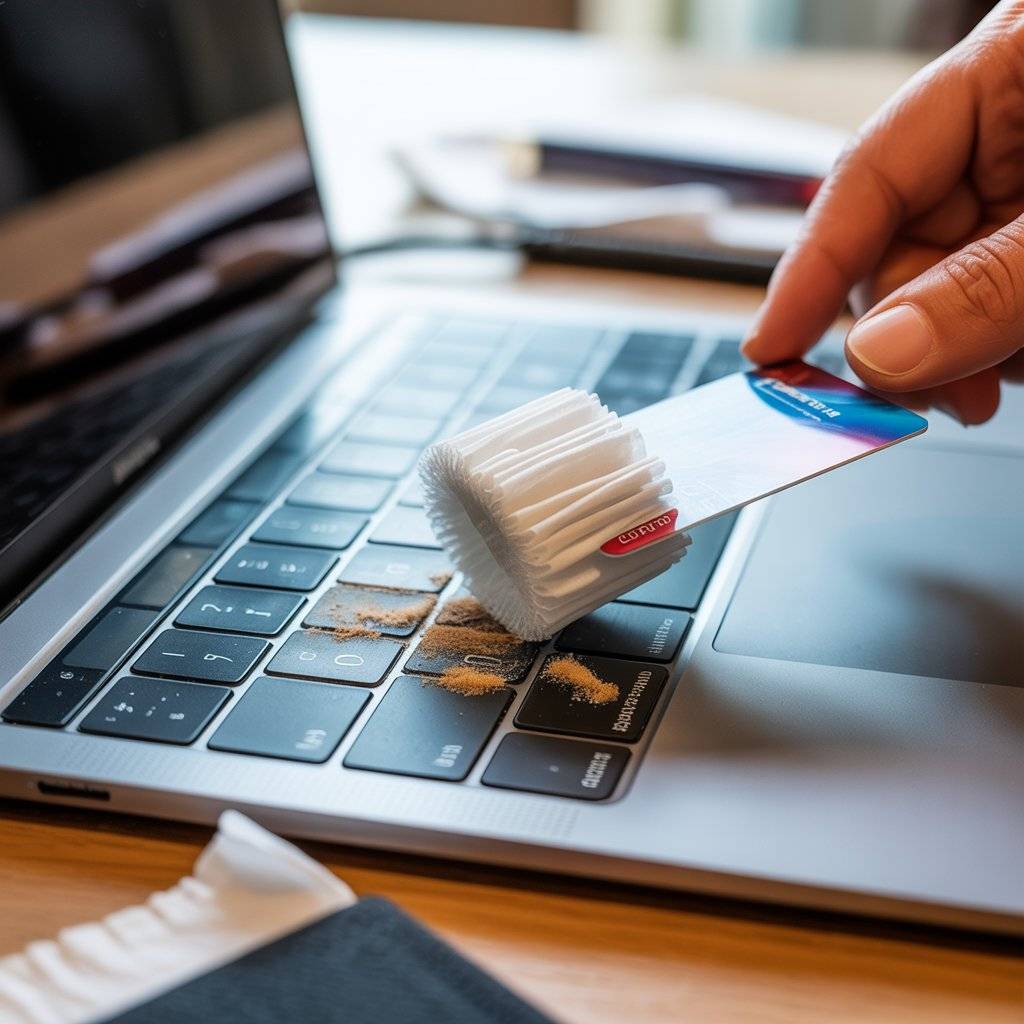
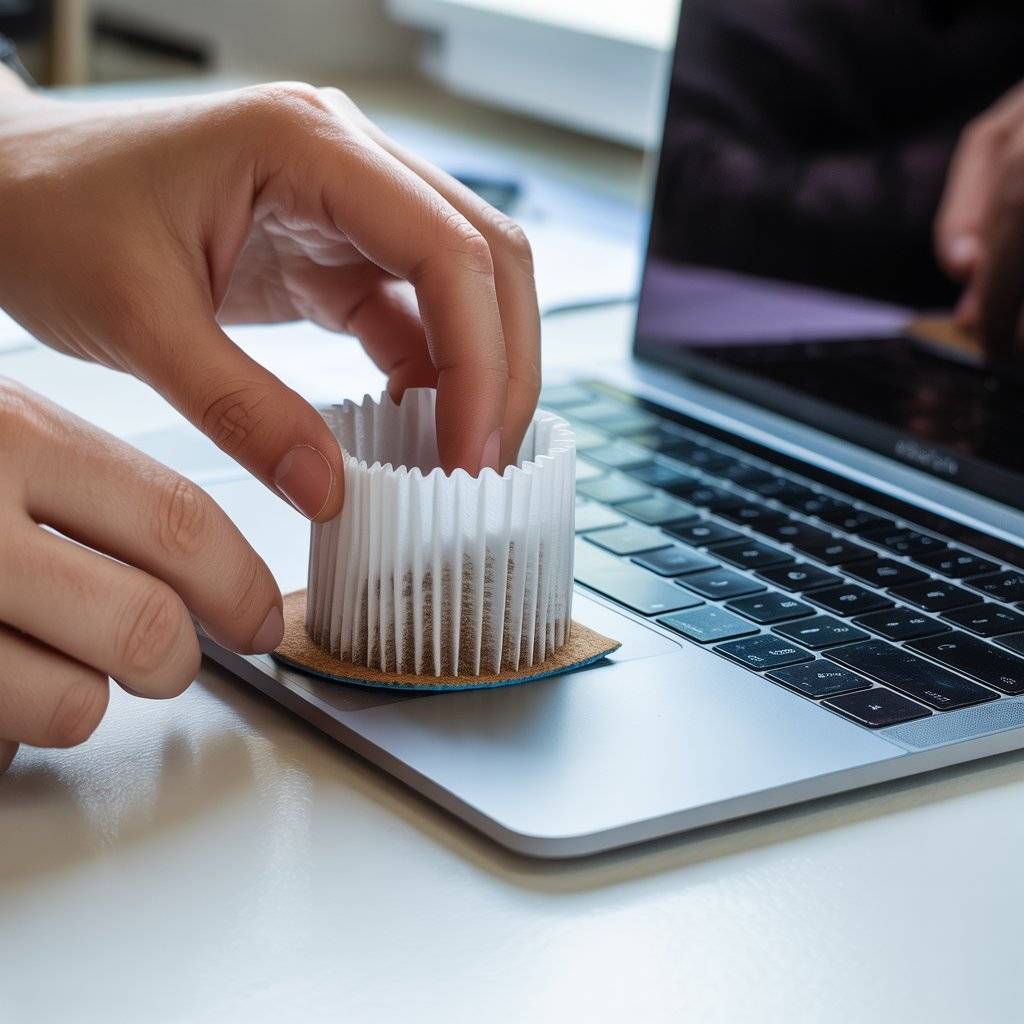
For deep cleaning between keyboard keys or along laptop bezels, wrap a slightly damp coffee filter around an old credit card. Slide the edge carefully along the gaps.
The coffee filter catches dust without scratching plastic or glass. This is safer than compressed air, which can push dirt deeper. Do this every few months for a thorough laptop screen clean?
Polish eyeglasses and sunglasses without streaks
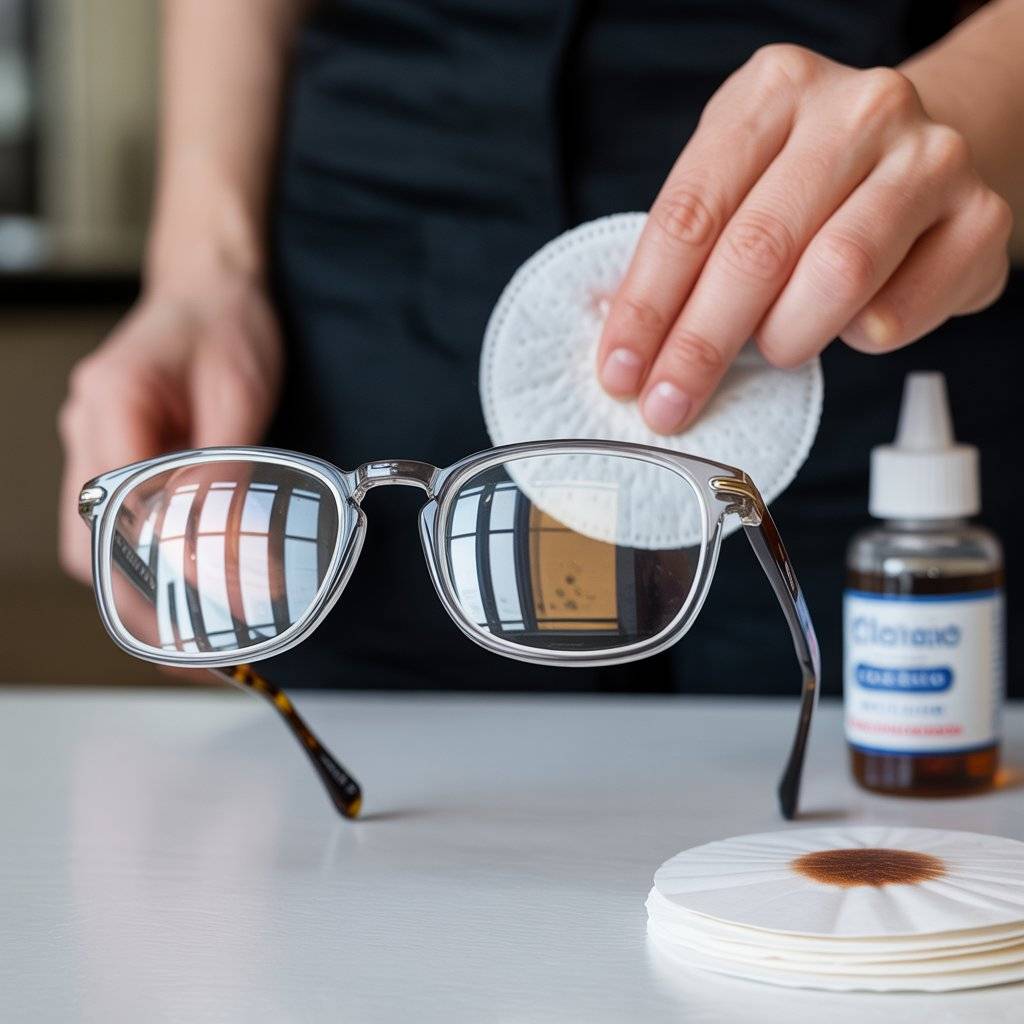
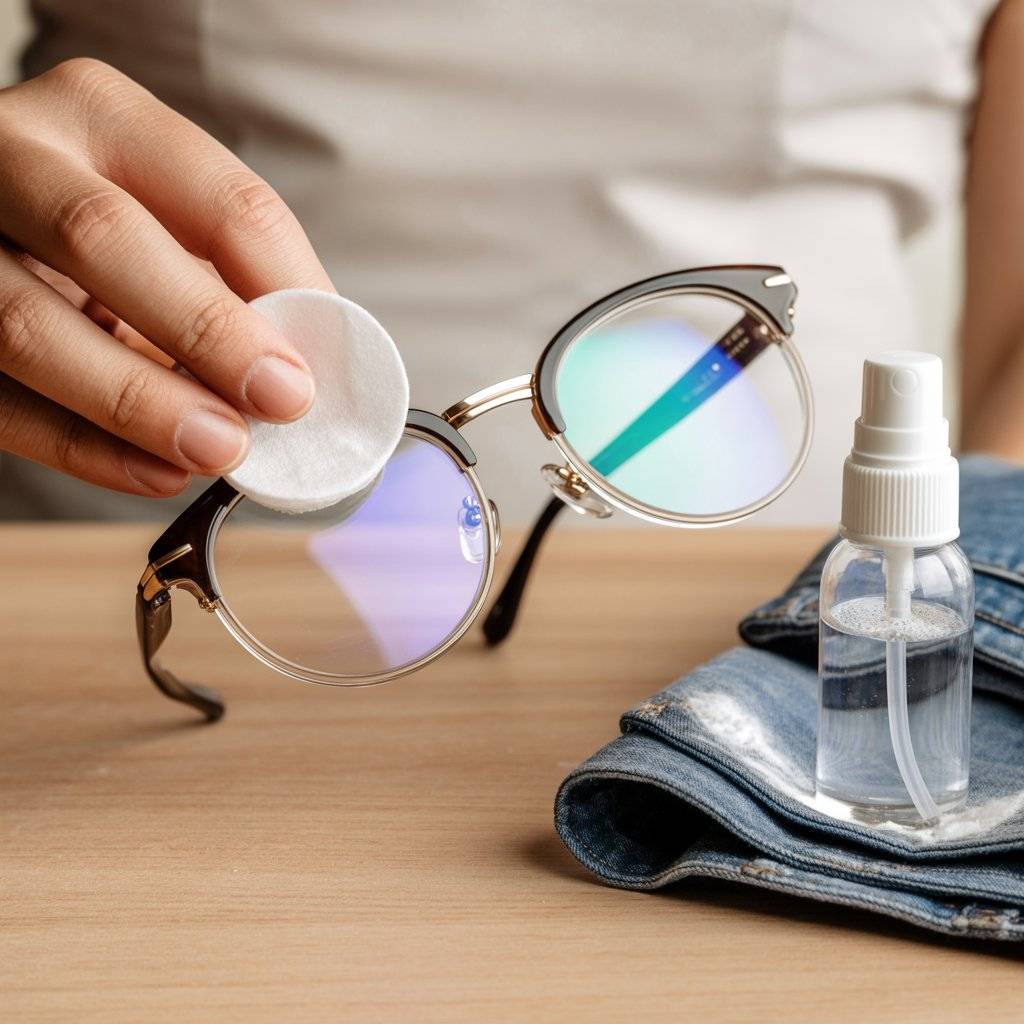
Coffee filters aren’t just for electronics. They’re perfect for glasses. Most people use their shirt, which leaves grease and lint. Instead, spray lens cleaner on your glasses, then wipe with a coffee filter.
The filter won’t leave fibers behind. Your lenses stay clear. Keep a few filters in your car or bag. They weigh nothing and work better than most microfiber cloths.
Clean a smartwatch or fitness tracker screen
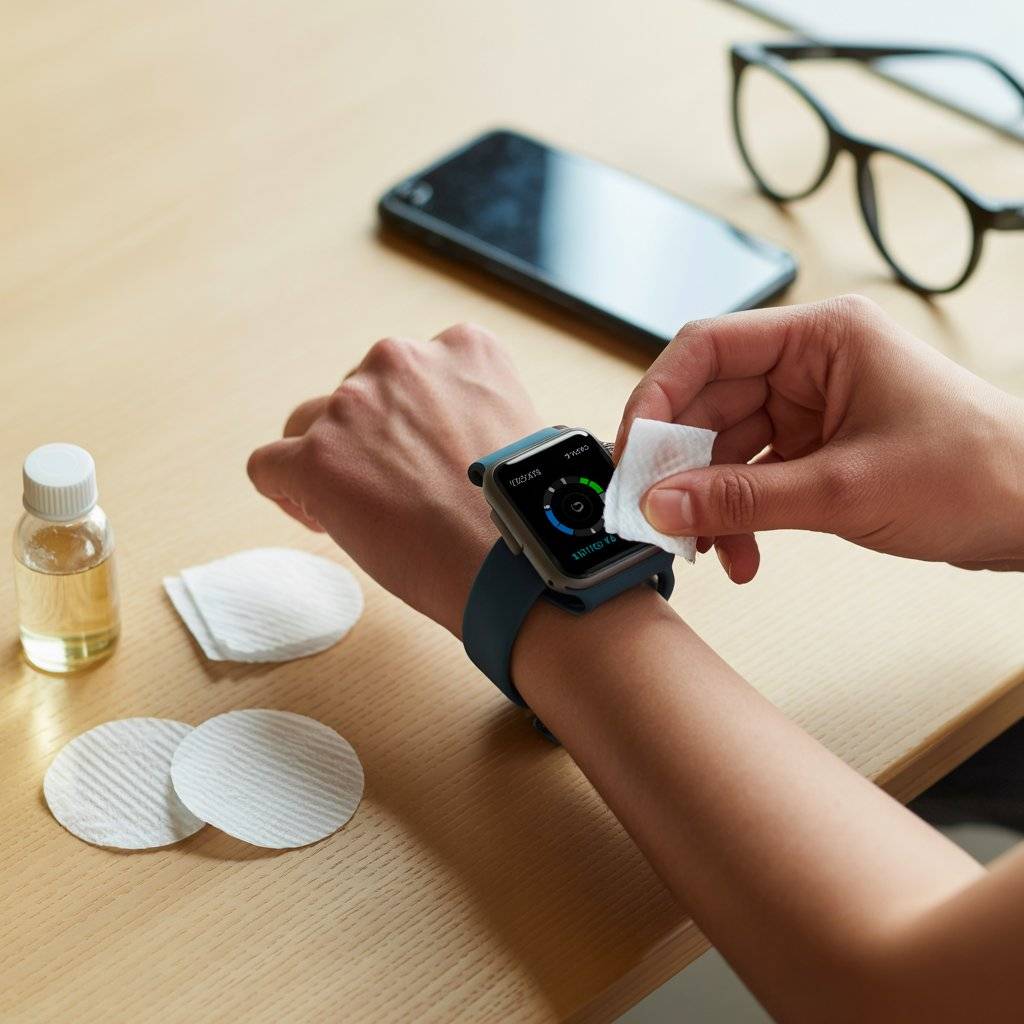
Smartwatch screens are tiny but get greasy fast. Spit and a shirt sleeve is common but gross. Take one coffee filter, tear it into quarters (you don’t need a whole sheet).
Dampen one quarter with water or lens cleaner. Wipe the watch face. Use a dry quarter to buff. No scratches, no smudges. One coffee filter can clean your watch, phone, and glasses in one go.
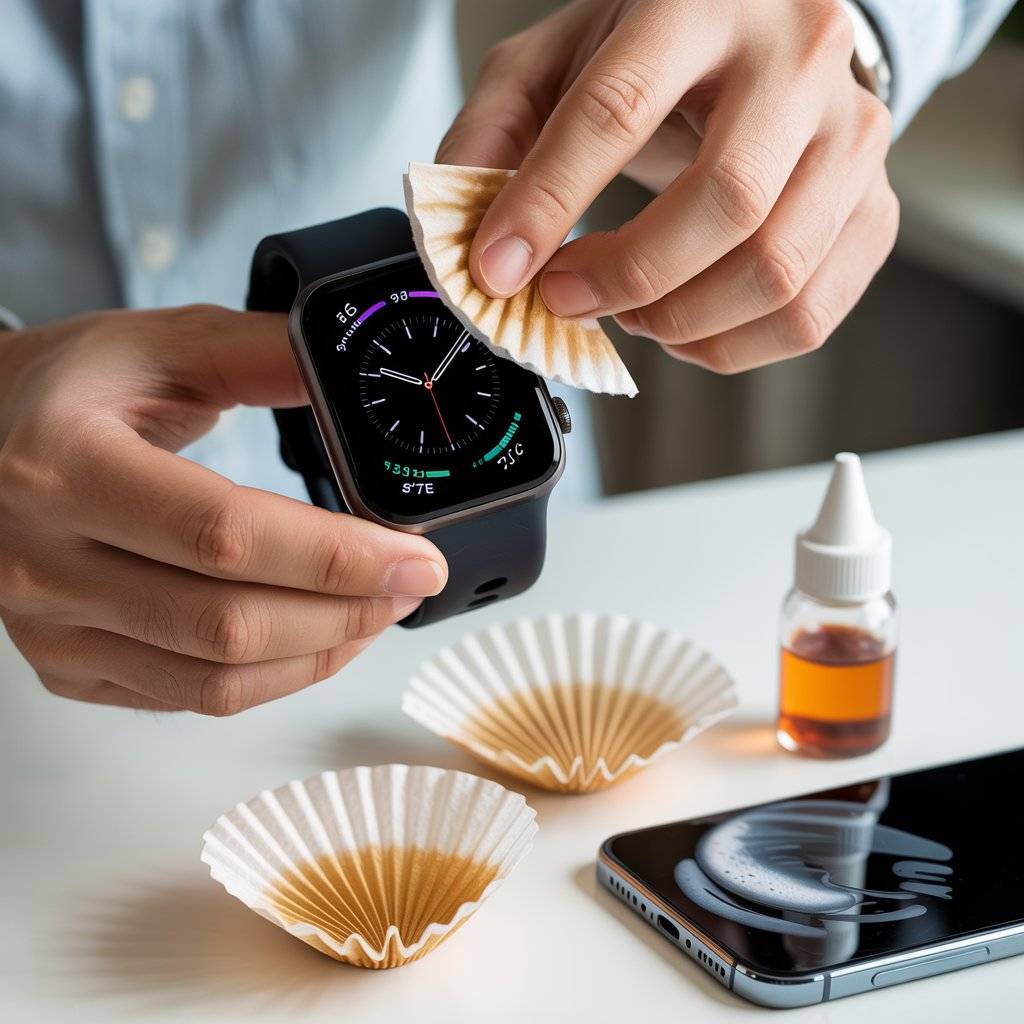
Remove dried water spots from bathroom mirrors (not screens, but useful)
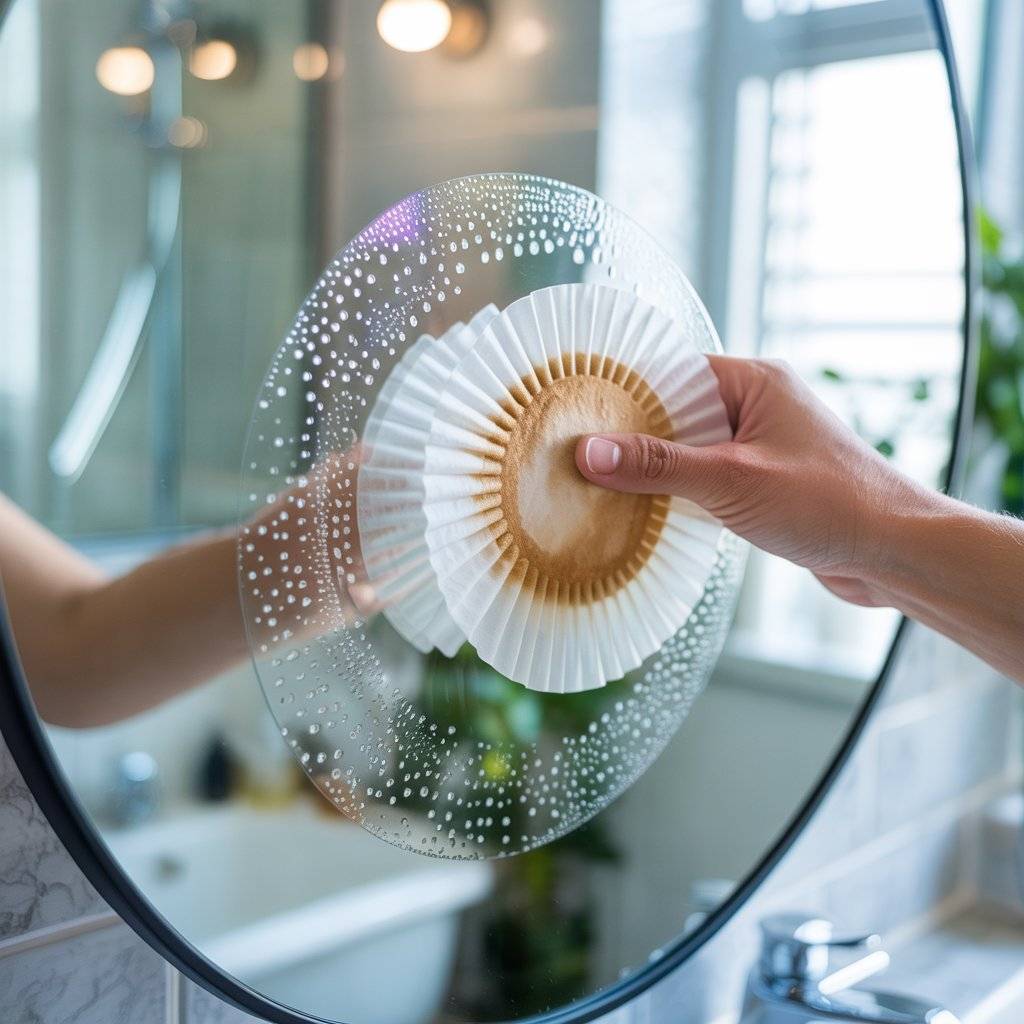
This is a bonus for your bathroom mirror. Hard water spots are tough. Dampen a coffee filter with white vinegar. Wipe the mirror in circles. Then wipe dry with another coffee filter.
The filter won’t leave lint, so you get a spot-free shine. Same method works on glass shower doors. It’s not a screen, but it shows how versatile coffee filters are for any glass surface.
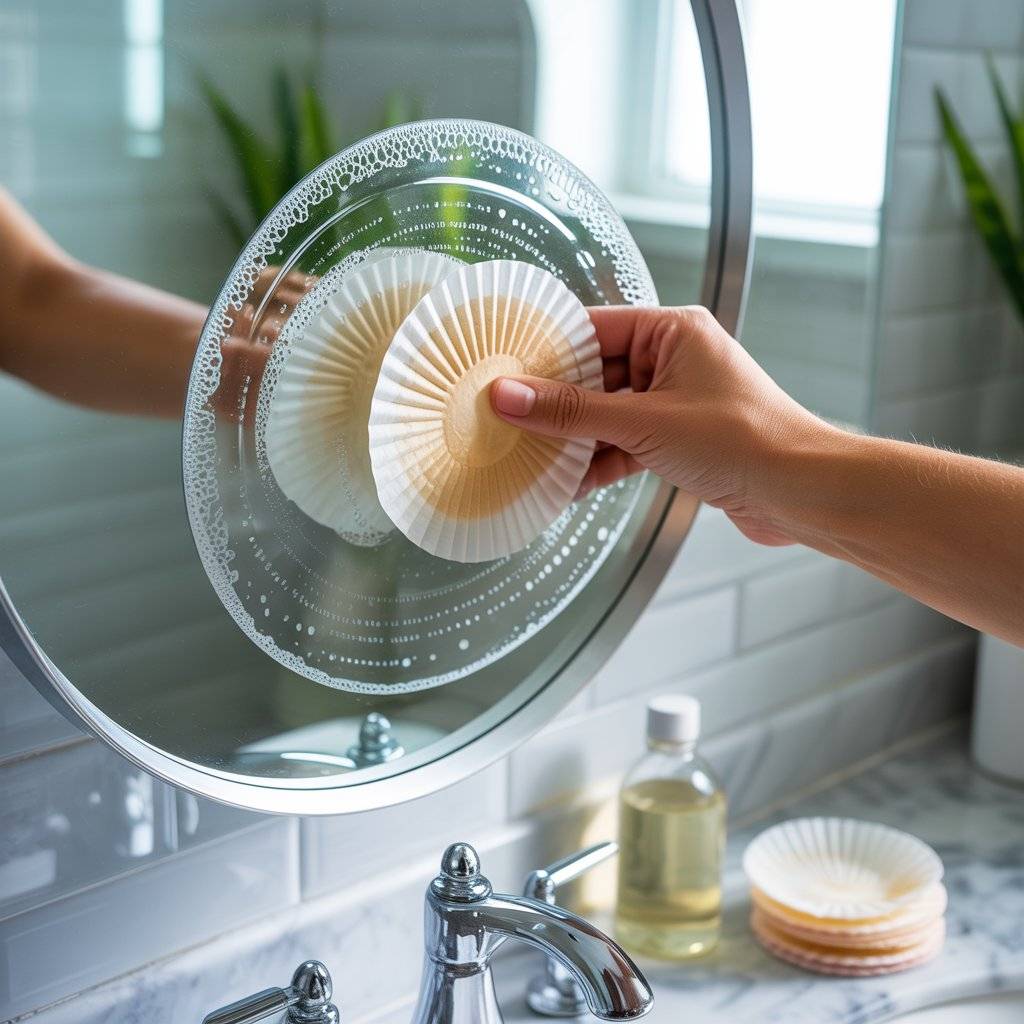
Pre-wet a few filters and keep them in a sealed bag
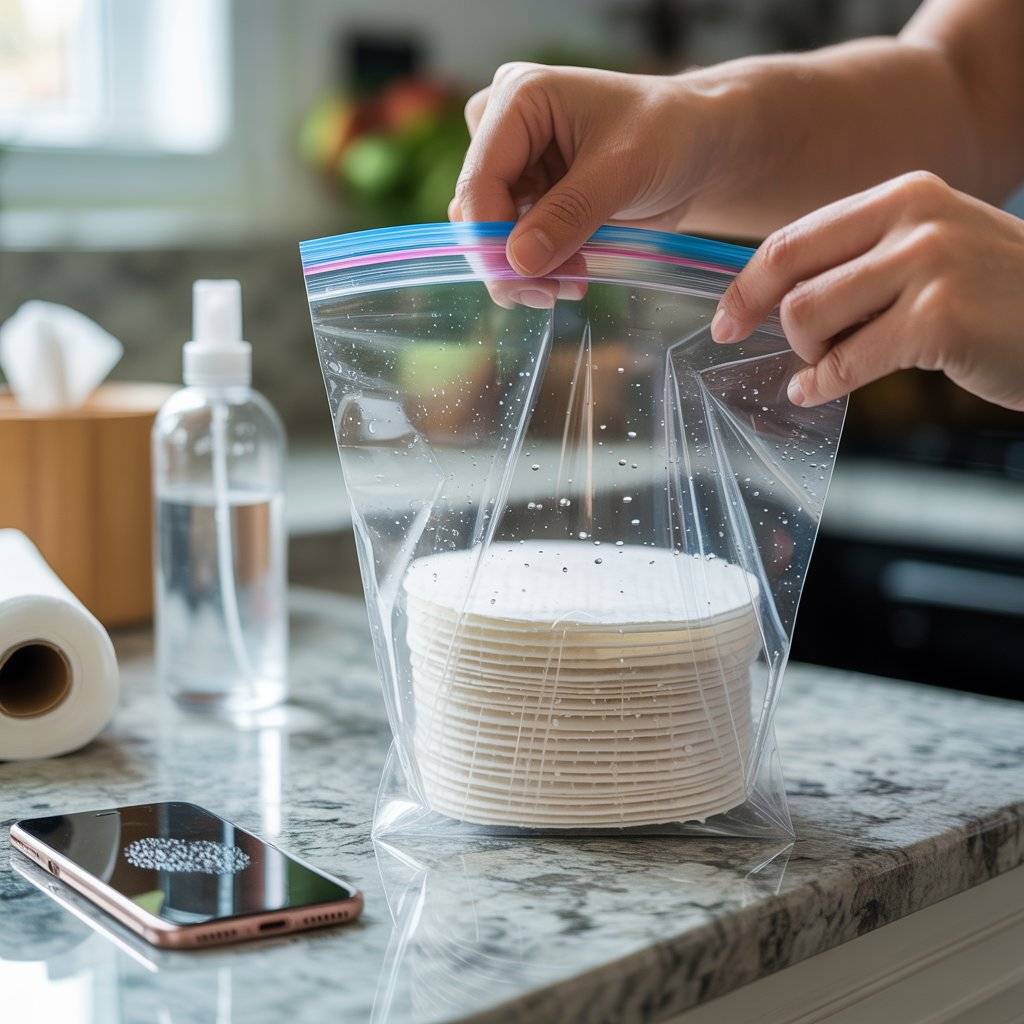
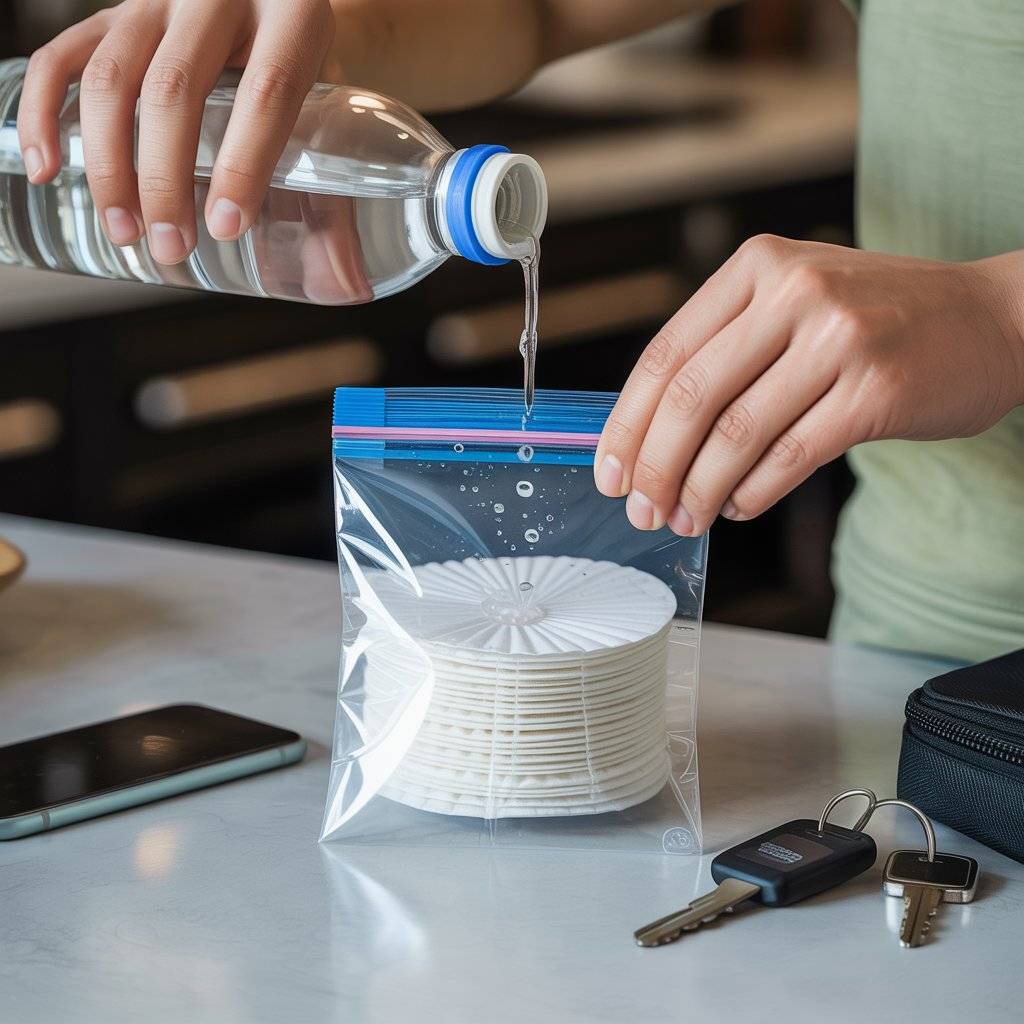
For on-the-go screen cleaning, dampen 2–3 coffee filters with distilled water. Stack them in a small ziplock bag. Squeeze out extra air and seal. Keep this in your backpack or car.
When your phone screen is dirty, pull out one damp filter, wipe, then dry with a tissue if needed. This saves money on disposable wipes and keeps scratches away.
Use one filter per screen to avoid spreading dirt
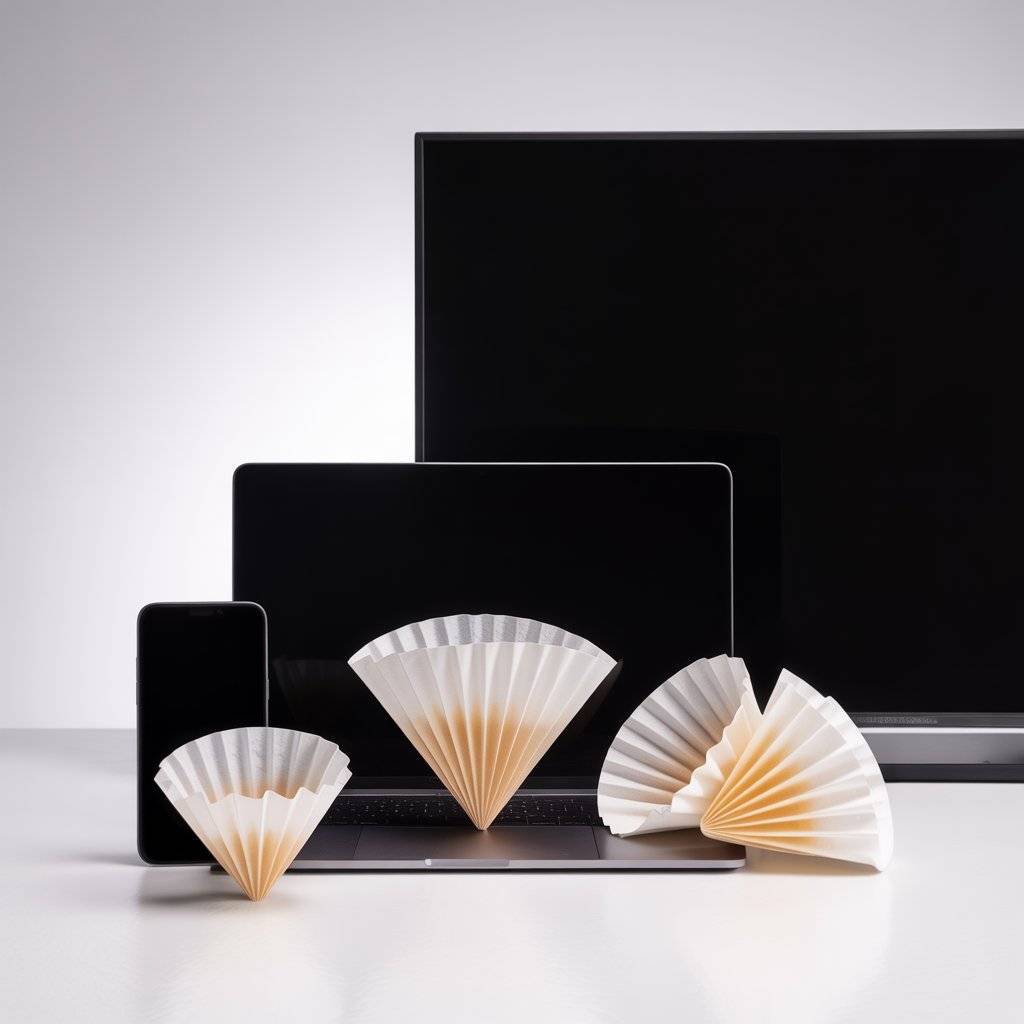
Here’s a simple rule: one coffee filter, one screen. Don’t use the same filter on your phone then your laptop. Dirt transfers. Coffee filters are so cheap (about one cent each) that you can use a fresh one every time.
For a phone, half a filter is plenty. For a 15-inch laptop, one full filter works. For a 55-inch TV, use two or three. Clean cheap insurance against scratches.
Helpful Tips
Store coffee filters in a ziplock bag near your desk so they don’t collect dust.
Always start dry. Wet cleaning is only for oily smudges.
Use distilled water. Tap water leaves mineral streaks.
Replace coffee filters after each clean. They’re single-use for this.
Test any liquid on a small corner first, especially on coated screens.
Mistakes to Avoid
Don’t use coffee filters that have been sitting in a damp cupboard. They can grow mold.
Don’t spray liquid directly on the screen. Spray on the filter instead.
Don’t reuse a coffee filter that already has dirt on it. You’ll scratch the screen.
Don’t use vinegar on TV or phone screens unless you know the coating is safe.
Don’t press hard. Coffee filters are soft, but pressure plus grit equals scratches.
FAQs
Can I use any coffee filter brand?
Yes. White or natural brown both work. Avoid “reinforced” filters that feel rough. Standard basket filters are best.
Will coffee filters scratch my screen?
No, if you keep them clean. A dirty filter with sand or grit can scratch. So use a fresh one each time.
Can I use this on my car’s touchscreen?
Yes. Many car touchscreens have anti-glare coatings. Use only a dry or slightly damp coffee filter with water. No soap.
How often should I clean my phone screen?
Either Once a day if you use it outside. Wipe with a dry coffee filter every evening. It takes ten seconds.
Designs or Styling Ideas
You don’t need fancy tools. But if you want a little organization:
- Fold 10 coffee filters into a small stack and put a rubber band around them. Keep by your computer.
- Cut coffee filters into quarters and store them in an old mint tin. Perfect for glasses and watches.
- Tape one coffee filter to the inside of your laptop bag for emergency cleaning.
Conclusion
Cleaning screens doesn’t need expensive sprays or special cloths. Coffee filters work because they’re soft, lint-free, and cheap. The 13 coffee filters for screen cleaning without scratches or streaks I shared here cover phones, laptops, TVs, glasses, and more. Start with a dry filter for dust. Use a damp filter with distilled water for smudges. Avoid paper towels and dirty rags. Your screens will stay scratch-free and streak-free. Try it once, and you’ll never go back.
Related Popst: 15 Best Budget Shower Heads 2025 for High Pressure