
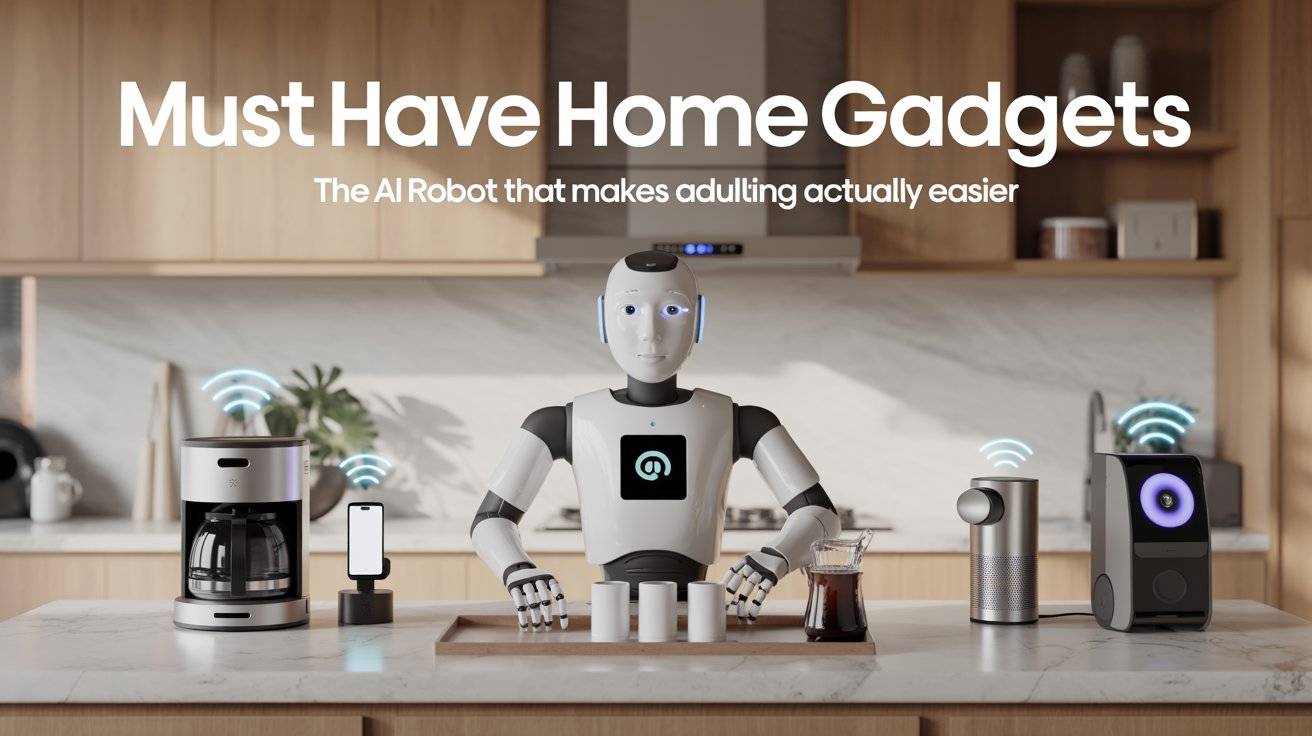
Adulting is exhausting. You work all day, come home, and there’s still a pile of laundry, a sink full of dishes, and crumbs on the floor that you just swept yesterday.
Some home gadgets are gimmicks. They look cool on TikTok but end up in a drawer after two weeks. Others the good ones save you real time and real energy. They handle the boring, repeatable tasks so you can do literally anything else.
In this guide, I’m sharing 9 must‑have home gadgets that work. Plus one AI robot that’s genuinely useful for everyday life. No fake reviews. No sponsored fluff. Just honest pros, cons, and what you’ll likely pay on Amazon.
Why This Matters
You only have so many hours in a day. Every minute you spend scrubbing, hunting for keys, or wondering if you left the garage open is a minute you don’t get back.
Smart home gadgets aren’t about being lazy they’re about being smart with your time. The right devices handle the small stuff automatically, so you can focus on actual living.
The smart home market is expected to grow from about 145billionin2025to145billionin2025to171 billion in 2026, which means more options and better prices than ever before. But more options also mean more bad products. This list cuts through the noise.
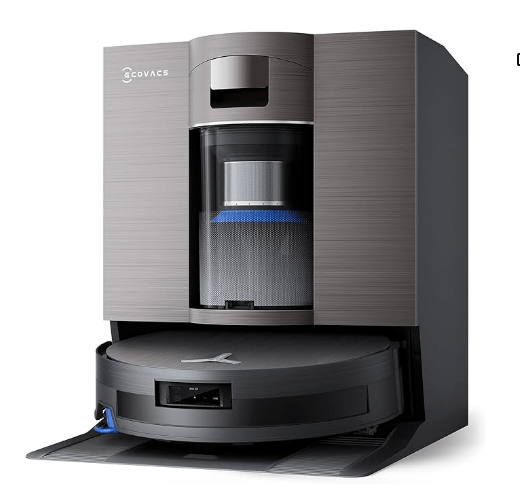
1. Ecovacs Deebot X8 Pro Omni Robot Vacuum and Mop
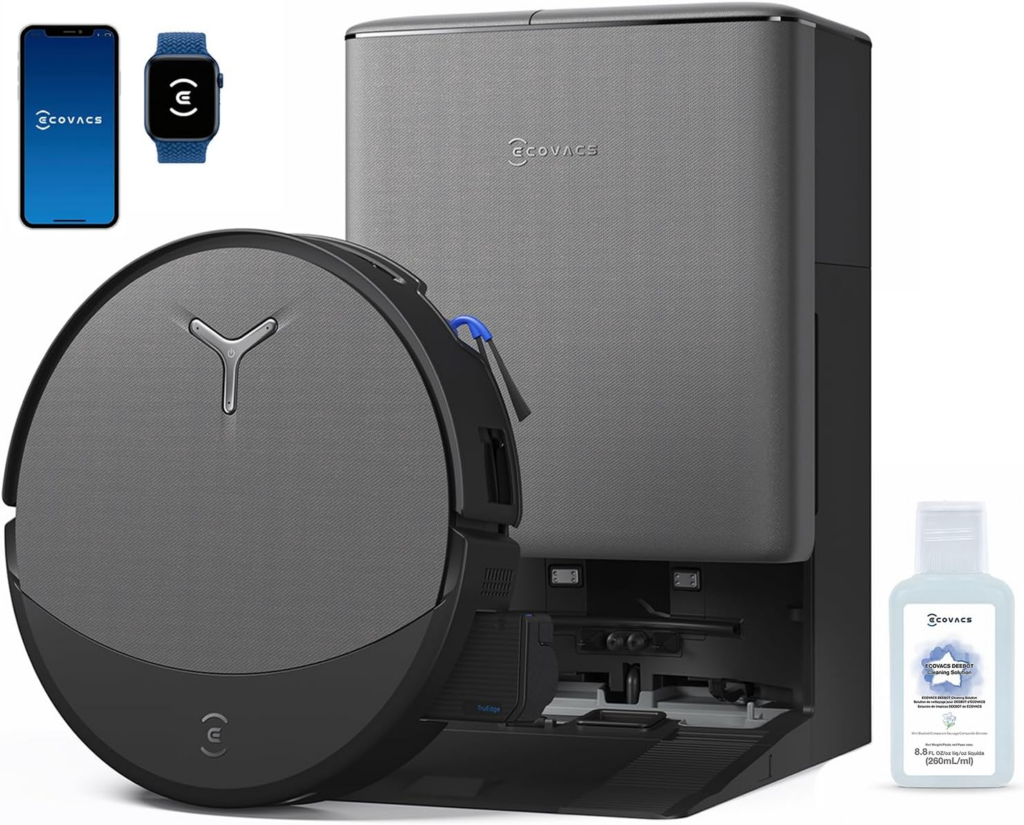
This 2‑in‑1 robot vacuum and mop is one of the most hands‑off cleaning machines you can buy right now. It vacuums your floors, then switches to mopping mode automatically.
The self‑cleaning roller mop means you aren’t constantly washing pads by hand. It also empties its own dustbin, so you can ignore it for weeks at a time. According to PCMag, the Deebot X8 Pro Omni earns top marks for providing a truly hands‑off cleaning experience at a reasonable price.
It uses AI obstacle avoidance to dodge cords, socks, and pet toys. If your home has a mix of carpets and hard floors, this thing handles both without skipping a beat.
- ✅ Pros: Self‑emptying, self‑cleaning mop, strong suction, AI obstacle avoidance, works on carpets and hard floors
- ❌ Cons: Premium price, app can be a little busy
2. Vector 2.0 by Anki

Vector is a palm‑sized AI robot that sits on your desk or counter and actually helps out. Think of it like a smart speaker with a personality and little tank treads. It’s powered by AI and has Amazon Alexa built right in, so you can ask it to check the weather, set a timer, or turn off your smart lights using just your voice.
Vector also recognizes faces, so after a few days it’ll learn who you are and greet you by name. It roams around on its own, explores your desk, and even reacts to touch. When its battery gets low, it heads back to its charger by itself.
The robot comes with a one‑month free trial of its voice and AI features. After that, full functionality costs 9.99permonthor99.99 per year. Even without the subscription, Vector still moves around on its own, reacts to being petted or poked, and shows off its little personality. It doesn’t vacuum or mop, but it does make daily tasks easier and a lot more fun.
- ✅ Pros: Alexa built‑in, face recognition, autonomous roaming, genuine personality, fun and useful for adults and older kids
- ❌ Cons: Subscription required for full voice features, setup can be a bit finicky, no physical chore‑handling

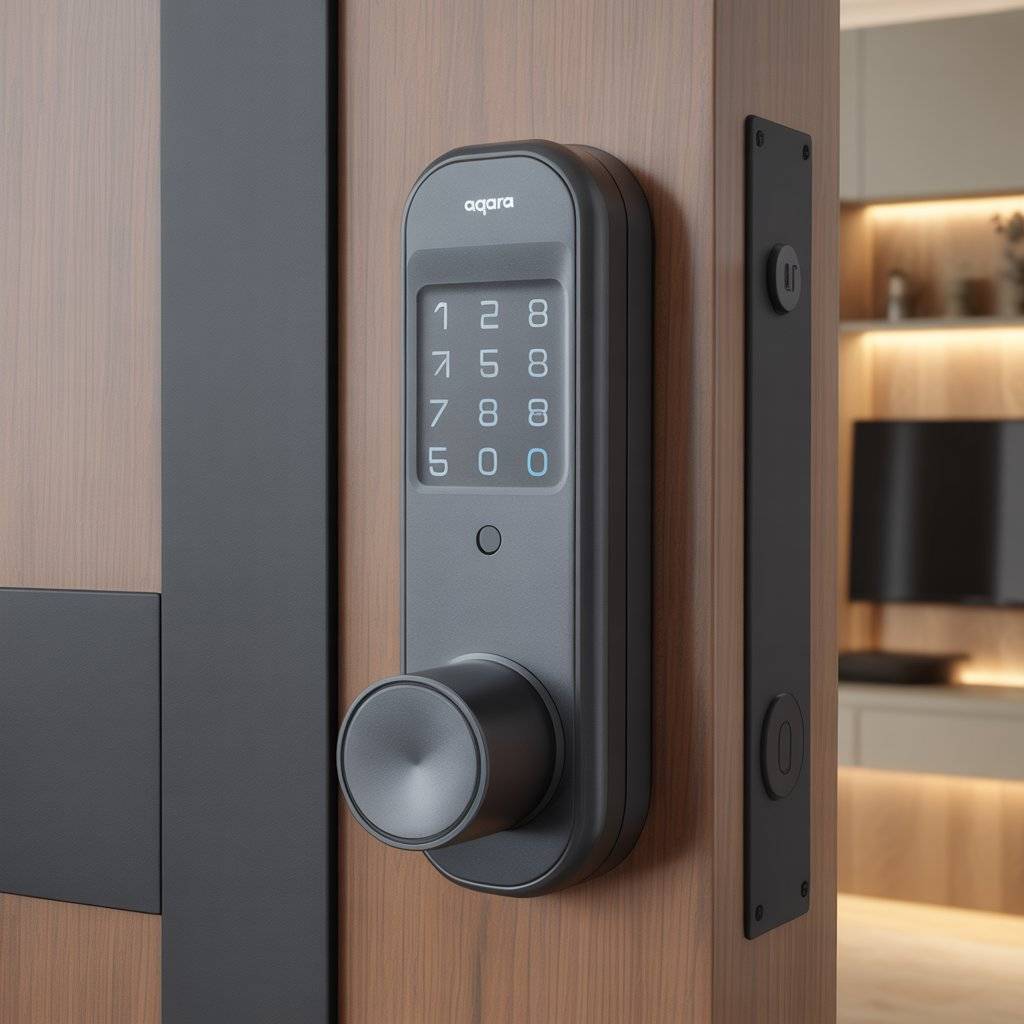
3. Aqara Smart Lock U400
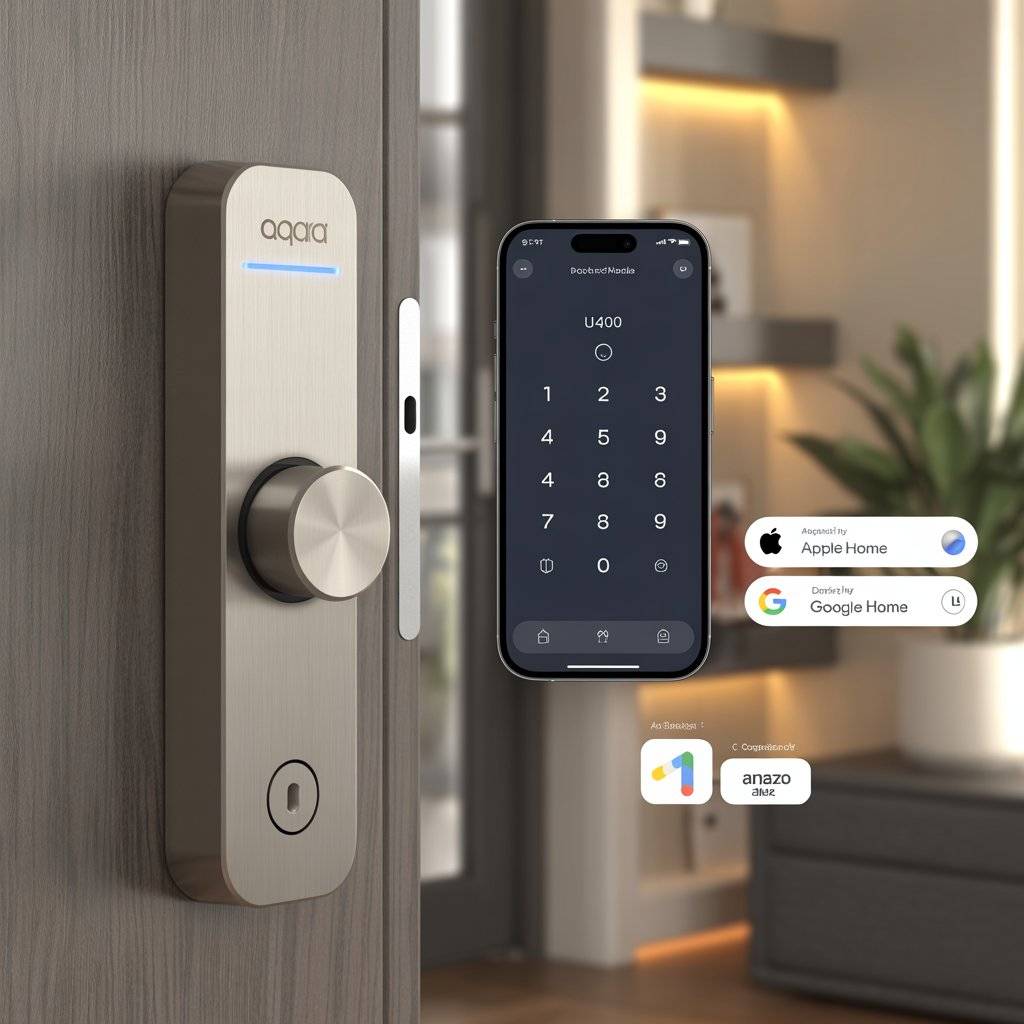
The Aqara Smart Lock U400 is a deadbolt replacement that lets you lock and unlock your door with your phone, a code, or a physical key. It works with Apple Home, Google Home, Amazon Alexa, and Samsung SmartThings, so it fits into whatever ecosystem you already use.
Installation takes about 15 minutes with just a screwdriver. You can give temporary codes to dog walkers or house guests, and you’ll always know who came and went. The U400 also supports Matter, the new universal smart home standard that makes devices work together more smoothly.
- ✅ Pros: Works with all major smart home platforms, easy install, temporary access codes, Matter support
- ❌ Cons: Requires a hub for some advanced features, not as sleek as some higher‑end locks
4. Amazon Echo Studio
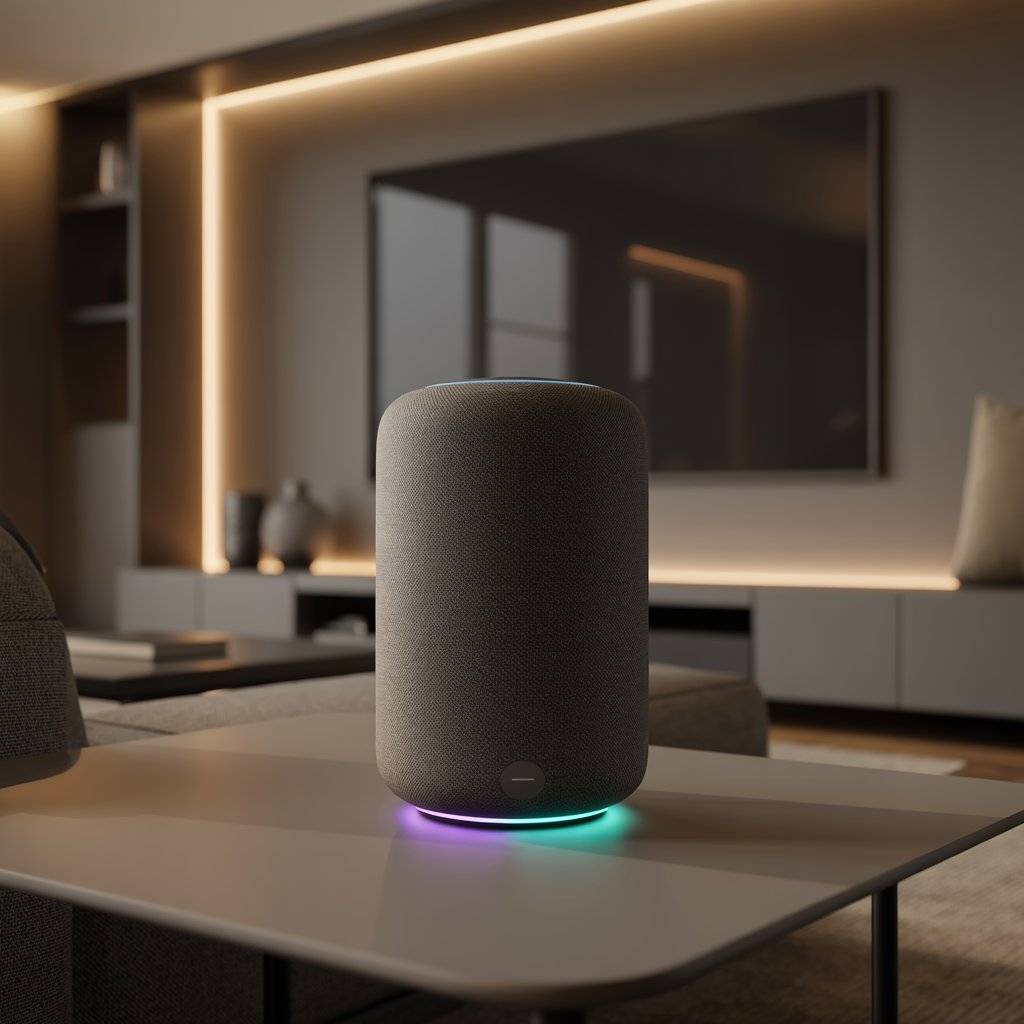
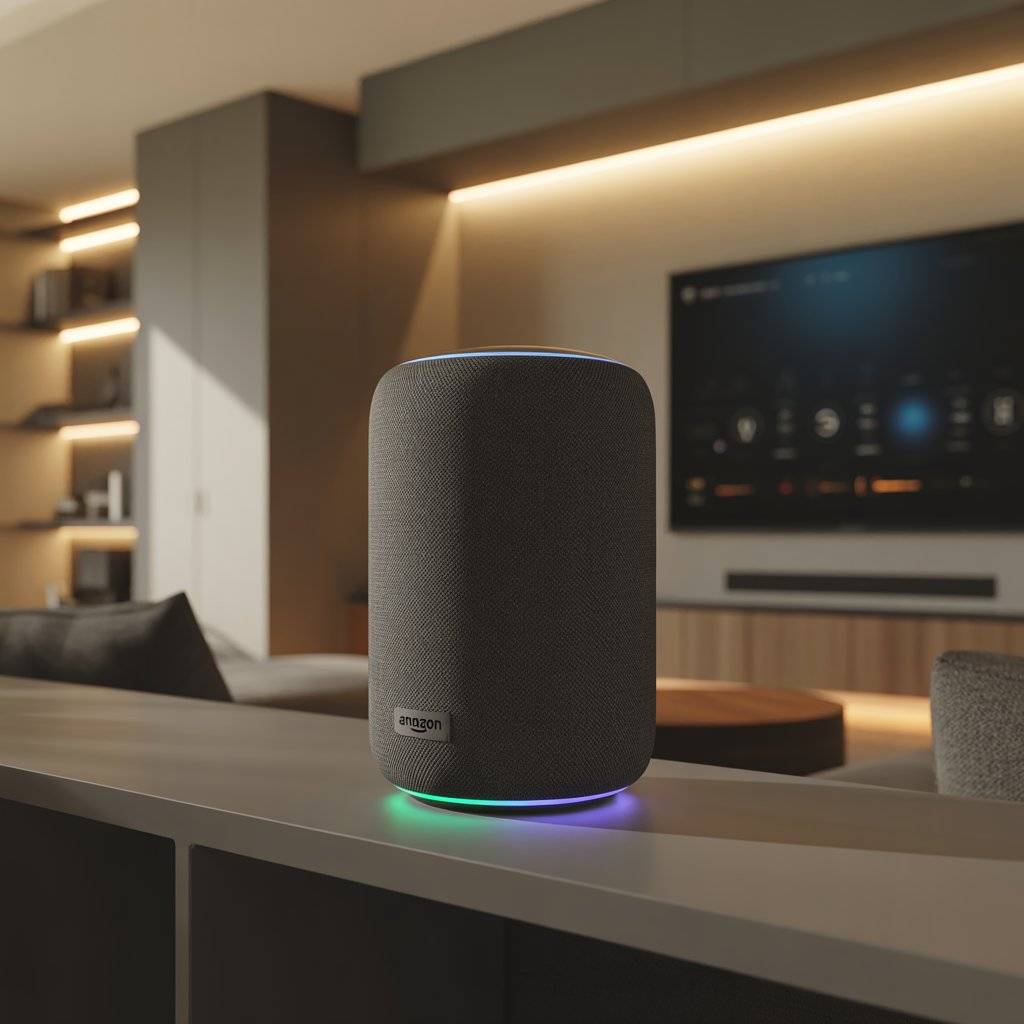
If you want a smart speaker that actually sounds good, the Echo Studio is the one. It has spatial audio processing and five speakers inside, including a downward‑firing woofer for solid bass.
Amazon says it’s their best‑sounding smart speaker yet. Alexa can control your lights, locks, plugs, and thermostats with just your voice. You can pair two Studios together for stereo sound or connect them to a Fire TV for home theater audio.
The built‑in sensors adjust the volume based on the noise level in the room, so music sounds right whether you’re cooking or hosting a party.
- ✅ Pros: Room‑filling spatial audio, Alexa Plus included with Prime, sensor‑adjusted volume, works with tons of smart devices
- ❌ Cons: Alexa Plus costs $20/month if you aren’t a Prime member, the design is a little odd
5. TP‑Link Kasa Smart Plug Mini
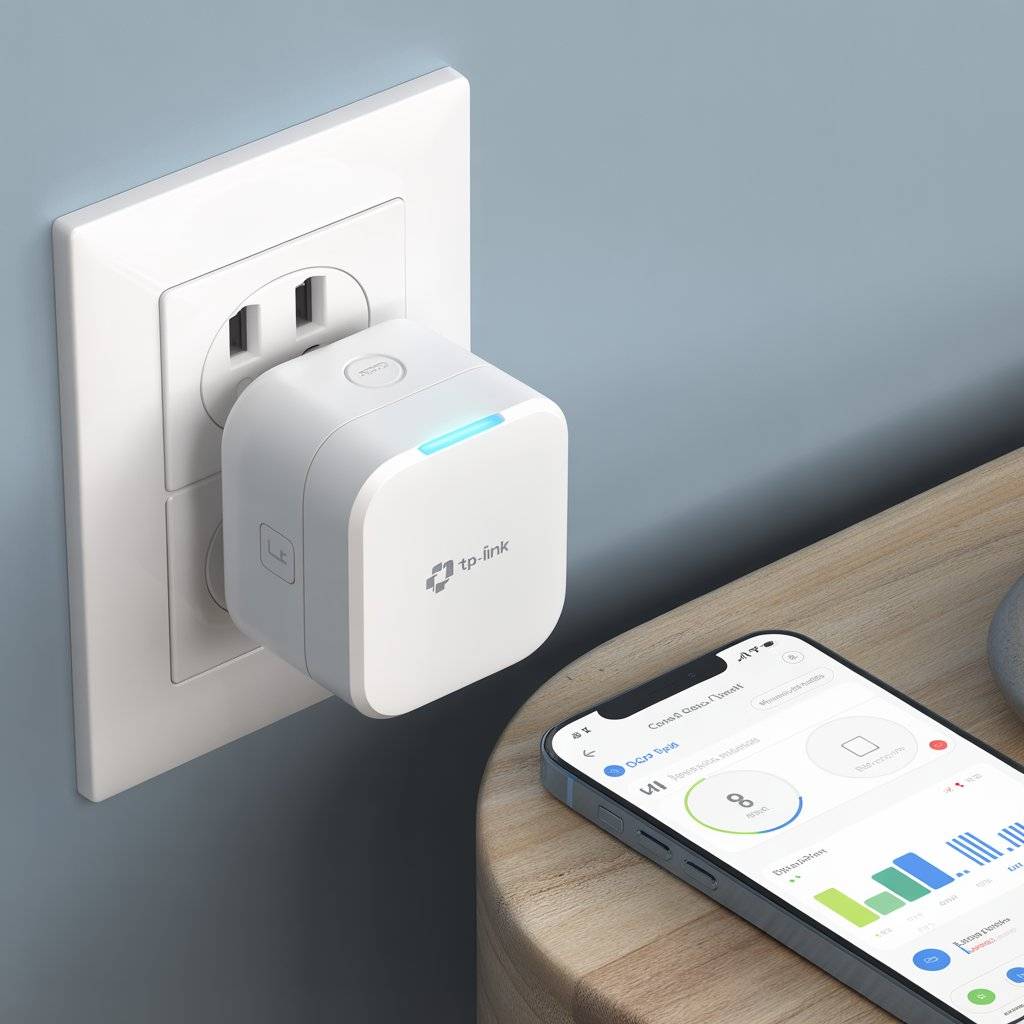
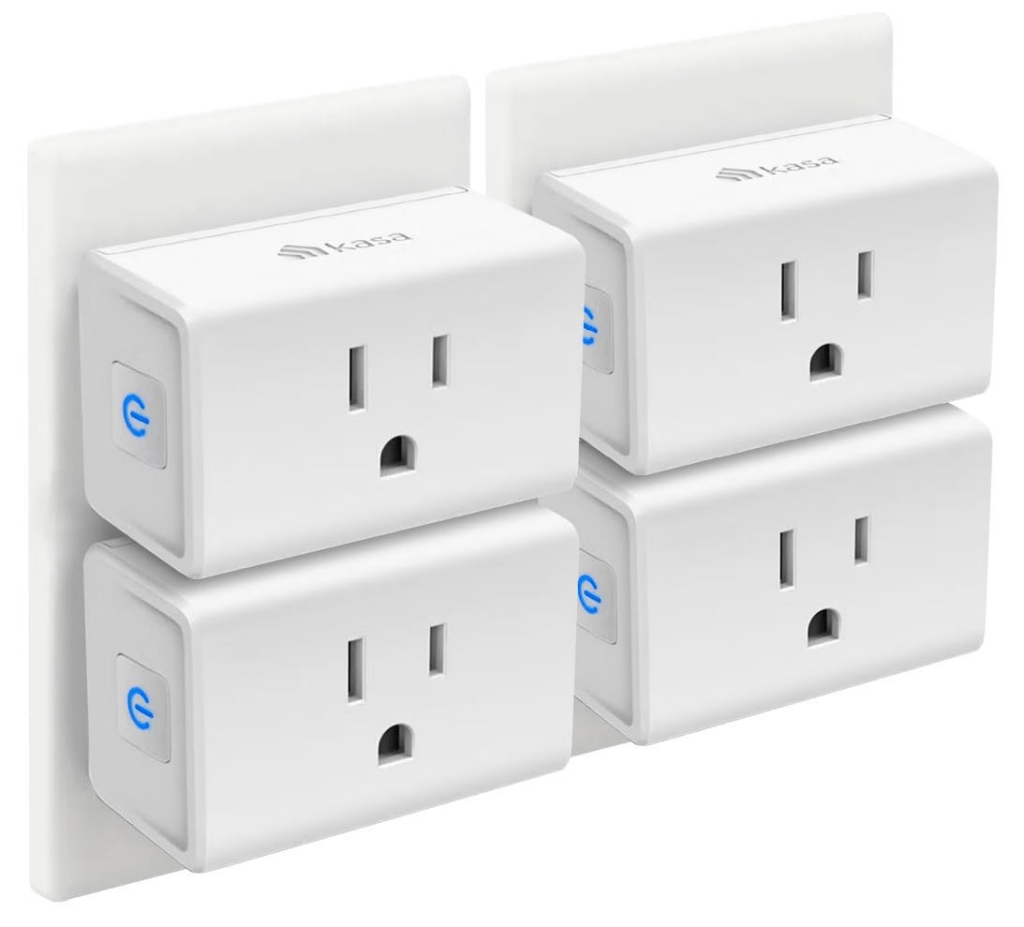
Smart plugs are the easiest way to dip your toes into home automation, and the TP‑Link Kasa Mini is a great place to start. It’s small enough that it won’t block the second outlet on your wall.
Plug in a lamp, a fan, or a coffee maker, then set schedules or control it from your phone. You can tell Alexa or Google Assistant to turn things on and off without getting up.
The Kasa app is simple and reliable, and the plug supports energy monitoring so you can see how much power your devices are using. At around $10 each, it’s hard to beat.
- ✅ Pros: Very affordable, super small form factor, works with Alexa and Google, energy monitoring
- ❌ Cons: No Apple HomeKit support, requires 2.4GHz Wi‑Fi
6. GE Cync Dynamic Effects Smart Bulb (BR30)
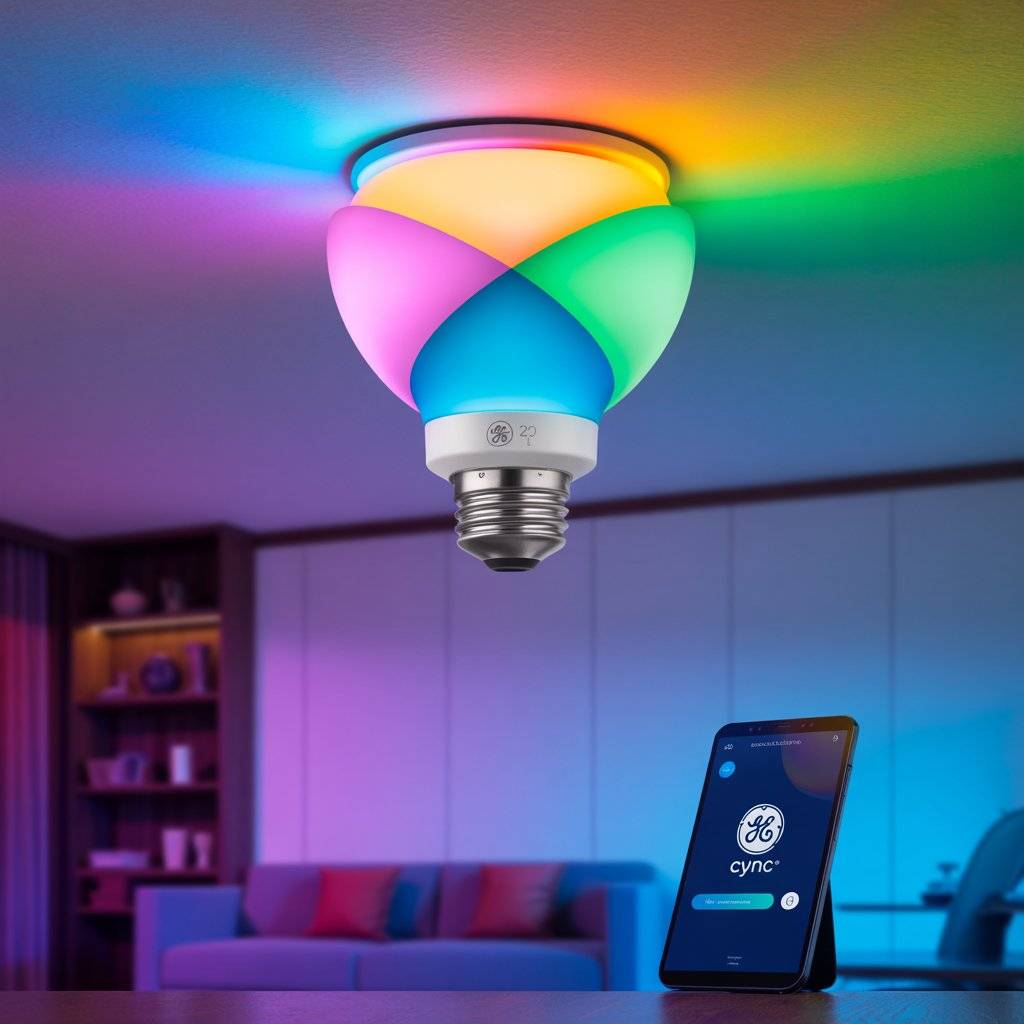
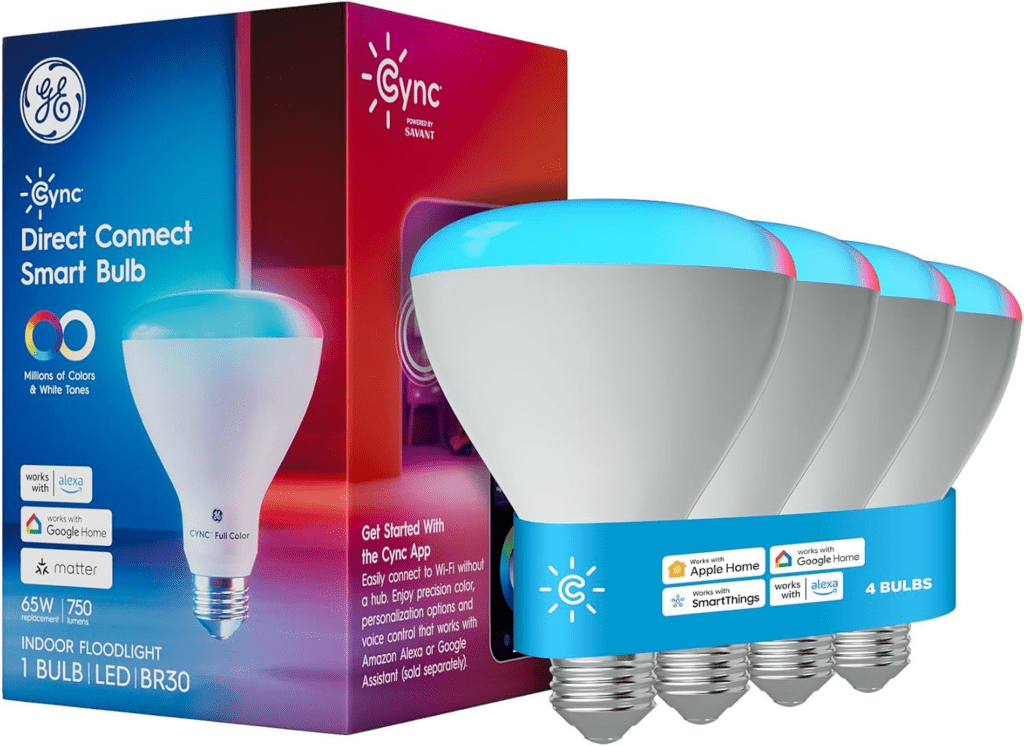
Most smart bulbs just change colors. This one does something different. The GE Cync Dynamic Effects BR30 floodlight has four separate quadrants inside the bulb that you can set to different colors at the same time.
That means you can have overlapping or complementary colors coming from a single light source. It works with Alexa and Google, supports scheduling, and the GE Cync app is genuinely easy to use. Use it in a living room, kitchen, or anywhere you have recessed can lighting. One bulb can set an entire mood.
- ✅ Pros: Four‑quadrant color control, easy‑to‑use app, Alexa and Google support, good for large spaces
- ❌ Cons: Pricey for a single bulb (around $50), requires a Cync hub for full features
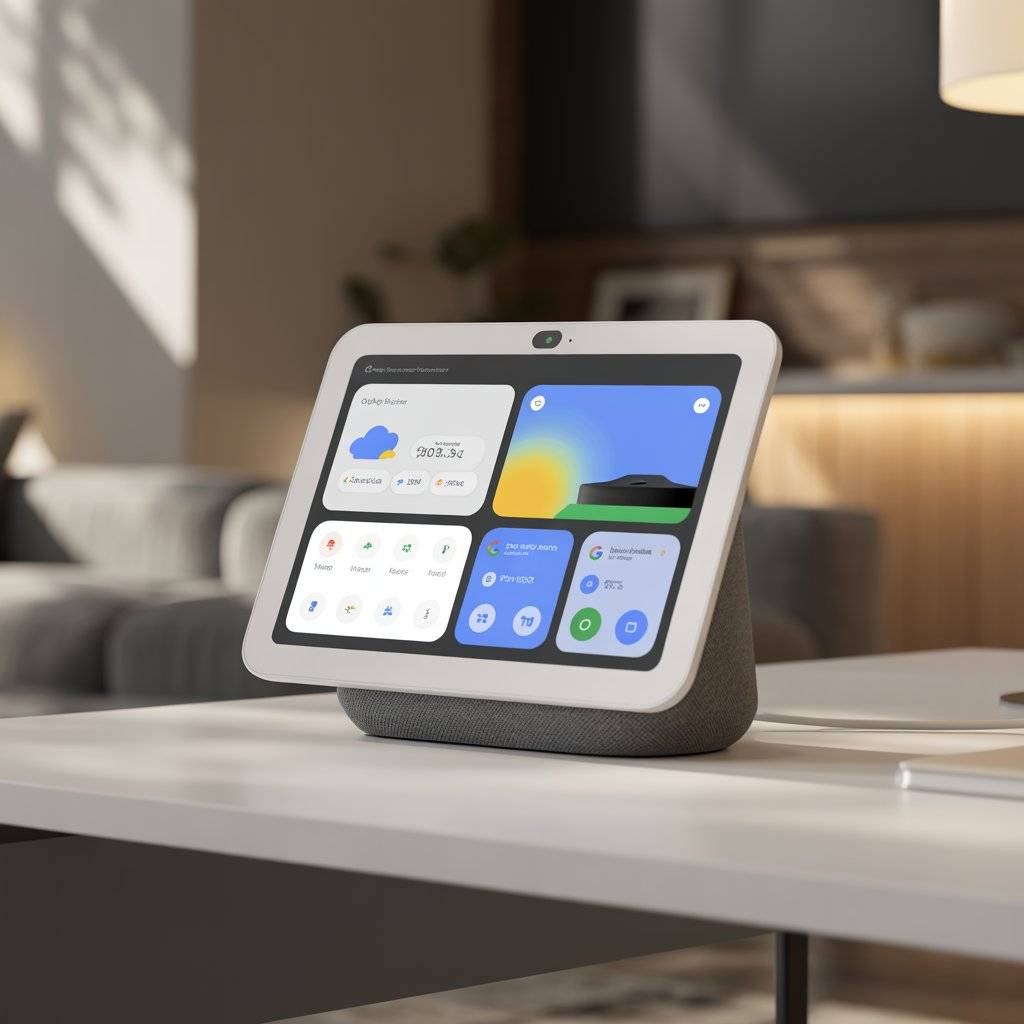
7. Google Nest Hub Max
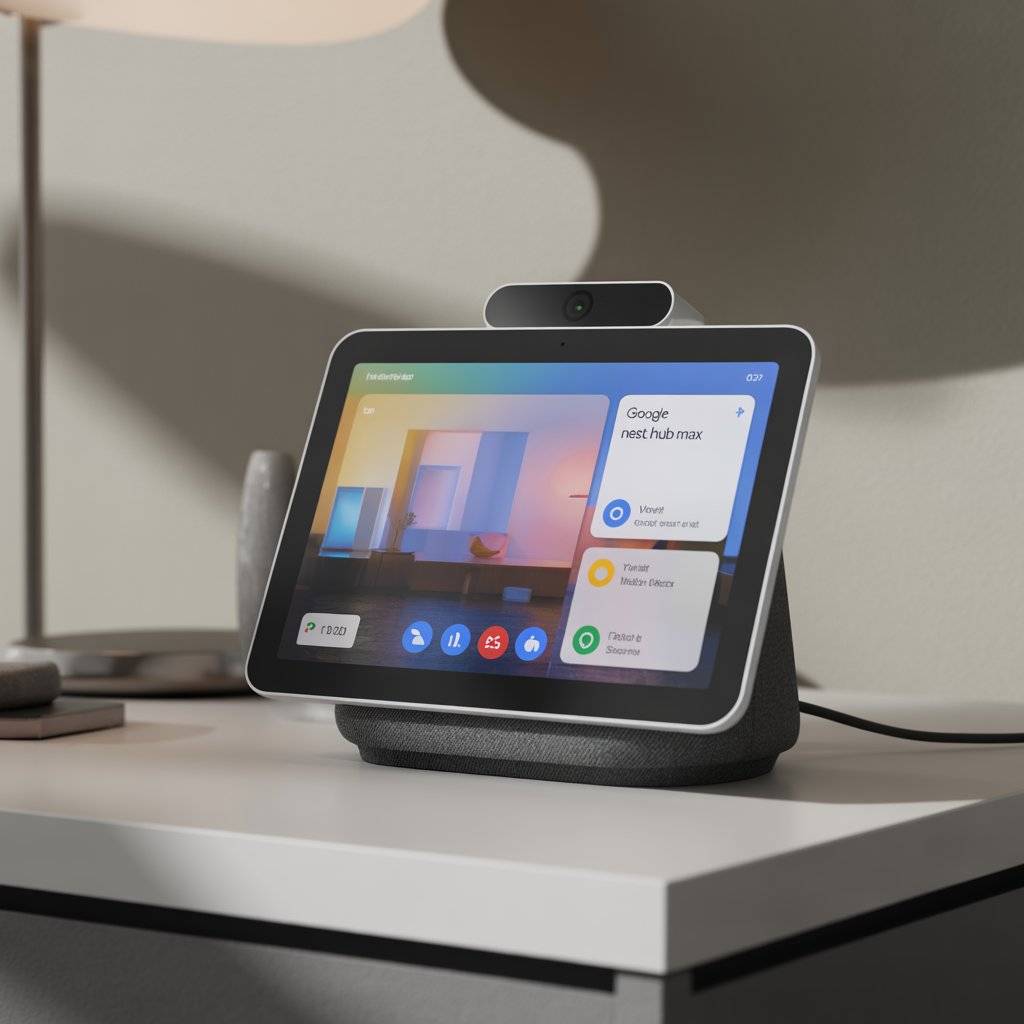
The Nest Hub Max is a 10‑inch smart display that does a lot more than show you the weather. It runs Google’s Gemini AI, which makes voice commands more accurate and conversations feel more natural.
You can watch YouTube, make video calls with the built‑in camera, and control every smart device in your house from the dashboard. The sleep tracking feature monitors your sleep without any wearable, though that will cost extra after a while.
The sound quality is good for a smart display, and the gesture controls let you pause music or stop alarms with a wave of your hand.
- ✅ Pros: Large 10‑inch screen, gesture controls, sleep tracking, Gemini AI integration, good audio
- ❌ Cons: Sleep tracking costs extra eventually, no camera for video calling (only the hub itself)
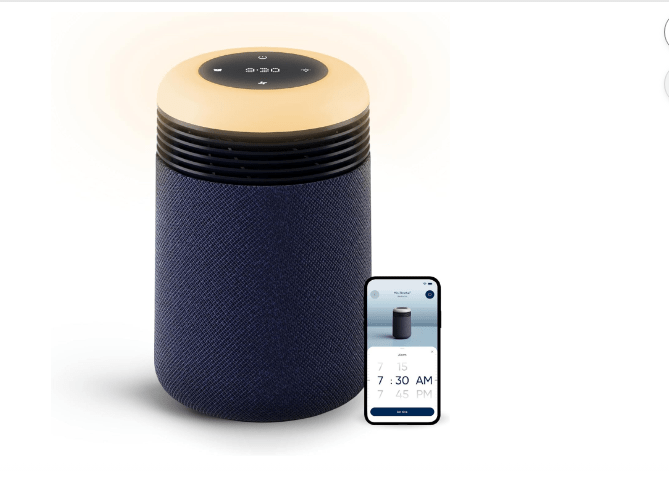
8. Blueair Sleep Alarm Clock + Air Purifier
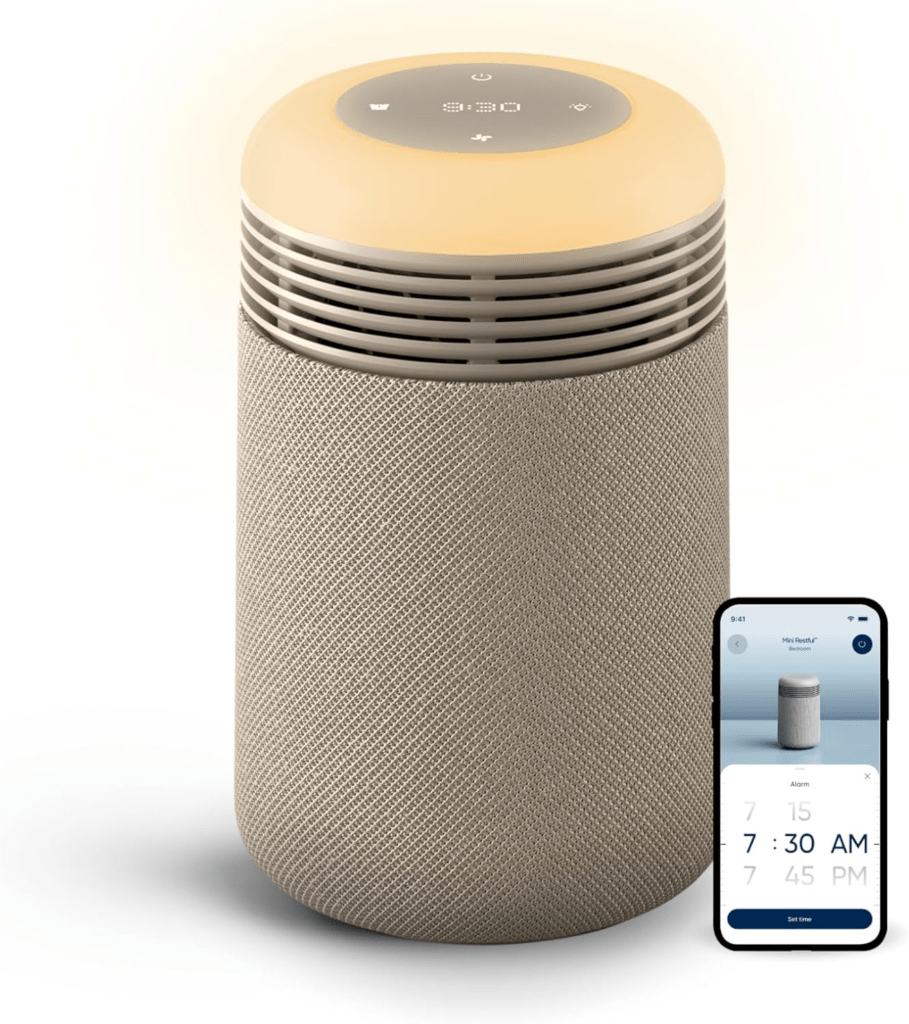
If you have trouble sleeping, this two‑in‑one gadget is worth a look. It combines a sunrise alarm clock with an air purifier in one bedside unit.
The alarm gradually brightens over 30 minutes to wake you up more naturally, and the purifier runs quietly to keep bedroom air clean while you sleep. It also works as a nightstand lamp with adjustable brightness.
Blueair is a trusted brand in the air purification space, so you’re not buying a cheap gimmick. For anyone who wakes up groggy or suffers from allergies, this gadget pulls double duty.
- ✅ Pros: Combines alarm clock and air purifier, sunrise wake‑up feature, quiet operation, adjustable brightness
- ❌ Cons: Not cheap for an alarm clock, filter replacements cost extra
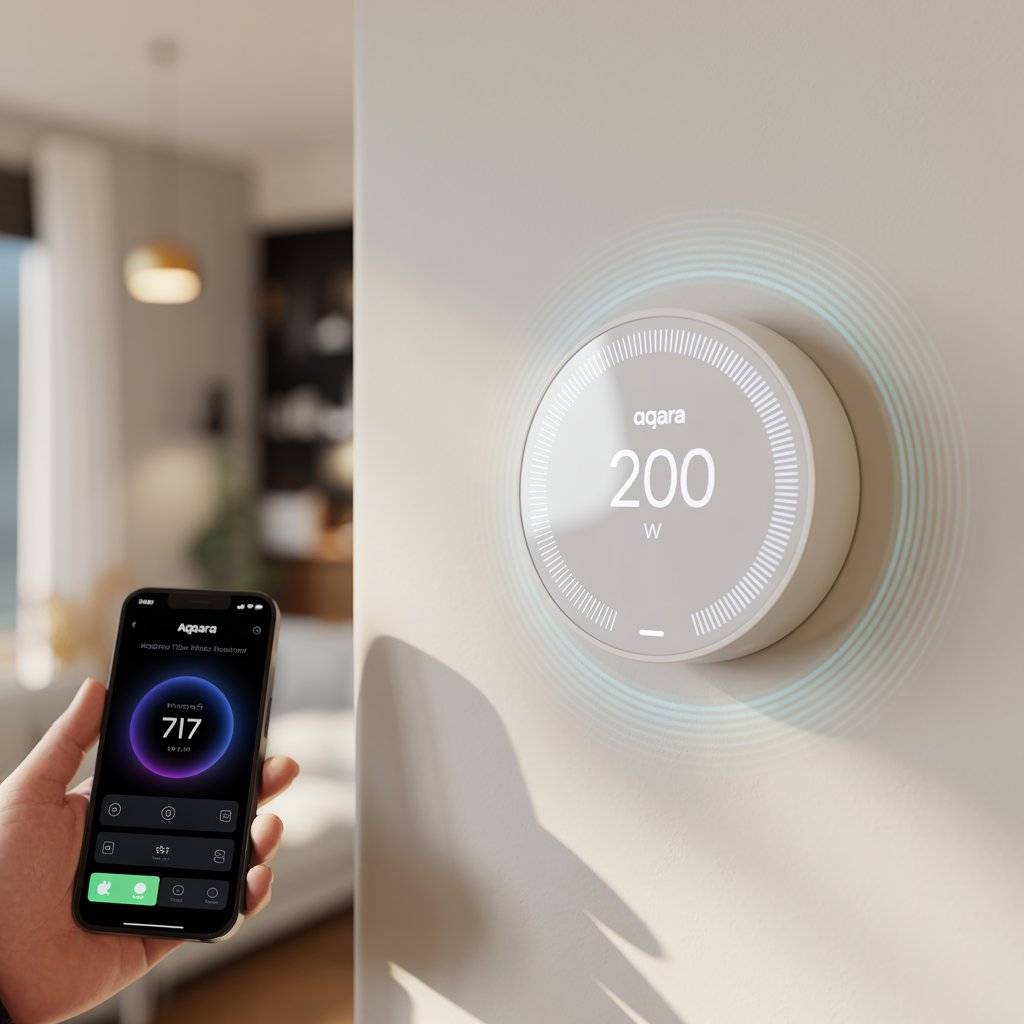
9. Aqara Thermostat Hub W200
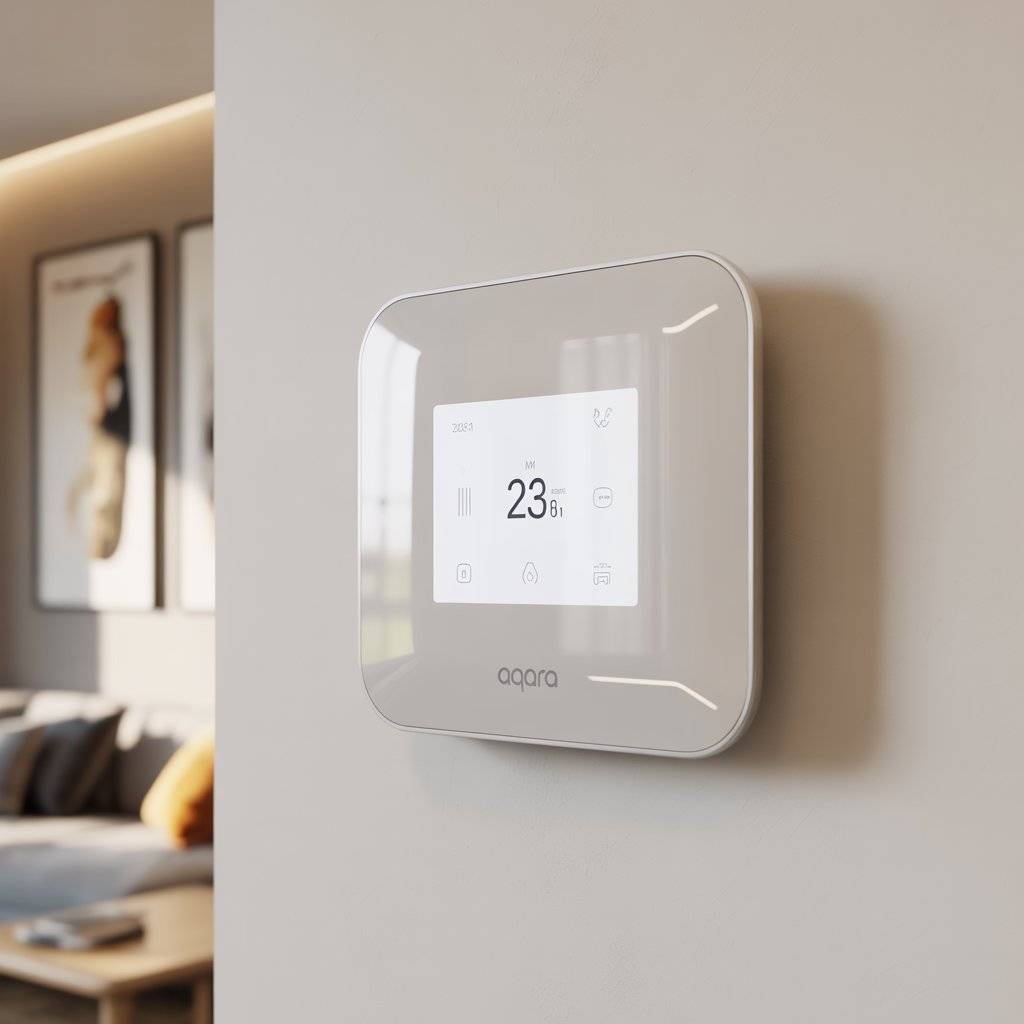
Most smart thermostats just control temperature. The Aqara W200 does that and also acts as a smart home hub and a presence sensor. It has a millimeter wave sensor that can tell if a person is in the room even if they’re sitting perfectly still.
That means it can adjust heating or cooling based on whether someone is actually there, not just based on motion. The W200 also works as a video doorbell monitor if you have Aqara doorbells, and it’s the first third‑party thermostat to support Apple Home’s Adaptive Temperature features.
- ✅ Pros: Thermostat, hub, and presence sensor all in one, works with Apple Home Adaptive Temperature, supports Matter
- ❌ Cons: Requires Aqara doorbells for video monitoring features, setup is more complex than a basic thermostat
Aqara Thermostat Hub W200
10. Instant Pot Duo Plus (9‑in‑1)
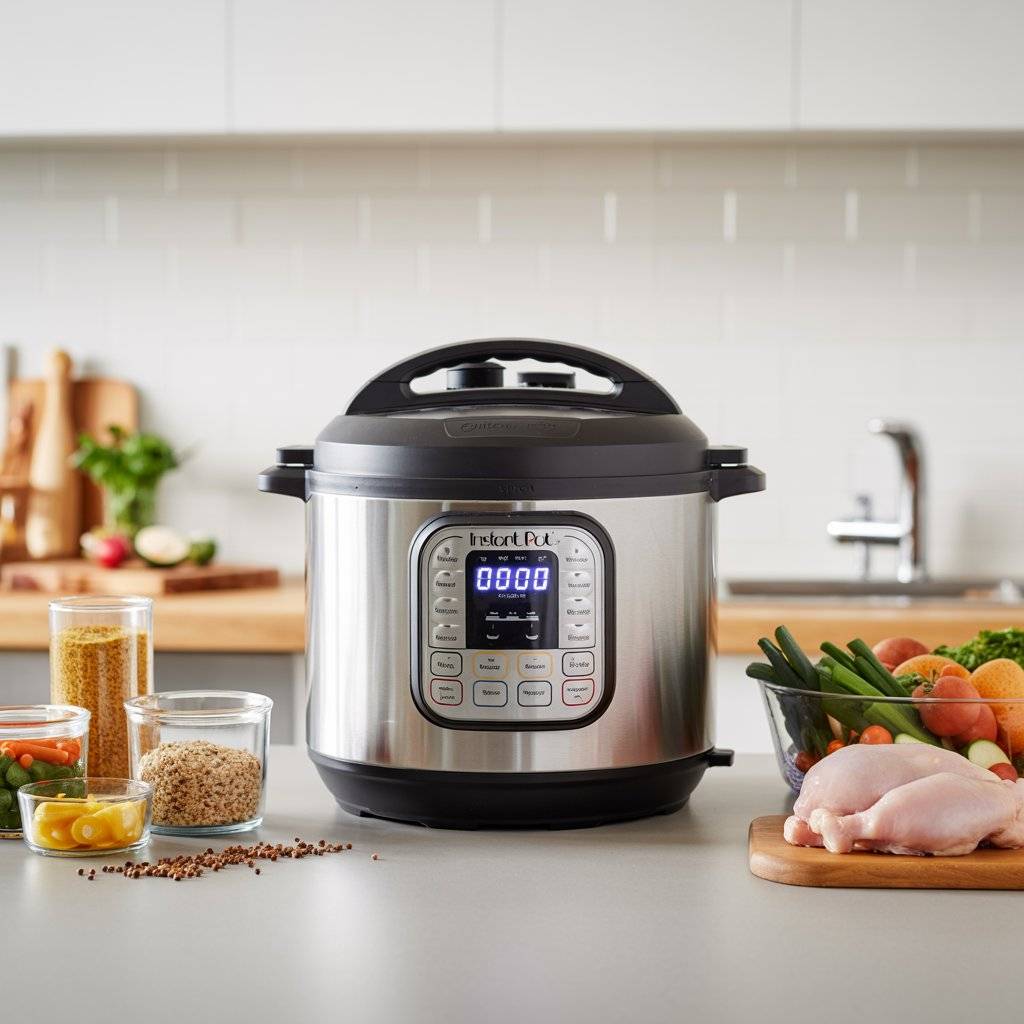
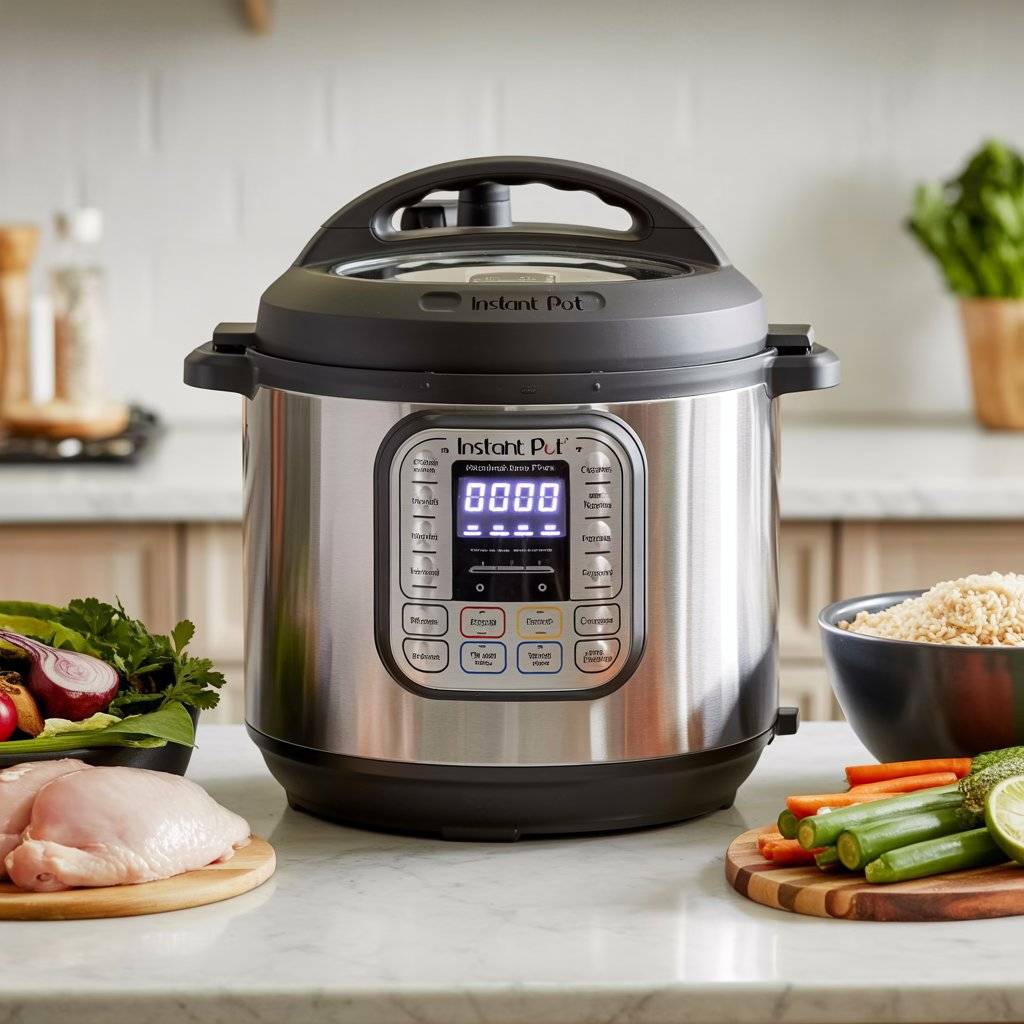
Yes, the Instant Pot has been around for a while, but it’s still one of the most useful kitchen gadgets you can own. The Duo Plus model does nine things: pressure cook, slow cook, rice cooker, steamer, sauté pan, yogurt maker, warmer, sterilizer, and sous vide.
That means one appliance replaces several others, saving counter space and cabinet clutter. You can throw in frozen chicken and rice and have a full meal in 20 minutes without watching a pot boil.
The Duo Plus has a larger, easier‑to‑read display and improved safety features compared to older models. For busy adults who still want home‑cooked food, this is a workhorse.
- ✅ Pros: Nine appliances in one, saves counter space, cooks fast, easy one‑pot meals, large easy‑read display
- ❌ Cons: Learning curve for all the settings, non‑stick coating can scratch if you use metal utensils
Instant Pot Duo Plus (9‑in‑1)
Detailed Tips for Using Smart Home Gadgets
Start small. You don’t need to automate your whole house at once. Pick one or two gadgets that solve your biggest annoyances maybe a smart lock if you always lose keys, or a robot vacuum if you hate sweeping. Add more over time.
Use routines. A single voice command or phone tap can trigger multiple actions. Set up a “good morning” routine that turns on lights, starts the coffee maker, and reads you the weather.
Keep firmware updated. Gadget makers fix bugs and add features through updates. Ignoring them leaves you with slower, less secure devices.
Name things clearly. “Living room lamp” is easier for voice assistants to understand than “Lamp 1.” Good naming saves you from yelling at Alexa at 11 p.m.
Mistakes to Avoid
Buying without checking compatibility. Not every smart gadget works with every ecosystem. If you use Apple Home, make sure the device says “Works with Apple Home.” Same for Google or Alexa.
Forgetting about the hub. Some devices need a separate hub (a small box that connects them to Wi‑Fi). Read the box carefully. A “hub required” label means an extra purchase.
Using the same password everywhere. Smart home devices are computers. Use a unique password for each gadget or at least use a password manager.
Buying too many at once. Automating your whole home in one weekend is overwhelming. You’ll end up with stuff you don’t use. One gadget per month is plenty.
F AQs
Q: Do smart home gadgets increase my electricity bill?
Not really. Most smart plugs and bulbs use very little power pennies per month. Some actually save you money by turning things off automatically when you’re not home.
Q: Are smart home devices hard to install?
Most are very easy. Smart plugs, bulbs, and speakers just plug in or screw in. Smart locks take about 15 minutes with a screwdriver. Thermostats are a little more involved but still doable for most people.
Q: Can I use smart gadgets if I rent an apartment?
Yes. Stick with plug‑in devices like smart plugs, bulbs, and speakers. Avoid anything that requires wiring into the wall or replacing permanent fixtures.
Q: What happens if my Wi‑Fi goes down?
Most devices still work manually. A smart bulb still turns on with the light switch. A smart lock still works with a physical key or keypad. You just lose remote control and voice commands.
Q: Do I need a subscription for most smart home gadgets?
No. Most basic features work without a subscription. Some advanced features like video recording for security cameras do cost extra, but many people never need them.
Design & Styling Ideas
Smart home tech doesn’t have to be ugly. Smart bulbs in warm white mode look exactly like regular bulbs until you need color.
Hide smart plugs behind furniture or inside cabinets. Mount smart displays on walls or set them on floating shelves to keep counters clean.
Many brands now make devices in neutral colors like white, beige, and black that blend into any decor. If you want tech to disappear, choose bulbs and plugs over bulky devices.
Conclusion
The good thing is to plane smart home to make life easier. Start with one gadget that solves a real problem losing keys, forgetting to turn off lights, or coming home to a messy floor.
Add another when you’re ready. The goal isn’t more screens or more apps. It’s less time on boring stuff and more time on the things that actually make you happy. Pick something from this list, try it out, and see how much better adulting can feel.
Related Post: